How to Change the Time in a Jeep Wrangler in 5 Easy Steps
To change the time in your Jeep Wrangler, first turn on the ignition and access the main menu on the center console screen. Use the touchscreen or steering wheel buttons to find the Clock or Time settings. Adjust the hours and minutes with the arrows, making sure to set AM or PM if needed. Save your changes by pressing OK or Set, then exit the menu. If you want to fix any issues or explore other tips, there’s more helpful info ahead.
Find the Clock Settings on Your Jeep Wrangler
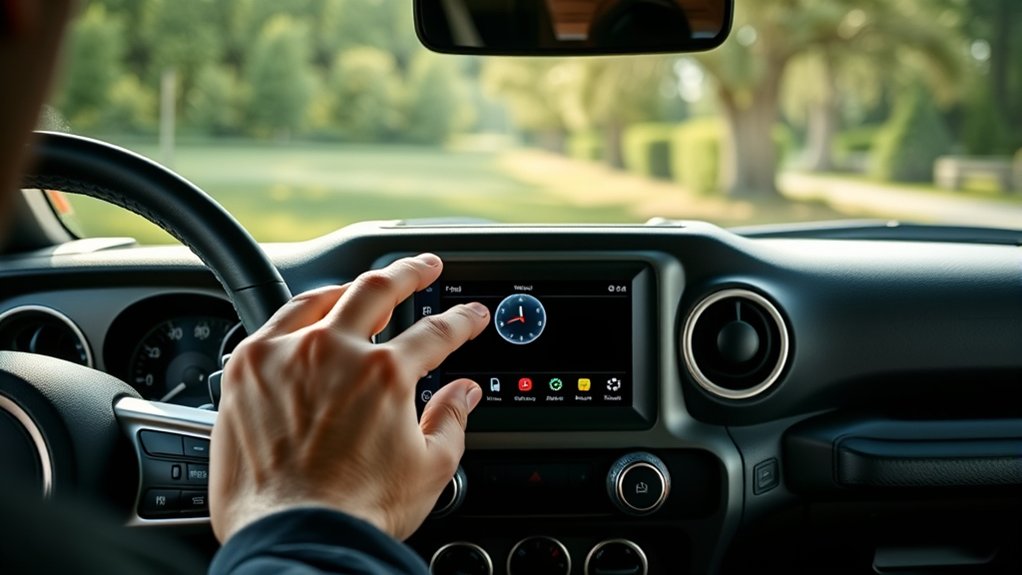
Before you can adjust the time, you need to locate the clock settings on your Jeep Wrangler. Start by turning on your vehicle’s ignition to power the infotainment system.
Next, look at the center console screen, where the main menu displays various options. Depending on your model and year, you’ll often find a “Settings” or “Setup” icon—tap that to enter the system settings.
Within this menu, search for a “Clock” or “Time” option. It’s usually grouped under general or system settings.
Once you find it, you’re ready to make your adjustments.
If you’re having trouble spotting the exact location, consult your owner’s manual for guidance specific to your Jeep Wrangler’s model year and infotainment system version.
Use Steering Wheel Controls to Access the Clock
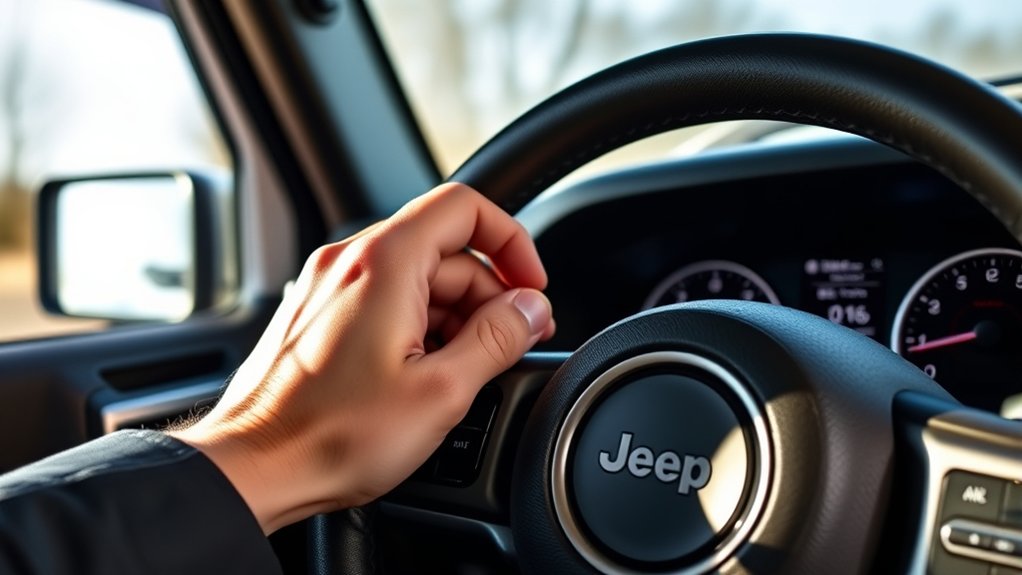
Once you locate the clock settings on your Jeep Wrangler’s infotainment screen, you can also use the steering wheel controls to access and adjust the time quickly.
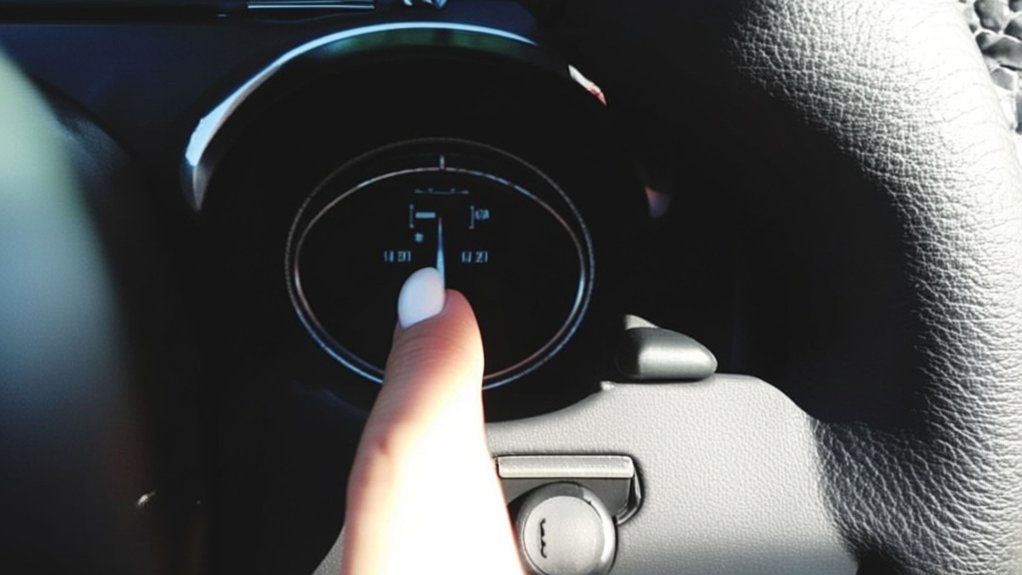
Look for the buttons on the right side of your steering wheel, usually labeled with arrows or a gear icon. Press the menu or settings button to bring up the clock options on the display.
Use the up and down arrows to navigate through the menu until you highlight the clock settings. When the clock option is selected, you can press the OK or enter button to open it.
This method keeps your hands on the wheel and eyes closer to the road, making it safer and more convenient to access the clock without relying solely on the touchscreen.
Adjust Hours and Minutes to Set the Correct Time
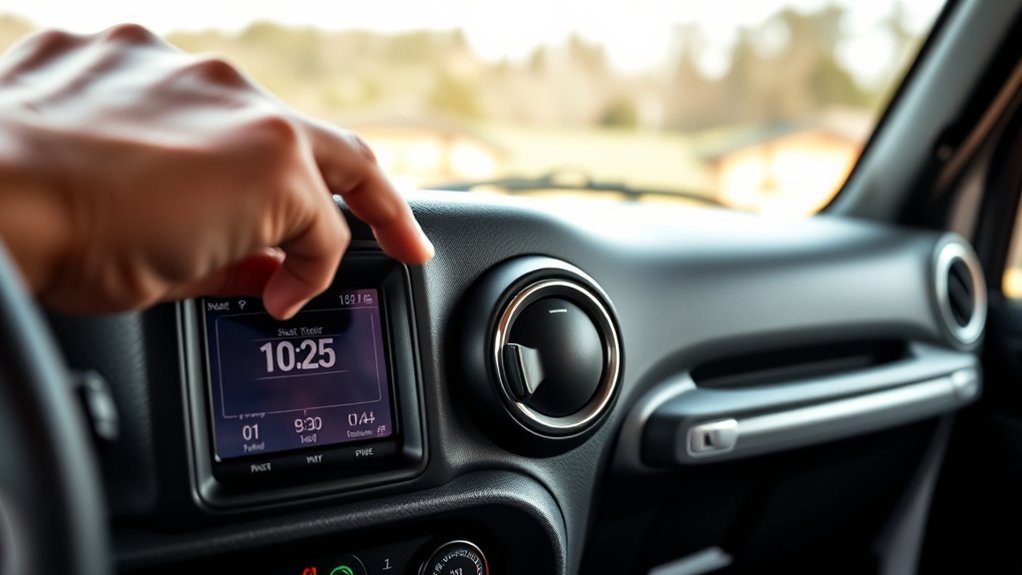
After accessing the clock settings through your steering wheel controls or infotainment screen, you can easily adjust the hours and minutes to set the correct time.
Use the directional buttons or touchscreen to highlight the hour setting first. Press the up or down button to increase or decrease the hour, making certain you select AM or PM if your Jeep uses a 12-hour format.
Once the hour is set, move to the minutes using the same method. Adjust the minutes precisely by pressing the up or down buttons until the time matches the current hour and minute.
Take your time to guarantee accuracy since even a small error can throw off your schedule. After setting both, you’re ready to proceed with saving the changes.
Save Changes and Exit the Clock Menu
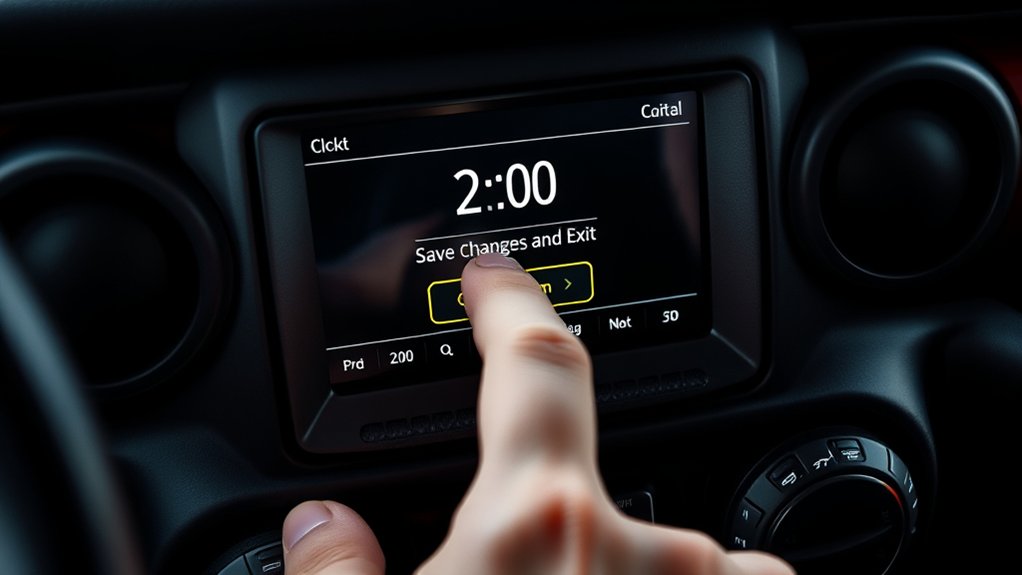
With the correct time set on your Jeep Wrangler’s clock, the next step is to save your changes to guarantee they take effect. To do this, press the “OK” or “Set” button on your dashboard or touchscreen, depending on your model. This action confirms the new time and exits the clock menu automatically. If your Jeep has physical buttons, you might need to press “Back” or “Menu” to exit after saving.
| Action | Button/Control | Result |
|---|---|---|
| Confirm time | OK / Set | Saves time |
| Exit menu | Back / Menu / Auto-exit | Returns to main screen |
| Check time | Clock display | Verifies correct time |
| Adjust again | Hour / Minute buttons | Modify time if needed |
Once saved, your Jeep’s clock will display the updated time continuously.
Fix Common Problems When Changing Your Jeep’s Clock
If you encounter issues while changing your Jeep’s clock, don’t worry—most common problems have straightforward solutions. Sometimes the system mightn’t respond, or the time doesn’t save correctly. To fix these, try the following steps:
- Ensure your Jeep is in accessory mode or fully on to access the clock settings.
- Double-check you’re using the correct buttons or touchscreen areas for your Jeep model.
- If the clock resets after turning off the engine, your battery might be low or disconnected.
- Perform a quick system reset by turning the ignition off and on, then retry setting the time.
- Consult your owner’s manual for model-specific instructions or error troubleshooting.
Following these tips will help you set your Jeep Wrangler’s clock without a hitch.
Frequently Asked Questions
Can I Sync My Jeep Wrangler Clock With My Smartphone?
You can’t directly sync your Jeep Wrangler clock with your smartphone, but you can manually set the time using your phone as a reference. Some newer models with Uconnect may update time via Bluetooth automatically.
Does Changing the Clock Affect the Vehicle’s GPS System?
Over 80% of drivers rely on GPS daily. Changing your Jeep Wrangler’s clock doesn’t affect its GPS system because the GPS uses satellite time, independent from your vehicle’s clock, so you can adjust the time without worry.
How Often Should I Update the Clock After a Time Change?
You should update your clock immediately after any time change to keep it accurate. If your Jeep doesn’t adjust automatically, don’t forget to reset it each time daylight saving starts or ends for proper timekeeping.
Is There a Way to Set the Clock Automatically for Daylight Savings?
Wouldn’t it be nice if your Jeep magically adjusted for daylight savings? Sadly, it doesn’t. You’ll have to manually set the clock each time the time changes—no automatic updates here, just a little extra work for you.
Can I Change the Clock Time While Driving Safely?
You shouldn’t change the clock while driving, as it distracts you and can be unsafe. It’s best to adjust the time when your vehicle is parked to keep your focus on the road and avoid accidents.
Conclusion
Changing the time in your Jeep Wrangler is easier than finding a needle in a haystack! Once you get the hang of using the steering wheel controls, setting the clock becomes second nature. Just follow the simple steps to adjust the hours and minutes, save your changes, and you’re done. If you hit any snags, don’t worry—common issues have quick fixes. Soon, you’ll never be late because your Jeep’s clock is perfectly set!