How to Program Garage Door Opener in Jeep Grand Cherokee in 10 Easy Steps
To program your Jeep Grand Cherokee’s garage door opener, start by locating the buttons above your rearview mirror or sun visor. Prepare your remote by checking its battery and clearing old settings by holding the outer buttons until the indicator flashes. Enter programming mode by holding the HomeLink button until the LED blinks, then sync it with your remote by holding both buttons until the LED flashes rapidly. Test by pressing the programmed button twice. Keep going to uncover tips on troubleshooting, adding remotes, and maintenance.
Locate Jeep Grand Cherokee Garage Door Opener Buttons
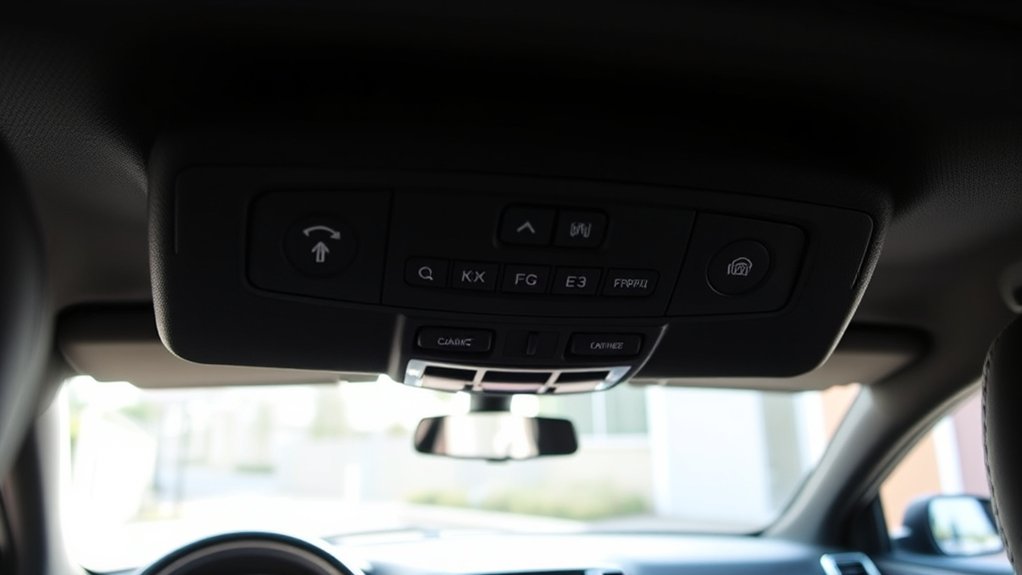
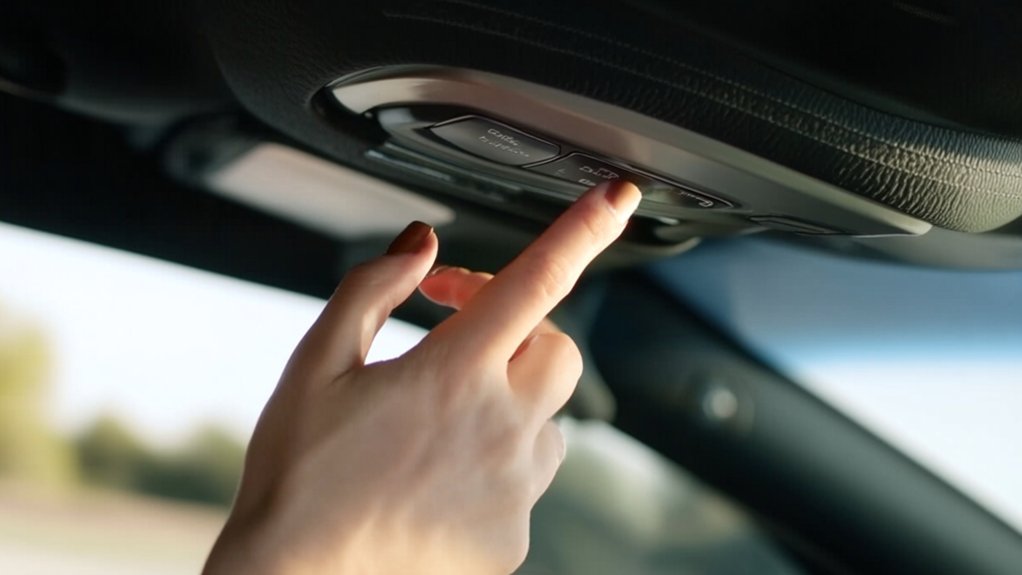
Where exactly are the garage door opener buttons in your Jeep Grand Cherokee? You’ll find them conveniently located on the overhead console, right above the rearview mirror. These buttons are usually labeled with small icons or numbers, often three separate buttons allowing control of multiple garage doors or gates.
If you don’t see them there, check inside the driver’s side sun visor, where some models place the controls. The buttons are designed to be within easy reach so you can program and use them without distraction.
Before you start programming, make sure you’ve identified the correct buttons in your specific Jeep Grand Cherokee model, as their exact position may vary slightly by year and trim level. This step guarantees smooth programming ahead.
Prepare Your Garage Door Remote for Programming
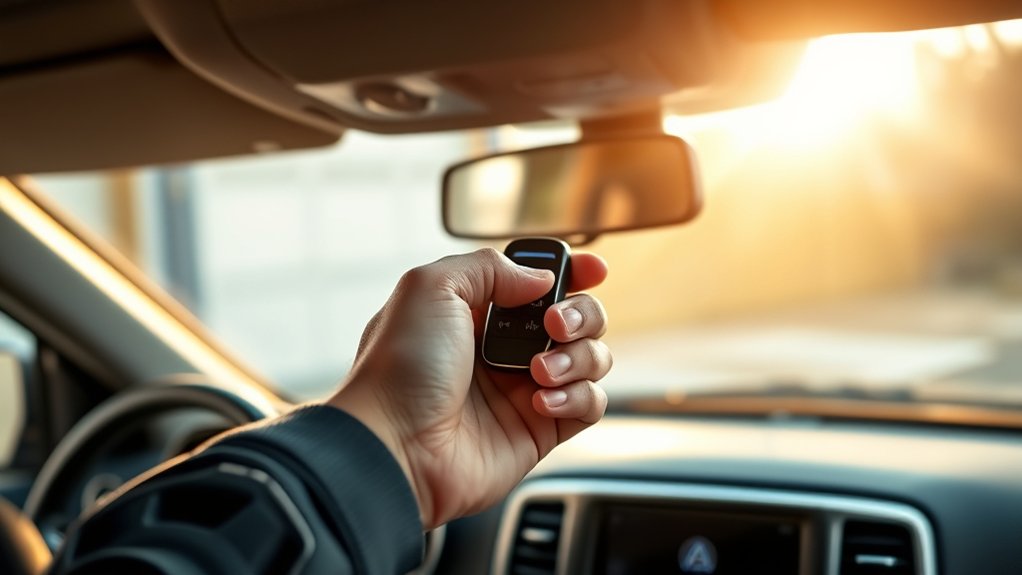
After locating the garage door opener buttons in your Jeep Grand Cherokee, the next step is to get your garage door remote ready for programming. You’ll want to verify the remote is in good working condition and accessible.
Follow these steps to prepare your remote efficiently:
- Check the battery and replace it if it’s low or dead.
- Make sure the remote is clean and free of any debris.
- Have the remote handy inside the vehicle for easy access.
- Identify the “learn” or “program” button on the remote, if available.
- Test the remote to confirm it operates the garage door before programming.
Getting your remote ready this way will save you time and prevent issues during the programming process.
Clear Old Garage Door Opener Settings
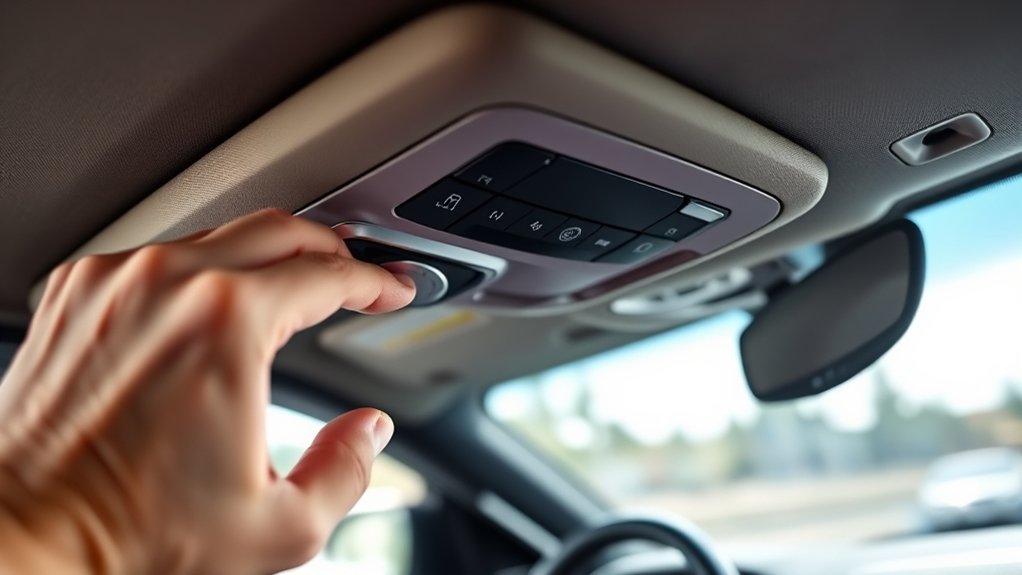
Before programming your new garage door opener, you’ll need to clear any old settings stored in your Jeep Grand Cherokee’s system. This step ensures there won’t be conflicts between previous codes and your new one. To clear old settings, locate the three buttons on your vehicle’s garage door opener panel. Then, press and hold the two outer buttons simultaneously for about 20 seconds until the indicator light begins to flash. This signals that all previous codes have been erased.
| Step | Action | Indicator |
|---|---|---|
| 1 | Locate garage door buttons | Three buttons on visor |
| 2 | Press & hold outer buttons | Hold for 20 seconds |
| 3 | Watch indicator light | Flashes to confirm erase |
| 4 | Release buttons | System cleared |
Enter Programming Mode on Your Jeep Opener
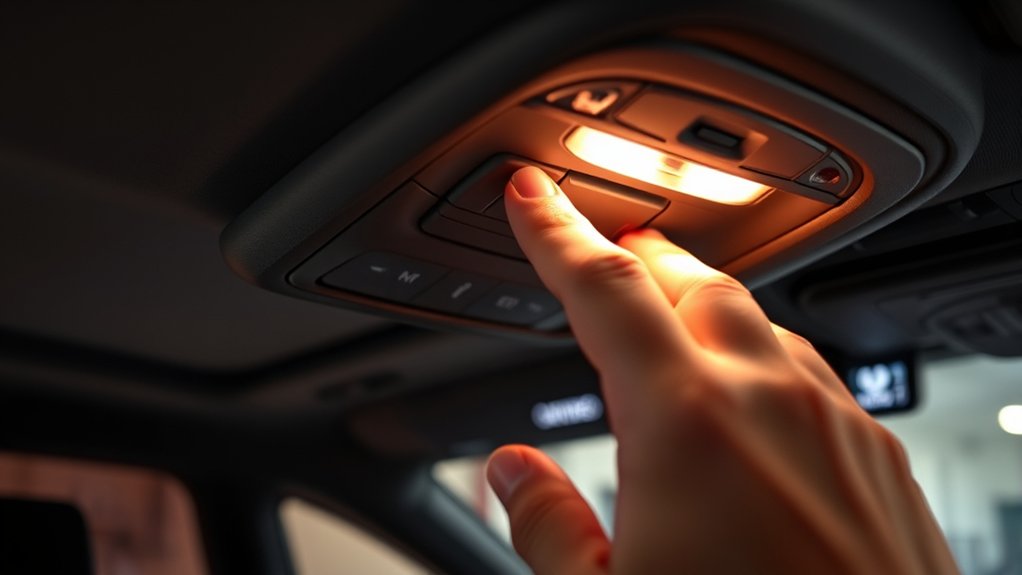
First, locate the garage door opener buttons, usually found on the overhead console or rearview mirror. Once you’ve found them, press and hold the programming button until the indicator light starts blinking.
This signals that your Jeep is now in programming mode and ready to sync with your garage door system.
Locating The Garage Opener
To program your Jeep Grand Cherokee’s garage door opener, you’ll need to locate the built-in opener controls. These are usually found on the overhead console or the rearview mirror. These controls integrate with your vehicle, allowing easy access without an external remote.
Before programming, identify the exact location to confirm smooth setup.
Look for these common indicators:
- Buttons labeled with a house icon or “HomeLink”
- A small LED light near the buttons
- A panel that flips down or slides open
- Controls integrated into the overhead console near interior lights
- Buttons on the rearview mirror frame in some models
Once you find the opener controls, you’re ready to move on to activating programming mode and syncing your garage door with the Jeep.
Activating Programming Mode
Once you’ve located the garage door opener controls, you can activate the programming mode on your Jeep Grand Cherokee by pressing and holding the designated button until the LED light starts flashing. This usually takes about 5 to 10 seconds. The flashing LED signals that the system is ready to learn a new code.
Make sure your vehicle is parked outside the garage during this step. Once the LED is flashing, release the button. You now have a limited window, typically 30 seconds, to complete the next programming steps, such as syncing with your garage door remote.
If the LED stops flashing or turns off, you’ll need to repeat the process. Activating programming mode correctly is essential for successfully pairing your Jeep’s opener with your garage door system.
Program Jeep Garage Door Opener With Remote
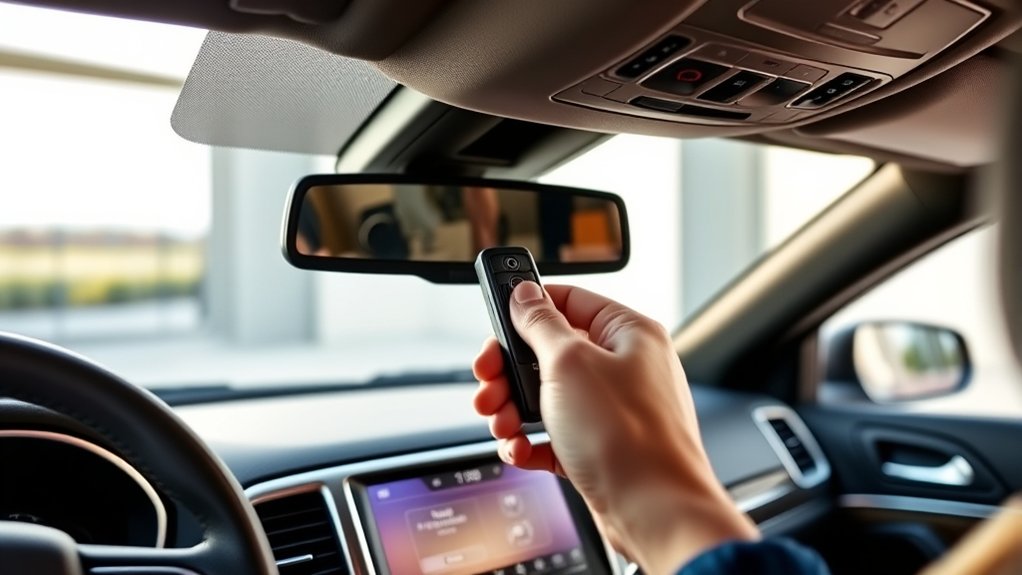
Before you start, make sure your remote is compatible with your Jeep’s garage door opener system. Once confirmed, you’ll follow a simple step-by-step process to sync the remote with your vehicle.
This guarantees your garage door opens smoothly every time you use your Jeep.
Remote Compatibility Check
Although many remote controls look similar, not all are compatible with your Jeep Grand Cherokee’s garage door opener system. Before you start programming, you need to verify that your remote matches the system’s frequency and technology standards. Using an incompatible remote can lead to failed programming or malfunction.
Check these key compatibility factors:
- Frequency range (typically 300-400 MHz or 310-315 MHz)
- Rolling code vs. fixed code technology
- Brand and model alignment with your garage door opener
- Battery condition and signal strength
- Presence of a “Learn” or “Smart” button on the opener unit
Confirming these points guarantees a smooth programming experience and reliable garage door operation.
Step-by-Step Programming Process
After ensuring your remote is compatible with your Jeep Grand Cherokee’s garage door opener system, you can move on to programming it. Start by turning your vehicle’s ignition to the “On” position without starting the engine.
Locate the “HomeLink” buttons on your rearview mirror or overhead console.
Press and hold the desired HomeLink button and your garage door remote’s button simultaneously until the LED light starts blinking rapidly—this usually takes about 20 seconds.
Release both buttons once the light flashes quickly.
Next, press the programmed HomeLink button twice to activate the garage door.
If it doesn’t work, press the “Learn” or “Smart” button on your garage door motor unit, then return to your Jeep and press the HomeLink button three times to complete programming.
Your opener should now be synced and ready.
Test Jeep Garage Door Opener Buttons
How do you know if your Jeep’s garage door opener buttons are working correctly? After programming, it’s crucial to test each button to confirm proper function.
Start by standing near your garage door and pressing the first button. If the door responds as expected, move on to the next one. If not, you may need to reprogram or check the battery.
To effectively test your Jeep garage door opener buttons:
- Press each programmed button individually
- Observe if the garage door opens or closes promptly
- Listen for any unusual sounds during operation
- Check for consistent response from all buttons
- Verify the door stops and reverses safely if obstructed
This quick test ensures your system runs smoothly every time you use it.
Troubleshoot Common Jeep Garage Door Programming Issues
If your Jeep’s garage door opener isn’t working right, start by checking for signal interference that might be causing issues.
Make sure you followed the programming sequence correctly, as a small mistake can prevent it from syncing.
Also, don’t forget to inspect the battery and power connections to rule out simple power problems.
Signal Interference Problems
When your Jeep Grand Cherokee’s garage door opener isn’t responding as expected, signal interference often causes the problem. You might experience weak or inconsistent opener signals because other electronic devices disrupt the frequency.
To fix this, try these tips:
- Move away from nearby Wi-Fi routers or cordless phones when programming.
- Check for LED lights or appliances that emit strong signals near your garage.
- Avoid programming during peak times when many wireless devices are active.
- Replace old batteries in your remote to boost signal strength.
- Make certain the opener antenna isn’t damaged or obstructed.
Programming Sequence Errors
Although programming your Jeep Grand Cherokee’s garage door opener is usually straightforward, sequence errors can easily disrupt the process and prevent proper syncing. These errors often occur if you rush steps, miss timing windows, or fail to press buttons correctly. To avoid frustration, follow each step carefully and watch for indicator lights or beep signals that confirm success.
| Common Error | Solution |
|---|---|
| Skipping step in sequence | Restart programming from the beginning |
| Holding button too long | Press buttons briefly as instructed |
| Waiting too long between steps | Complete steps promptly without delays |
| Incorrect button press order | Follow the exact button press order |
| Ignoring feedback signals | Pay attention to lights/beeps for confirmation |
Sticking to the precise sequence guarantees your opener syncs perfectly without errors.
Battery and Power Issues
Since your garage door opener relies heavily on consistent power, battery and power issues often cause programming failures in your Jeep Grand Cherokee. If your remote or vehicle’s HomeLink system isn’t responding, the first step is to check the battery. A weak or dead battery can disrupt the signal necessary for programming.
Also, verify the vehicle’s battery is properly charged, as low voltage can affect the system’s operation.
Here are key points to troubleshoot battery and power issues:
- Replace the garage door opener remote battery regularly
- Check your Jeep’s 12-volt battery health
- Inspect fuses related to the HomeLink system
- Avoid programming during low battery conditions
- Ensure electrical connections are clean and secure
Addressing these will help you avoid common programming pitfalls.
Add or Reprogram Additional Garage Door Remotes
If you want to add or reprogram additional garage door remotes for your Jeep Grand Cherokee, you’ll need to follow a specific sequence to sync each remote with your vehicle’s HomeLink system.
First, turn your ignition to the “On” position without starting the engine. Press and hold the desired HomeLink button until the indicator light begins to flash slowly.
Next, hold the remote control button you want to program about 1-3 inches away from the HomeLink panel.
Press and hold both buttons simultaneously until the HomeLink light changes from a slow to a rapid blink, signaling successful programming.
Repeat this process for each additional remote.
If you run into any issues, make sure the remote’s battery is fresh and try again.
Maintain Your Jeep Garage Door Opener
To keep your Jeep Grand Cherokee’s garage door opener functioning smoothly, you’ll want to perform regular maintenance checks. These simple steps help prevent malfunctions and extend the lifespan of your system.
Here’s what you should focus on:
- Clean the buttons and housing to remove dirt and grime.
- Check the battery regularly and replace it when needed.
- Inspect the antenna on the garage door opener unit for damage or interference.
- Test the range of the remote to ensure consistent operation.
- Keep the garage door tracks and opener mechanism lubricated to reduce wear and noise.
Reset the Jeep Garage Door Opener System
When you encounter persistent issues with your Jeep Grand Cherokee’s garage door opener, resetting the system can often resolve the problem quickly. To reset, start by turning your ignition to the “On” position without starting the engine.
Next, locate the garage door opener buttons on your rearview mirror or overhead console. Press and hold the two outer buttons until the indicator light begins to flash rapidly, usually about 20 seconds. This action erases all programmed codes.
Once cleared, you’ll need to reprogram your garage door opener from scratch. Remember to follow your garage door opener manufacturer’s instructions during reprogramming.
Resetting helps eliminate glitches and guarantees your system works smoothly, restoring reliable operation to your Jeep’s built-in garage door opener.
Frequently Asked Questions
Can I Use My Jeep’s Garage Door Opener With Multiple Garage Brands?
Yes, you can use your Jeep’s garage door opener with multiple garage brands. Just program each opener separately following your Jeep’s instructions, and you’ll be able to control different garage doors without any hassle.
Does the Jeep Garage Door Opener Affect My Vehicle’s Battery Life?
No, your Jeep’s garage door opener won’t noticeably affect your vehicle’s battery life. It uses minimal power only when activated, so you don’t have to worry about it draining your battery over time.
Is It Safe to Program the Garage Door Opener While Driving?
“Safety first” applies here—you shouldn’t program the garage door opener while driving. It’s risky and distracting. Wait until you’re parked safely, so you can focus fully and avoid any accidents or mistakes during programming.
Can I Use the Jeep Opener for Gates or Other Access Controls?
Yes, you can use your Jeep’s opener for gates or other access controls if they use compatible frequencies. Just program it like your garage door opener, and it’ll work seamlessly with those systems.
What Should I Do if My Jeep’s Garage Door Opener Stops Working After a Software Update?
If your Jeep’s garage door opener stops working after a software update, you should reset the opener, reprogram it following the latest instructions, and check for any additional updates or contact your dealer for assistance to resolve compatibility issues.
Conclusion
Programming your Jeep Grand Cherokee’s garage door opener is straightforward and convenient. Did you know that over 60% of drivers prefer integrated vehicle openers for enhanced security and ease? By following these simple steps, you can save time and avoid fumbling with separate remotes. Keeping your system updated guarantees smooth operation and adds value to your Jeep. With a little practice, you’ll enjoy seamless garage access right from your driver’s seat.