How Do You Remote Start a Jeep Grand Cherokee in 7 Easy Steps?
To remote start your Jeep Grand Cherokee, first make sure it has remote start by checking your key fob for the circular arrow button or your owner’s manual. Lock the doors, then press and hold the remote start button for about 3 seconds until you see the lights flash or hear a horn chirp. Confirm the engine is running by checking lights or listening near the vehicle. Keep your battery healthy by limiting remote starts. Keep going to uncover helpful tips and troubleshooting!
How to Check If Your Jeep Grand Cherokee Has Remote Start

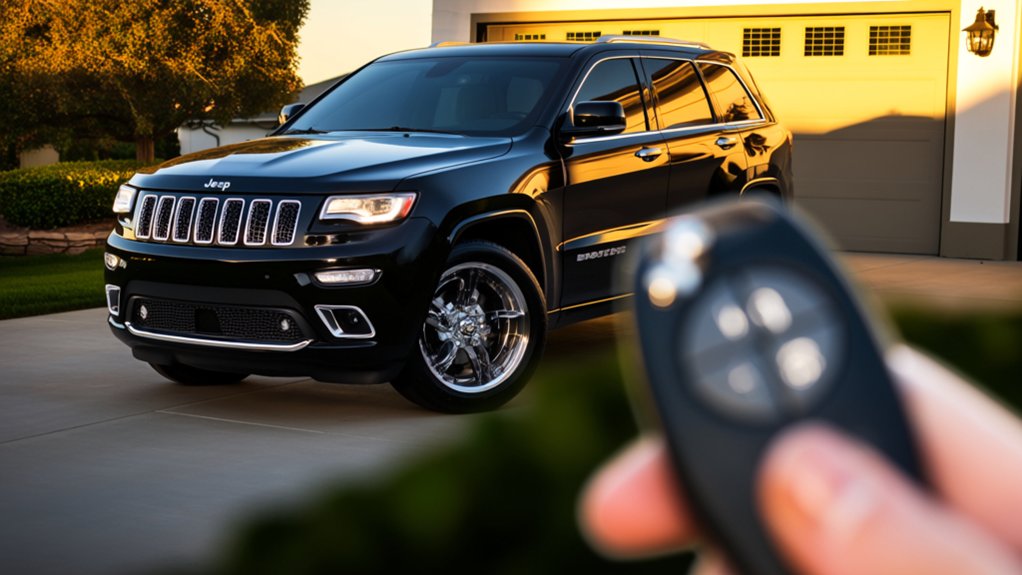
Before you try to use remote start on your Jeep Grand Cherokee, you’ll want to confirm if the feature is actually available on your model. Start by checking your key fob—if it has a button with a circular arrow or a “remote start” icon, that’s a good sign.
You can also look inside your vehicle’s owner’s manual under the features section to see if remote start is listed.
Another quick way is to examine your Jeep’s window sticker or build sheet, which often includes remote start if it’s installed.
If you’re still unsure, you can call your Jeep dealer with your VIN number, and they’ll tell you whether your Grand Cherokee supports remote start.
This guarantees you’re not trying to use a feature that’s not there.
Requirements to Use Remote Start on Your Jeep Grand Cherokee
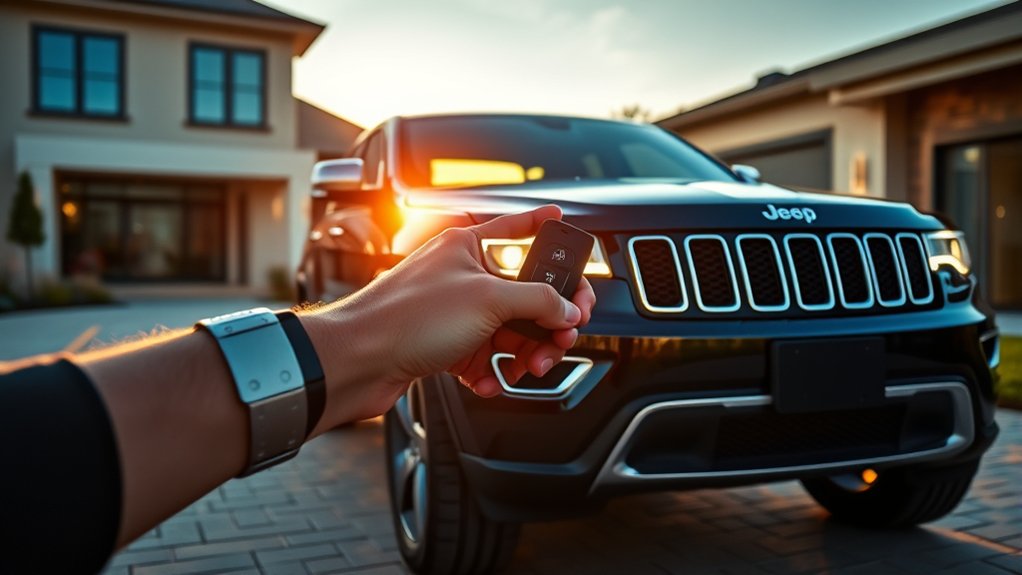
Although having a remote start feature on your Jeep Grand Cherokee is convenient, you’ll need to meet certain requirements to use it properly.
First, your vehicle must be equipped with the remote start system either from the factory or through an official dealer-installed upgrade. You’ll also need the key fob that supports remote start functions; older models or generic fobs won’t work.
Your Jeep’s doors must be locked before starting remotely to guarantee security. Additionally, the engine won’t start if the hood is open or if there are any active trouble codes detected by the vehicle’s system.
Finally, remote start usually only works within a specific range, so you’ll want to be close enough for the signal to reach your Jeep successfully.
How to Remote Start Your Jeep Grand Cherokee in 3 Easy Steps

Once you guarantee your Jeep Grand Cherokee meets the necessary requirements, you can easily start it remotely with just a few quick steps.
First, press the lock button on your key fob to secure the vehicle.
Next, within five seconds, press and hold the remote start button (usually marked with a circular arrow) for about three seconds until the lights flash or the horn chirps, signaling the engine has started.
Finally, check that the vehicle’s lights are on and the engine is running before you approach.
Remember, the engine will run for about 15 minutes before automatically shutting off if you don’t enter the vehicle and turn the ignition on.
These simple steps make remote starting your Jeep Grand Cherokee quick and convenient.
Adjust Climate Settings Using Your Remote Start
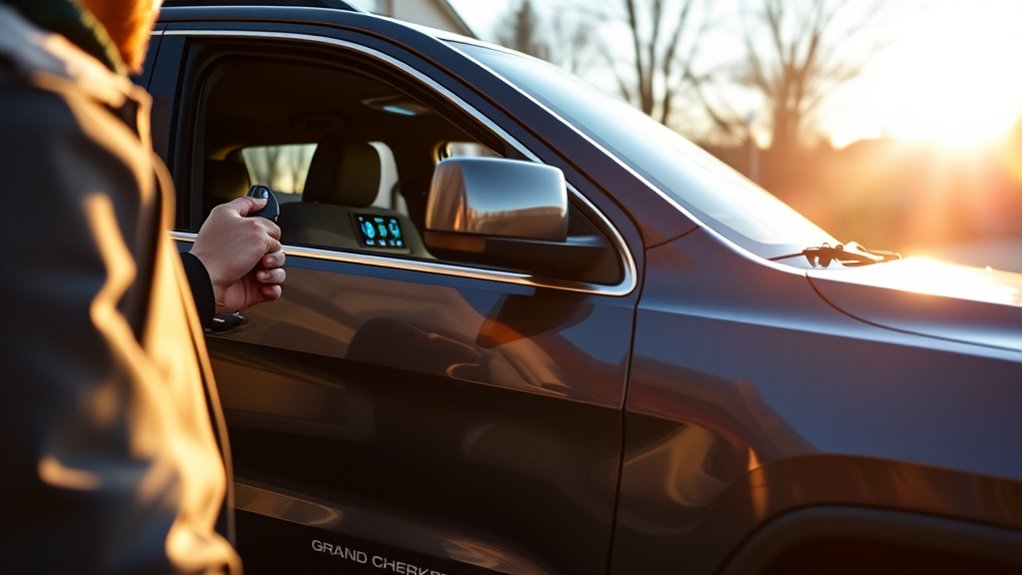
When you remote start your Jeep Grand Cherokee, you can also adjust the climate settings to guarantee the cabin is comfortable by the time you get inside. Use the Uconnect app or your key fob, depending on your model, to set your preferred temperature.
If it’s cold outside, activate the heater and seat warmers; for hot days, turn on the air conditioning and ventilated seats. These adjustments happen automatically once the engine starts, so your vehicle reaches the desired climate quickly.
Make sure your vehicle’s settings are synced with the app for seamless control. By customizing climate settings remotely, you save time and avoid discomfort, ensuring a pleasant ride every time you get behind the wheel.
Confirm Your Jeep Grand Cherokee Has Started Remotely
Adjusting your climate settings remotely is just the start of making your Jeep Grand Cherokee ready for you. To confirm it’s started remotely, first listen for the engine’s subtle hum or check for vibrations near the vehicle.
If you’re nearby, glance inside to see if the dashboard lights are on, signaling the ignition is active. Many Jeep models also flash the parking lights when the remote start is successful, so look for those visual cues.
If you use the Uconnect app, it will notify you when the engine starts, giving you real-time confirmation. Ensuring these signals helps you avoid unnecessary trips outside or attempts to restart the vehicle, saving you time and effort before you hit the road.
Troubleshooting Common Remote Start Issues in Your Jeep Grand Cherokee
If your Jeep Grand Cherokee doesn’t start remotely, check for signal connectivity problems first.
You’ll also want to make sure your key fob battery isn’t dead.
Finally, be aware that vehicle security lockouts can prevent remote starting until the system resets.
Signal Connectivity Problems
Why does your Jeep Grand Cherokee’s remote start sometimes fail to connect? Signal connectivity problems are often the culprit. Remote start systems rely on a clear radio frequency signal between your key fob and the vehicle.
If you’re too far away or there are obstacles like buildings, trees, or other vehicles in between, the signal can weaken or drop entirely. Interference from other electronic devices or weather conditions might also disrupt the connection.
To troubleshoot, try moving closer to your Jeep and confirm there’s a clear line of sight. Avoid areas with heavy wireless traffic or strong electromagnetic interference.
If you continue having issues despite being in ideal conditions, a professional inspection of your vehicle’s antenna or remote start module may be necessary.
Key Fob Battery Issues
Although your Jeep Grand Cherokee’s remote start system depends on several components, a weak or dead key fob battery is one of the most common reasons it fails to work. If your remote start isn’t activating, check the battery first.
A low battery can reduce the signal strength, preventing your vehicle from receiving the start command. Replace the battery with a fresh one designed for your key fob model, usually a CR2032 or similar coin cell.
After swapping the battery, test the remote start again. If it still doesn’t respond, inspect the battery contacts inside the fob for corrosion or dirt and clean them carefully.
Keeping your key fob battery fresh guarantees reliable remote start performance and saves you from unnecessary troubleshooting.
Vehicle Security Lockouts
Replacing your key fob battery solves many remote start problems, but sometimes your Jeep Grand Cherokee’s security system blocks the start to protect your vehicle. If the system detects an issue, like an unauthorized key or a problem with the immobilizer, it won’t allow remote start.
To fix this, make sure you’re using the original, programmed key fob. Also, check that all doors, the hood, and the trunk are fully closed, as open entry points prevent the system from starting the engine remotely.
If you’ve recently replaced or reprogrammed your key fob, the security system may need to reset. In these cases, lock and unlock the doors manually, then try remote start again.
If problems persist, contacting a dealer or professional technician is your best bet.
Tips for Maximizing Your Jeep Grand Cherokee Remote Start Experience
To get the most from your Jeep Grand Cherokee’s remote start, focus on boosting the remote’s range by keeping the key fob in good condition.
You’ll also want to regularly check and maintain your vehicle’s battery health to guarantee reliable starts every time.
These simple steps can make your remote start experience smoother and more convenient.
Enhancing Remote Start Range
Wondering how to get the most out of your Jeep Grand Cherokee’s remote start feature? Enhancing the remote start range guarantees you can start your vehicle from farther away, adding convenience especially in bad weather.
Here’s how you can boost that signal:
- Keep key fob batteries fresh: Weak batteries reduce range and responsiveness.
- Avoid obstructions: Thick walls and metal structures interfere with the signal.
- Position yourself strategically: Higher ground or open areas improve communication.
- Use aftermarket range extenders: These devices amplify the signal, extending the remote start distance.
Maintaining Battery Health
Although remote starting your Jeep Grand Cherokee adds convenience, it can strain your vehicle’s battery if not managed properly. To maintain battery health, limit the frequency and duration of remote starts, especially during extreme temperatures.
Regularly check your battery’s charge and clean any corrosion on the terminals to guarantee a solid connection. Consider investing in a quality battery maintainer if you don’t drive daily, as it keeps the battery charged without overloading it.
Avoid using remote start when the battery is weak to prevent complete drainage. Finally, schedule routine battery inspections with your mechanic to catch potential issues early.
Frequently Asked Questions
Can I Use Remote Start With a Jeep Grand Cherokee Key Fob Replacement?
Yes, you can use remote start with a Jeep Grand Cherokee key fob replacement as long as the new fob is programmed correctly and supports remote start features. Make sure it matches your vehicle’s specifications for full functionality.
Does Remote Start Drain the Jeep Grand Cherokee Battery Faster?
Remote starting your Jeep Grand Cherokee can nibble at your battery like a hungry squirrel if done frequently without driving. But if you use it sparingly, it won’t drain your battery noticeably or cause trouble.
Is Remote Start Available on All Jeep Grand Cherokee Model Years?
No, remote start isn’t available on all Jeep Grand Cherokee model years. It’s typically included in newer models or higher trims, so you’ll want to check your specific year and trim to see if it has that feature.
Can Remote Start Be Disabled for Security Reasons?
Yes, you can disable remote start for security reasons. You’ll usually find this option in your Jeep’s settings menu or through the key fob app. Disabling it helps prevent unauthorized access or unwanted engine starts.
Does Remote Start Work if the Jeep Grand Cherokee Is in Gear?
No, the remote start won’t work when your Jeep Grand Cherokee is in gear. Safety systems stop starting to safeguard you, so shift to park or neutral before you try to trigger that techy trick.
Conclusion
Now that you know how to remote start your Jeep Grand Cherokee, you’re ready to enjoy comfort and convenience at your fingertips. Remember, “a stitch in time saves nine”—taking the time to set up and troubleshoot your remote start system will save you headaches later. With these simple steps, you’ll always have a warm or cool ride waiting for you. Stay safe, stay comfortable, and enjoy the journey ahead!