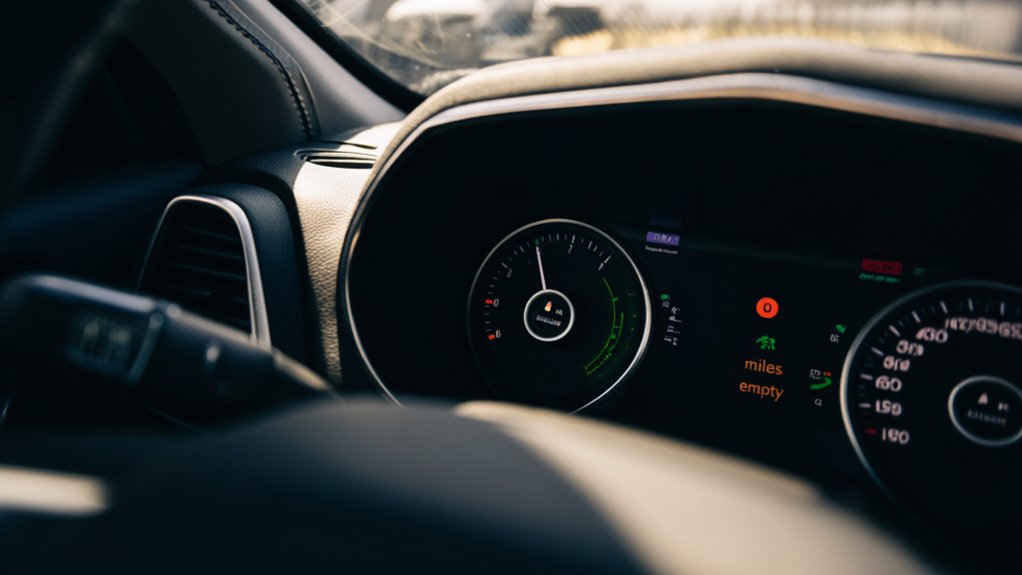
How to See Miles to Empty on Jeep Renegade in 7 Easy Steps
To see miles to empty on your Jeep Renegade, start by turning on the ignition or pressing the start button to power the dashboard. Use the steering wheel’s arrow buttons to navigate to the fuel or trip info menu. Press OK to select and cycle through options until you find the “Miles to Empty” or “Range” display. After refueling, hold the reset button on the fuel screen to update the estimate. Keep following these steps, and you’ll master monitoring your fuel range with ease.
What Miles to Empty Means on Your Jeep Renegade
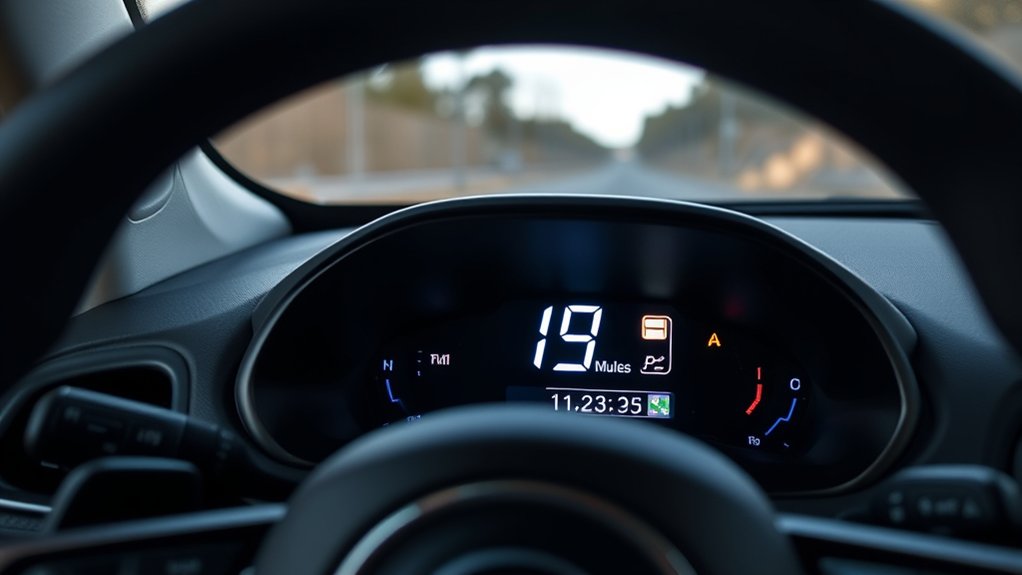
What exactly does “Miles to Empty” mean on your Jeep Renegade? It shows you the estimated distance your vehicle can travel before running out of fuel. This figure updates in real-time based on your driving habits, speed, and fuel consumption.
Knowing your miles to empty helps you plan refueling stops more effectively, preventing you from getting stranded. It’s a handy way to keep track of how much fuel you have left without guessing.
The estimate adjusts as you drive, so if you speed up or drive more aggressively, it might decrease faster. Conversely, gentle driving can increase the number.
Understanding this feature guarantees you stay informed about your fuel status and manage your trips confidently.
Turning On Your Jeep Renegade’s Dashboard Display
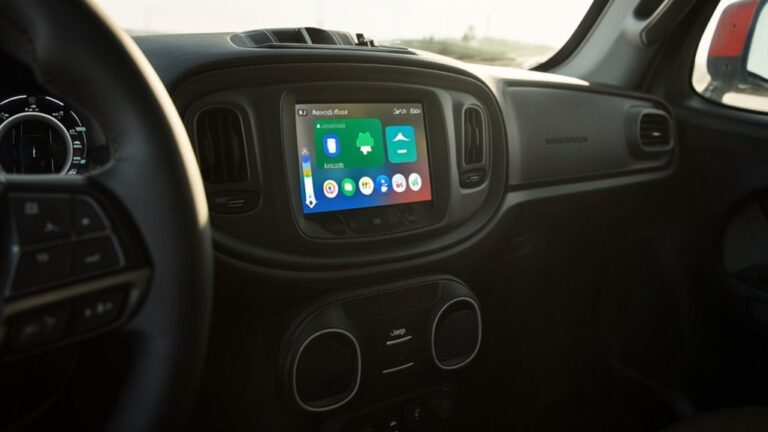
Knowing how your Jeep Renegade estimates miles to empty is only helpful if you can access this information easily. First, get inside your vehicle and insert the key or press the start button. The dashboard display powers on with the ignition. If the screen stays dark, press the power button located near the center console or on the steering wheel. Once the display lights up, you’ll see various icons and gauges.
Here’s a quick overview of the dashboard controls:
| Button Location | Function | Indicator Icon |
|---|---|---|
| Steering Wheel Left | Power/Menu | ⚙ Gear |
| Center Console | Display Brightness | 💡 Lightbulb |
| Ignition | Dashboard Power | 🔌 Plug |
| Steering Wheel Right | Scroll Through Options | 🔄 Arrows |
| Dashboard Screen | Information Display | 📊 Bar Graph |
With the display on, you’re ready to find the miles to empty reading next.
Navigating to the Miles to Empty Screen

Once your Jeep Renegade’s dashboard display is powered on, you can easily navigate to the miles to empty screen using the controls on your steering wheel. Look for the arrow buttons or the OK button, usually located on the left side of the wheel.
Press the arrow buttons to cycle through the menu options on the dashboard display. Keep pressing until you see the fuel or trip information category, which includes the miles to empty screen.
When you reach this menu, press the OK button to select it. The display will then show your current miles to empty, along with other fuel-related data.
If you accidentally skip past it, just use the arrows to go back and select it again.
How to Find Your Miles to Empty Reading
Wondering how to quickly spot your miles to empty reading on the Jeep Renegade’s dashboard? Once you’ve accessed the fuel or trip information menu, look directly at the digital display in the instrument cluster.
The miles to empty figure usually appears clearly labeled, showing an estimate of how far you can drive before running out of fuel. It updates in real-time based on your recent driving habits and fuel consumption.
Make sure your Renegade is parked safely, then glance at this number whenever you want a quick status check on your fuel range. If you don’t see it right away, cycle through the available information screens on the dashboard display until the miles to empty reading appears.
This quick glance helps you plan refueling stops efficiently.
Using Steering Wheel Controls to View Fuel Info
If you want to check your Jeep Renegade’s fuel info without taking your hands off the wheel, the steering wheel controls make it easy. Just use the buttons on the left side of the steering wheel to navigate your digital instrument cluster.
Here’s how to quickly see your miles to empty:
- Press the up or down arrow to scroll through menu options
- Select the “Fuel Info” or “Vehicle Info” screen
- Look for “Miles to Empty” or “Range” displayed clearly
- Use the “OK” button to confirm selections or cycle through details
- Return to the main screen by pressing the back or menu button
This method keeps your focus on the road while giving you instant access to essential fuel data.
Resetting Miles to Empty After Refueling
Although your Jeep Renegade automatically updates the miles to empty after refueling, you can manually reset the display to confirm it shows accurate information immediately. To do this, turn the ignition to the “On” position without starting the engine.
Use the steering wheel controls to navigate to the fuel or trip information menu on the instrument cluster. Once there, locate the option to reset the miles to empty or trip meter. Press and hold the OK or reset button until the display resets, usually just a few seconds.
This action recalibrates the system, ensuring it reflects your current fuel level accurately. After resetting, start driving normally—the miles to empty will adjust dynamically based on your fuel consumption and driving habits.
What to Do If Your Miles to Empty Doesn’t Show?
When your miles to empty reading doesn’t show up on your Jeep Renegade’s display, it can leave you uncertain about how far you can drive. To fix this, start by checking the basics and then move to more specific steps:
- Confirm your ignition is on and the vehicle has been driven a short distance.
- Verify the fuel sensor is working and the tank isn’t empty.
- Cycle through the dashboard menu using the steering wheel controls to refresh the display.
- Restart your vehicle to reset the onboard computer.
- If none of these work, consult your owner’s manual or visit a Jeep dealer to check for sensor or software issues.
Following these steps helps you restore your miles to empty reading efficiently.
Frequently Asked Questions
How Accurate Is the Miles to Empty Estimate on a Jeep Renegade?
The miles to empty estimate on your Jeep Renegade is fairly accurate but can fluctuate based on driving habits, terrain, and fuel quality. Don’t rely solely on it—keep an eye on the fuel gauge and refuel early.
Can I Customize the Dashboard Display Units From Miles to Kilometers?
Yes, you can easily switch your Jeep Renegade’s dashboard units from miles to kilometers. Just explore the settings menu, find the units option, and toggle it—no need to guess or convert manually anymore!
Does Driving Style Affect the Miles to Empty Reading?
Yes, your driving style directly affects the miles to empty reading. If you accelerate aggressively or drive at high speeds, you’ll use more fuel, causing the estimated range to drop faster than if you drive smoothly and conserve fuel.
How Often Should I Reset the Miles to Empty After Refueling?
You should reset your miles to empty every time you refuel, or else your Jeep’s estimate will be as off as a compass in a tornado. This keeps your readings accurate, helping you avoid surprises on the road.
Is There a Warning Light for Low Fuel in the Jeep Renegade?
Yes, your Jeep Renegade has a low fuel warning light that illuminates when fuel is running low. It’s designed to alert you to refuel soon, helping you avoid running out of gas unexpectedly.
Conclusion
Now that you know how to check miles to empty on your Jeep Renegade, you’ll never be caught off guard. Imagine driving through a remote area and seeing your miles to empty drop—you can plan your next stop confidently. Just follow these simple steps, and you’ll always know how far you can go before refueling. Staying informed helps keep your journeys smooth and stress-free.