How to Remote Start Jeep Wrangler in 7 Easy Steps
To remote start your Jeep Wrangler, first verify it supports remote start and that your key fob battery is strong. Make certain the vehicle is in park with all doors and hood closed. Press the lock button on your key fob, then quickly hold the remote start button until the turn signals flash. Confirm the engine has started by dashboard lights and sounds. When done, stop the engine by pressing lock twice. For tips, troubleshooting, and maximizing this feature, keep exploring.
Key Takeaways
- Ensure your Jeep Wrangler is in “Park,” all doors and hood are closed, and the engine is off before remote starting.
- Press the lock button on the key fob to secure the vehicle before initiating remote start.
- Within three seconds of locking, hold the remote start button (circular arrow) until the turn signals flash, then release.
- Confirm remote start activation by observing dashboard indicators and listening for the engine to rev and idle.
- To stop the engine remotely, press the lock button twice within three seconds on the key fob.
Check If Your Jeep Wrangler Supports Remote Start
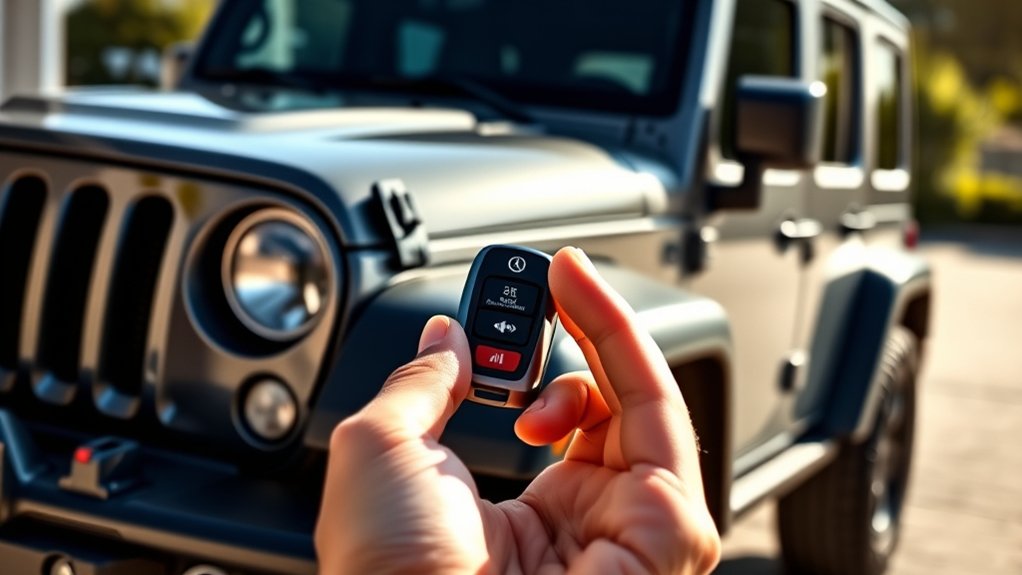
Before you try to remote start your Jeep Wrangler, you need to verify whether your model supports this feature. Remote start is typically available on newer Jeep Wranglers, especially those from 2018 onward, but it depends on the trim and factory options. You can check your owner’s manual or visit Jeep’s official website to confirm if your specific model includes remote start. Another quick way is to look at your key fob—if it has a remote start button marked with a circular arrow, your vehicle likely supports it. If you’re still unsure, contact a Jeep dealer with your VIN number to get a definitive answer. Confirming this upfront saves you time and ensures you’re ready for the next steps.
Prepare Your Jeep and Key Fob for Remote Starting
Once you’ve confirmed that your Jeep Wrangler supports remote start, get your vehicle and key fob ready for the process. First, verify your Jeep is locked; remote start won’t work if any door or the hood is open. Second, check your key fob’s battery life—replace it if it’s weak to avoid connection issues. Third, make sure your Jeep is in “Park” and the engine is off before attempting remote start. Fourth, review your owner’s manual for any specific settings or programming needed to activate the remote start feature. Preparing these essentials will help you avoid frustration and ensure a smooth remote start experience every time you use your key fob.
How to Remote Start Your Jeep Wrangler in 3 Easy Steps
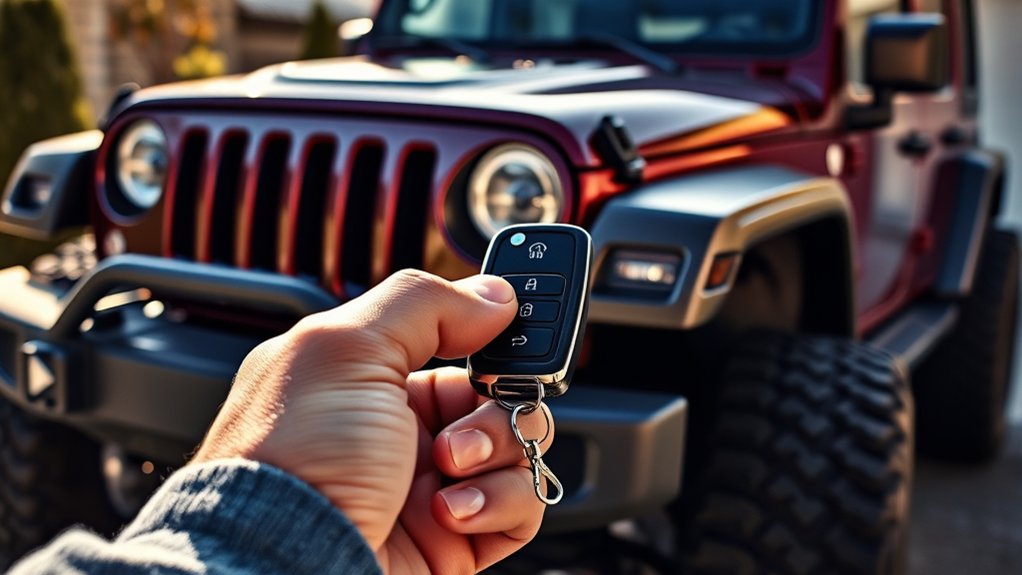
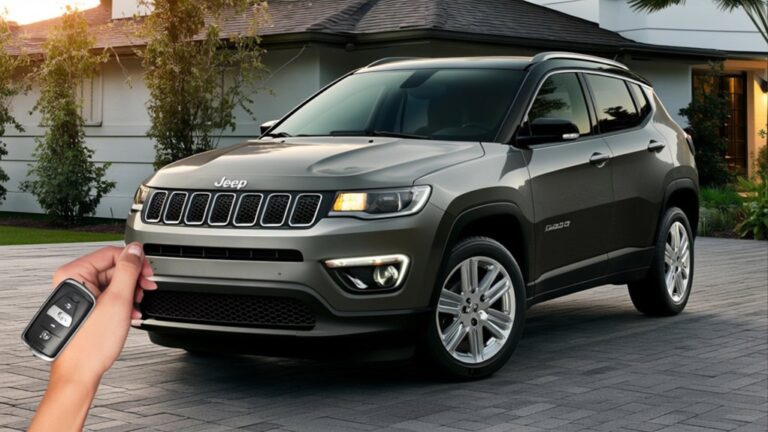
Although it might seem complicated at first, remote starting your Jeep Wrangler is actually quick and straightforward. First, press the lock button on your key fob to confirm all doors are secured. Next, within three seconds, press and hold the remote start button—usually marked with a circular arrow—until the turn signals flash. This signals the vehicle is powering up remotely. Finally, release the button and step back; your Jeep’s engine will start, warming up or cooling down the interior depending on your climate control settings. Remember, you must be within range for the remote start to work effectively. Following these three steps lets you enjoy a comfortable ride the moment you get in.
How to Confirm Your Jeep Has Started Remotely
To confirm your Jeep has started remotely, check for visual indicators on the dashboard like illuminated lights. You can also listen for the engine’s audible sounds as it fires up. Additionally, your remote key fob may give you signals, such as flashing lights or beeps, to confirm the start.
Visual Indicators On Dashboard
When your Jeep Wrangler starts remotely, you’ll notice specific visual indicators on the dashboard that confirm the engine is running. These indicators help you verify that the remote start was successful without having to physically check the engine.
- Tachometer Movement – The needle on the tachometer will rise, showing the engine RPM increasing from zero.
- Battery Light Off – The battery warning light will turn off, indicating the engine is charging the battery.
- Check Engine Light Off – This light will not stay illuminated, signaling the engine is running normally.
- Fuel Gauge Active – The fuel gauge will move from its resting position, confirming the power is on.
Keep an eye on these dashboard signals to confidently know your Jeep has started remotely.
Audible Engine Sounds
Even before you glance at the dashboard, you can verify your Jeep Wrangler has started remotely by listening for the engine’s distinctive sounds. When you activate the remote start, the engine will rev up and settle into a steady idle, signaling it’s running. You’ll notice the familiar hum and subtle vibrations, even if you’re outside the vehicle. This audible confirmation helps you know your Jeep is warming up and ready to go without needing to be inside. If you don’t hear the engine roar to life, it likely means the remote start didn’t engage properly, and you should try again. Relying on these engine sounds provides a quick and effective way to ensure your Wrangler is running before you hop in.
Remote Key Fob Signals
Although you might rely on the engine’s sounds, your Jeep Wrangler’s remote key fob also provides clear signals to confirm the remote start has engaged. This helps you feel confident that your vehicle is ready before you get inside. Here’s what to look for:
- Blinking Lights: The key fob’s LED will blink rapidly when the engine starts remotely.
- Button Feedback: Some models vibrate or beep as soon as the remote start activates.
- Lock/Unlock Confirmation: The doors may lock or unlock automatically, signaling the remote start is successful.
- Range Indicator: If your key fob has a display, it might show a status icon confirming the engine is running.
How to Stop Your Jeep Wrangler’s Engine After Remote Start
Since you’ve already started your Jeep Wrangler’s engine remotely, stopping it is just as straightforward. Simply press the lock button on your remote key fob twice within three seconds. This action sends a signal to your vehicle to shut off the engine immediately. Make certain you’re within the effective range of the key fob for the command to register. Avoid pressing the unlock or start buttons, as they won’t stop the engine and may cause confusion. If your Wrangler is equipped with a remote start system through a smartphone app, use the app’s stop or engine off feature to turn off the engine. Always confirm that the engine has stopped before approaching your vehicle to guarantee safety.
Troubleshooting Common Jeep Wrangler Remote Start Issues
If your Jeep Wrangler remote start isn’t working, start by checking the signal connection and key fob battery. Sometimes, outdated software can also cause issues, so make sure your system is up to date. Let’s go over these common problems and how to fix them quickly.
Signal Connection Problems
When your Jeep Wrangler’s remote start doesn’t activate, the issue often lies in signal connection problems. You can troubleshoot these by checking a few key areas:
- Distance and Obstacles: Make certain you’re within the remote’s effective range and no large objects block the signal.
- Antenna Condition: Inspect the remote start system’s antenna for damage or loose connections that might weaken the signal.
- Interference: Identify nearby devices or structures that could cause signal interference, such as other electronics or dense walls.
- System Reset: Sometimes, resetting the remote start system can restore proper communication between the key fob and vehicle.
Key Fob Battery Issues
Although your Jeep Wrangler’s remote start system may seem flawless, a weak or dead key fob battery often causes it to malfunction. When the battery is low, the fob struggles to transmit a strong signal, leading to inconsistent remote starts or no response at all. If your remote start isn’t working, first check the key fob battery by replacing it with a fresh one—most use a CR2032 or similar coin-cell battery. After swapping the battery, test the remote start again. Remember to handle the battery carefully and avoid touching it with bare hands to prevent corrosion. Keeping a spare battery on hand ensures your remote start remains reliable. Addressing key fob battery issues promptly saves you time and frustration during cold mornings or busy days.
Software Update Requirements
Replacing your key fob battery often fixes remote start problems, but software glitches can also interfere with your Jeep Wrangler’s system. To assure smooth remote start functionality, you need to keep your vehicle’s software up to date. Here’s what you should do:
- Check your Jeep’s infotainment system for any available updates regularly.
- Visit your local dealership or use the Jeep website to download the latest firmware.
- Follow the update instructions carefully to avoid interrupting the process.
- After updating, restart your vehicle and try the remote start again.
Keeping your software current prevents bugs and compatibility issues that might block remote start. Don’t overlook these updates—they’re essential for maintaining your Jeep’s performance and your convenience.
Tips to Maximize Your Jeep Wrangler Remote Start Experience
To get the most out of your Jeep Wrangler’s remote start, you’ll want to keep a few key tips in mind. First, always verify your vehicle is in park with the doors closed before using remote start to keep safety intact. Use the feature during extreme weather to pre-condition your cabin—warming it in winter or cooling it in summer. Remember, remote start typically runs the engine for about 10 minutes; plan accordingly if you need extra time. Keep your key fob battery charged so the system responds promptly. Lastly, familiarize yourself with your Wrangler’s specific remote start functions through the owner’s manual, as some models offer added features like climate control settings or remote door unlocking. These tips help you enjoy convenience and comfort every time.
Frequently Asked Questions
Can I Install a Remote Start System on an Older Jeep Wrangler?
Yes, you can install a remote start system on an older Jeep Wrangler. Just make sure to choose a compatible kit and either follow detailed instructions or get professional help to guarantee it works properly and doesn’t damage your vehicle.
Does Remote Start Affect My Jeep Wrangler’s Warranty?
Think of your Jeep’s warranty like a knight’s sacred scroll—tampering with remote start might void it if not installed properly. You shouldn’t worry if you use a certified dealer or approved system for installation, though.
Is Remote Start Compatible With Jeep Wrangler Aftermarket Security Systems?
Yes, remote start can be compatible with your Jeep Wrangler’s aftermarket security systems, but you’ll need to guarantee the remote start system integrates properly. Consult with a professional installer to avoid conflicts and maintain security features.
Can I Use Remote Start in Extreme Weather Conditions Safely?
Yes, you can use remote start safely in extreme weather, but make sure your system’s designed for those conditions. Always monitor your vehicle remotely, and avoid excessive idling to protect your engine and environment.
What Is the Average Range of the Jeep Wrangler Remote Start System?
Like a trusty sidekick, your Jeep Wrangler’s remote start system typically reaches about 300 feet. You’ll appreciate this range when warming up or cooling down your ride before you even step outside.
Conclusion
Now that you know how to remote start your Jeep Wrangler, you’re just a few button presses away from convenience and comfort. But what if one day it doesn’t respond as expected? Don’t worry—those troubleshooting tips have you covered. Mastering this feature not only saves you time but also adds a new layer of confidence to your driving routine. Ready to make remote starts your new favorite habit? Your Jeep’s waiting.