How to Remote Start a Jeep Gladiator in 10 Easy Steps
To remote start your Jeep Gladiator, first make certain it’s in park with all doors closed and your key fob battery is charged. Press the lock button once, then within 3 seconds, hold the remote start button for about 3 seconds until the lights flash. Alternatively, use the Jeep app to start the engine and set climate controls remotely. Confirm the engine is running and doors are locked before stepping away. If you want to explore troubleshooting and safety tips, keep going for a full guide.
How to Tell if Your Jeep Gladiator Has Remote Start
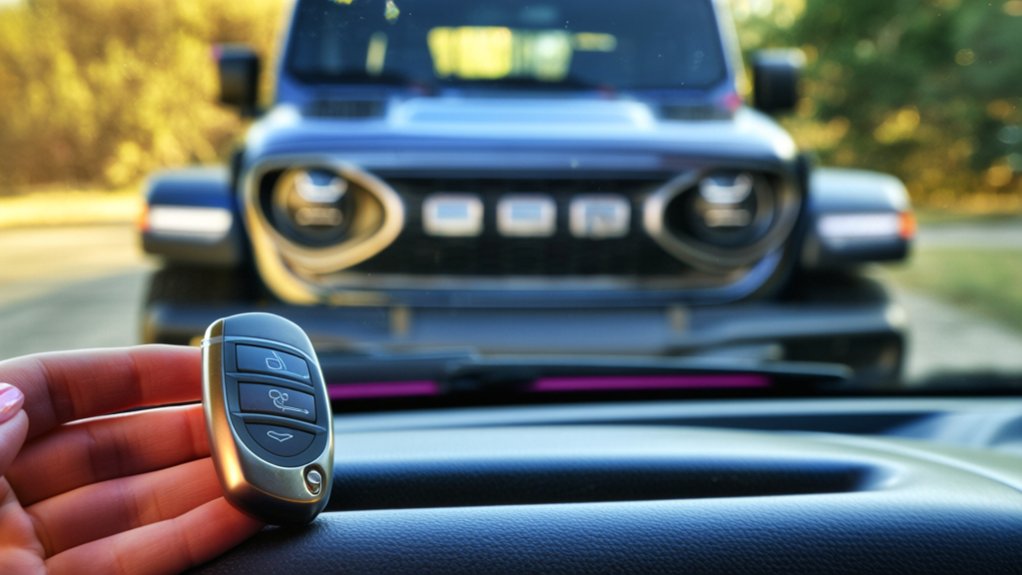
Wondering if your Jeep Gladiator has remote start? The easiest way to check is by inspecting your key fob. If you see a button with a circular arrow or a car icon with waves, that’s your remote start feature.
Another method is to look at your vehicle’s manual, which clearly states if remote start is included. You can also check the window sticker or build sheet if you have access to it; remote start is usually listed among the options.
If you bought your Gladiator used, calling your dealer with your VIN can confirm whether remote start is installed.
Grab Your Key Fob or Jeep App to Get Started
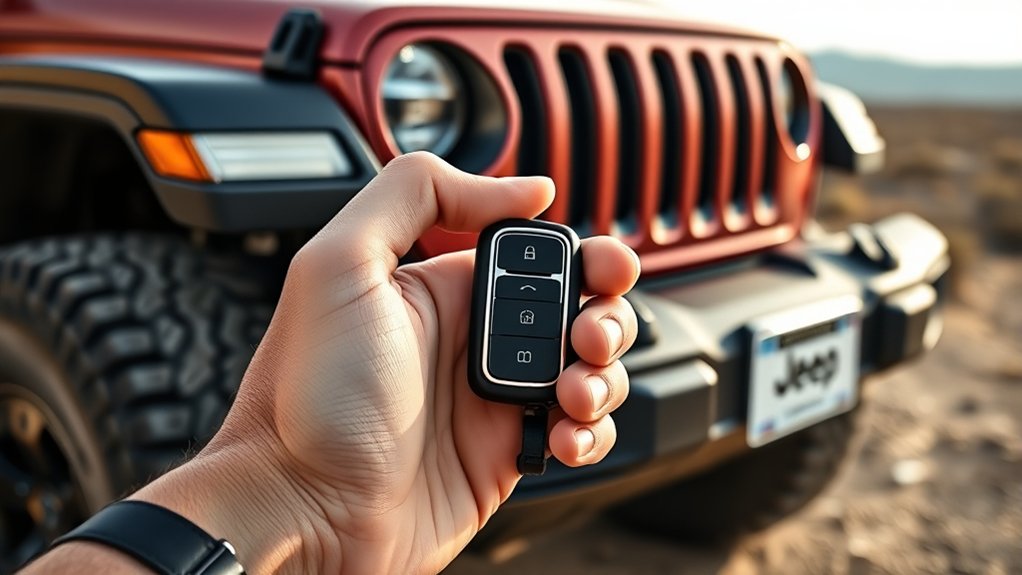
To start your Jeep Gladiator remotely, you’ll need either your key fob or the Jeep app on your smartphone.
Make sure your key fob has the remote start button, and that your app is set up with an active account.
Also, check that your phone has a reliable internet connection to communicate with your vehicle.
Key Fob Features
How do you activate your Jeep Gladiator’s remote start? It all begins with your key fob, a handy device packed with features designed to make your life easier.
Before starting remotely, familiarize yourself with these key functions:
- Lock Button: Press this twice quickly to initiate the remote start sequence, ensuring your vehicle is secure.
- Remote Start Indicator: Look for the key fob’s light flashing, confirming the engine has started remotely.
- Panic Button: Use this if you need to locate your Gladiator in a crowded parking lot or signal for help.
Knowing these features lets you confidently start your Jeep Gladiator from a distance, so you’re comfortable before you even step inside.
Jeep App Setup
Although your key fob provides convenient remote start features, setting up the Jeep App opens even more possibilities for controlling your Gladiator remotely.
First, download the Jeep App from your device’s app store. Once installed, create or log into your Jeep account. You’ll need to register your Gladiator by entering its VIN and other details, linking your vehicle to the app.
After setup, you can remotely start, lock, or access your Gladiator, check fuel levels, and even schedule remote start times—all from your smartphone.
Keep your key fob handy during this process to verify ownership and complete any necessary security steps.
With the Jeep App ready, you gain enhanced control and convenience, making it easier to manage your Gladiator on the go.
Connectivity Requirements
Before you can enjoy the convenience of remotely starting your Jeep Gladiator, you’ll need to make certain your key fob or Jeep App is properly connected and ready. Without a solid connection, your remote start won’t activate, leaving you stuck inside.
Here’s what you should check:
- Key Fob Battery – Ensure your key fob has enough power. A weak battery can disrupt the signal.
- App Connectivity – Confirm your phone has a strong internet connection, either via Wi-Fi or cellular data, so the Jeep App can communicate with your vehicle.
- Vehicle Settings – Verify that remote start is enabled in your Gladiator’s infotainment system and that the vehicle’s software is up to date.
Get these right, and you’ll be ready to start your Jeep from anywhere.
Make Sure Your Gladiator Is in Park With Doors Closed

To guarantee your Jeep Gladiator starts remotely without any issues, you need to confirm that it’s securely in park and that all doors are fully closed. The remote start system won’t activate if the vehicle is in gear or if any door is ajar. This safety feature prevents accidents and makes certain your Gladiator won’t move unexpectedly when started remotely.
Before using remote start, double-check the gear shift lever is in the “P” position and listen for the click that signals it’s locked in place. Walk around your Jeep and firmly close every door, including the tailgate. If a door isn’t fully shut, the system will detect it and won’t allow remote ignition, so don’t skip this step.
Making certain these conditions saves you time and avoids frustrating failed attempts.
How to Start Your Gladiator Using the Key Fob
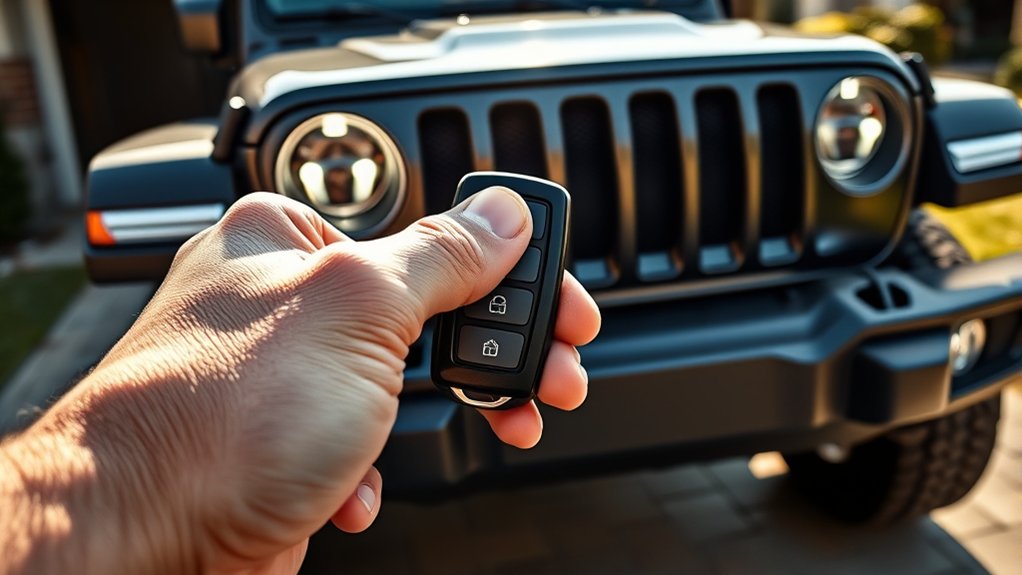
To start your Gladiator using the key fob, you’ll need to know which buttons to press and in what order. I’ll explain how to activate the remote start feature quickly and safely.
Before you begin, it’s important to keep a few safety precautions in mind to avoid any issues.
Key Fob Button Functions
Although it might seem straightforward, understanding the key fob button functions is essential for successfully remote starting your Jeep Gladiator. Each button serves a specific purpose that helps you control your vehicle remotely with ease.
Here are the three main buttons you’ll use:
- Lock Button: Press this to lock all doors and arm the security system. It’s often the first step before remote starting.
- Remote Start Button: Usually marked with a circular arrow, this activates the engine remotely, warming or cooling your Gladiator before you get in.
- Unlock Button: Use this to unlock the doors once you’re ready to enter your vehicle.
Knowing these buttons well guarantees you can operate your Jeep Gladiator’s remote start feature smoothly every time.
Activating Remote Start
Now that you’re familiar with the key fob buttons, you’re ready to activate the remote start feature on your Jeep Gladiator. To start, press the lock button once to secure the vehicle. Then, within three seconds, press and hold the remote start button (usually a circular arrow) for about three seconds. The engine will start, and the lights will flash to confirm activation.
Here’s a quick reference for the steps:
| Step | Action |
|---|---|
| 1 | Press the lock button once |
| 2 | Press and hold remote start |
| 3 | Engine starts, lights flash |
This process allows you to warm up or cool down your Gladiator before you get in, adding convenience to your day.
Safety Precautions Overview
Before you start your Jeep Gladiator remotely, you should understand key safety precautions that protect both you and your vehicle. Remote starting can be convenient, but it’s crucial to use it responsibly to avoid accidents or damage.
- Ensure the vehicle is in a safe location: Always check that your Gladiator is parked in an open, well-ventilated area. Avoid enclosed spaces to prevent harmful exhaust buildup.
- Confirm the doors are locked: Remote start disables the ignition but leaves the engine running. Locking the doors keeps your vehicle secure from unauthorized access.
- Never start the engine if someone is inside: Starting remotely while someone is in the vehicle can lead to unexpected movement or injury. Make sure no one is in the driver’s seat before activating remote start.
Following these steps helps you use remote start safely every time.
How to Start Your Gladiator Using the Jeep App
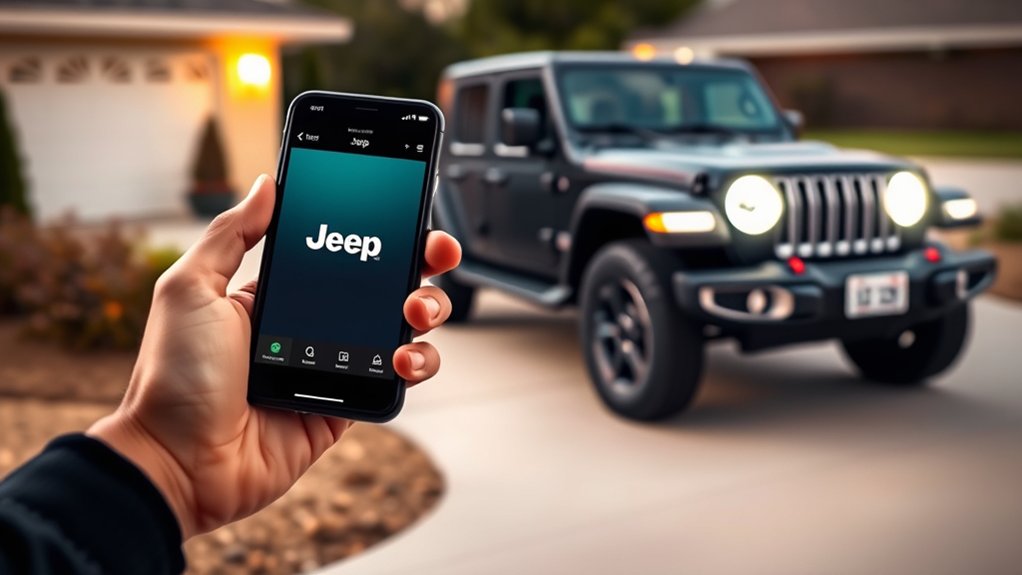
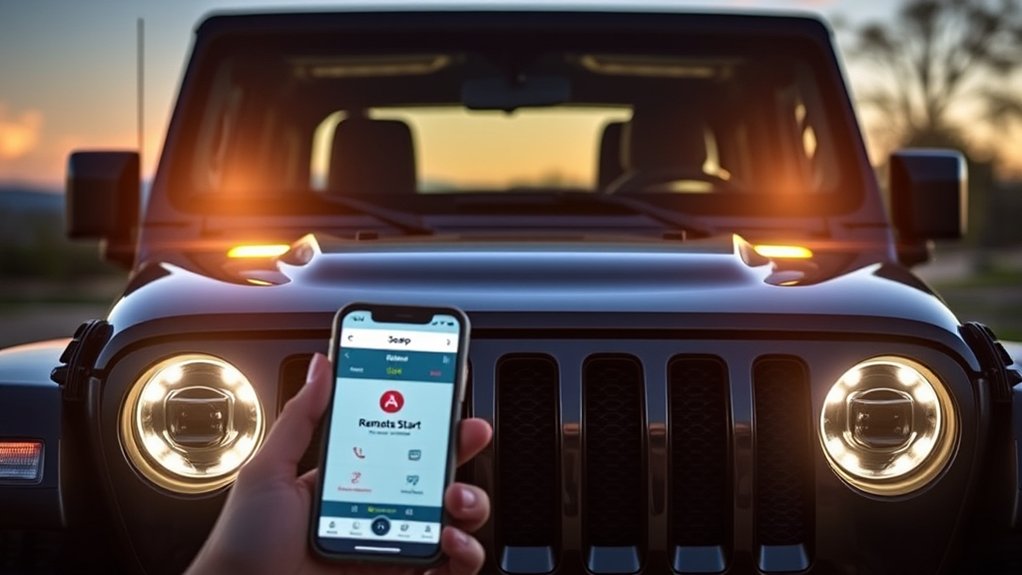
Using the Jeep App to start your Gladiator gives you convenient control right from your smartphone. First, open the app and sign in with your Jeep credentials. Make sure your vehicle is within the app’s connectivity range.
Navigate to the remote start feature, usually found on the main control screen. Tap the “Start Engine” button, and the app will send a signal to your Gladiator. You’ll get a notification once the engine ignites.
Remember, your doors must be locked for remote start to work, so confirm that before attempting. If your vehicle has advanced security settings, you might need to enter a PIN or confirm your identity in the app.
This method lets you warm up or cool down your Gladiator before you even step inside.
Confirm the Engine Has Started and Your Vehicle Is Secure
Once you’ve sent the remote start command, check your Jeep Gladiator to verify the engine has started properly and the vehicle remains secure. This step guarantees your remote start was successful and that your vehicle is safe while running unattended.
Here’s what you should do:
- Listen for the Engine: Confirm the engine is running by hearing the idle sound or feeling vibrations near the vehicle.
- Look for Indicator Lights: Check your dashboard or key fob for any confirmation lights signaling the engine is on.
- Verify Doors Are Locked: Ensure all doors remain locked to keep your Gladiator secure until you’re ready to drive.
How to Set Climate Controls After Remote Starting
Wondering how to get your Jeep Gladiator’s interior comfortable right after remote starting? Once your engine is running, you can adjust the climate controls remotely through the Uconnect app or directly from the vehicle.
If you’re using the app, simply open it, navigate to the climate control section, and set your desired temperature. The system will activate the heater, air conditioner, or ventilation accordingly.
If you prefer adjusting it inside the vehicle after you get in, just use the touchscreen or physical buttons to fine-tune the temperature and fan speed.
Setting the climate controls right after remote start *assures* your Gladiator is cozy when you step in, saving time and enhancing comfort on chilly or hot days.
Troubleshoot Common Jeep Gladiator Remote Start Issues
Adjusting your Gladiator’s climate controls after a remote start helps guarantee a comfortable ride, but sometimes the remote start feature itself mightn’t work as expected. If you run into issues, here are three common troubleshooting steps to try:
- Check the Key Fob Battery – A weak or dead battery can prevent the remote start from activating. Replace it to restore function.
- Verify Vehicle Settings – Make sure the remote start system is enabled in your vehicle’s settings. Sometimes updates or resets can disable it.
- Inspect Door and Hood Sensors – Remote start won’t work if the system detects any open doors or the hood isn’t securely closed. Double-check these before trying again.
Following these steps usually resolves most remote start problems quickly, so you can enjoy your Gladiator no matter the weather.
What Safety Features Can Stop Remote Start?
You might find that certain safety features can prevent your Jeep Gladiator from remote starting. For example, the engine immobilizer must recognize your key.
The brake pedal usually needs to be pressed before the engine will start. Understanding these requirements helps you avoid frustration when using remote start.
Engine Immobilizer Impact
Although remote start systems offer great convenience, certain safety features like the engine immobilizer can prevent them from working. The engine immobilizer is designed to stop unauthorized starting by disabling the ignition system unless the correct key or fob is detected.
Here’s how it impacts remote start on your Jeep Gladiator:
- Key Recognition: The immobilizer requires a valid key signal; if your remote start system can’t communicate with your key’s transponder, the engine won’t start.
- Security Lockout: If the system detects tampering or multiple failed attempts, it can lock down, blocking remote start functionality.
- Battery Dependency: A weak or dead key fob battery can cause the immobilizer to fail recognizing the key, preventing remote start.
Understanding these factors helps you troubleshoot and guarantee your remote start works smoothly.
Brake Pedal Requirements
The engine immobilizer’s role in blocking unauthorized starts highlights how safety features can interfere with remote starting your Jeep Gladiator.
Another key safety feature is the brake pedal requirement. Your Jeep’s system won’t allow remote start unless it detects the brake pedal isn’t being pressed. This prevents the vehicle from accidentally moving when started remotely.
When you use the remote start, make sure the gear shift is in Park and your foot is off the brake pedal. If you press the brake or shift out of Park before entering the vehicle, the engine may shut off automatically.
Understanding this brake pedal safety feature helps you avoid frustration and guarantees you use the remote start system safely and correctly every time.
Maintain Your Jeep Gladiator Remote Start System for Reliability
To keep your Jeep Gladiator’s remote start system working smoothly, regular maintenance is essential. Neglecting upkeep can lead to malfunction or reduced range, making your remote start unreliable.
Here’s how you can maintain it effectively:
- Check the key fob battery regularly: Replace it every 1-2 years or when the signal weakens to ensure consistent remote communication.
- Keep the system clean: Avoid moisture and dirt around sensors and the key fob to prevent interference.
- Schedule software updates: Visit your dealer or use the Jeep app to keep your vehicle’s system updated for optimal performance and security.
Frequently Asked Questions
Can I Remote Start My Jeep Gladiator in Cold Weather Only?
You can remote start your Jeep Gladiator in cold weather anytime you want. It’s designed to handle cold starts, helping warm up the engine and cabin before you get inside, making your drive more comfortable.
Does Remote Start Affect My Jeep Gladiator’s Fuel Efficiency?
Remote starting your Jeep Gladiator affects fuel efficiency like a slow drip fills a bucket—it uses more fuel idling. You’ll burn gas without moving, so try to limit remote starts to save fuel and money.
Can I Customize the Remote Start Duration on My Jeep?
You can’t customize the remote start duration on your Jeep Gladiator directly through the factory settings. However, some aftermarket systems or dealer programming might offer customizable options if you want longer or shorter remote start times.
Is Remote Start Available on All Jeep Gladiator Trims?
No, remote start isn’t available on all Jeep Gladiator trims. You’ll find it mostly on higher trims or packages with advanced convenience features. Check your specific model’s options to see if it includes remote start.
Will Remote Start Work if My Jeep’s Battery Is Low?
Even if your Jeep’s battery is low, the remote start probably won’t work—think of it like trying to power a vintage radio with a dying battery. You’ll need a strong charge for it to engage properly.
Conclusion
Now that you’ve opened the door to remote starting your Jeep Gladiator, you’re all set to enjoy effortless mornings and cool rides. Just remember to keep your Gladiator’s safety features in check—they’re like a gentle guardian watching over your adventures. With a little care and these simple steps, your remote start system will be your reliable co-pilot, ready to bring your Jeep to life whenever you need it.