How to Remote Start a Jeep Wagoneer in 5 Easy Steps
To remote start your Jeep Wagoneer, first make certain all doors, hood, and tailgate are closed, and your vehicle is in park. Lock the doors using your key fob, then press and hold the remote start button for about three seconds until the lights flash, indicating the engine has started. Alternatively, use the Uconnect app to start remotely from anywhere with internet. The engine runs for 15 minutes, so keep safety in mind. Keep going to explore helpful tips and troubleshooting advice.
Preparing Your Jeep Wagoneer for Remote Start
Before you can enjoy the convenience of remote starting your Jeep Wagoneer, you need to guarantee your vehicle is properly set up. First, make sure your Wagoneer is equipped with the factory-installed remote start system or an approved aftermarket kit. Check your owner’s manual to confirm compatibility.
Next, verify your key fob’s battery is fresh and functioning since a weak battery can prevent remote start from working. Also, verify that all doors, the hood, and the tailgate are fully closed, as the system won’t activate if any are open.
Finally, make sure your Wagoneer is in park and the engine is off before attempting to set up remote start. Taking these steps ensures a smooth, hassle-free remote start experience every time.
Remote Starting Your Jeep Wagoneer With the Key Fob
Once your Jeep Wagoneer is ready, using the key fob to start the engine remotely is straightforward. First, make sure all doors are locked, as the remote start won’t activate if any door is open.
Then, follow these simple steps:
- Press the lock button on your key fob once to secure the vehicle.
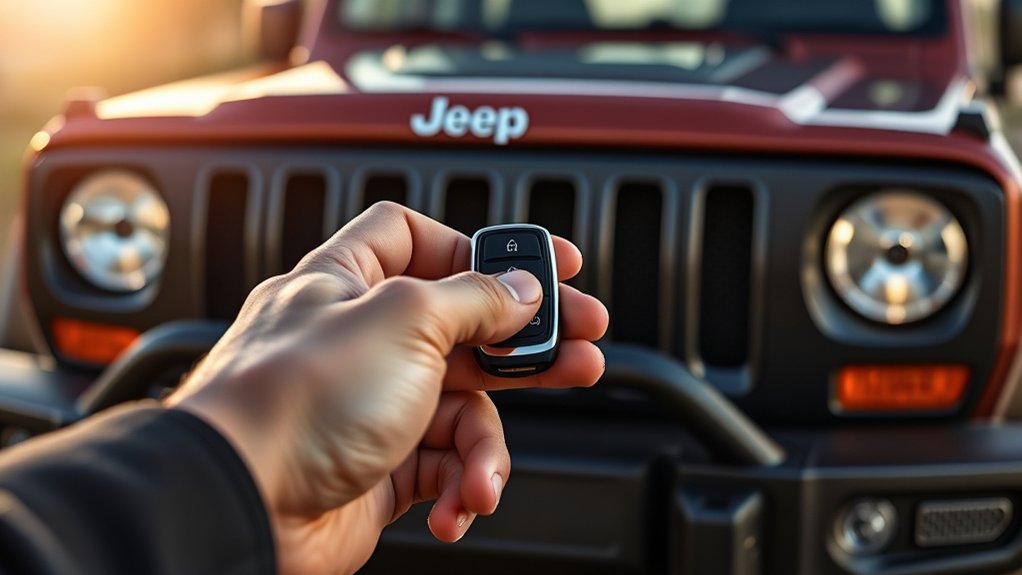
- Immediately press and hold the remote start button (usually marked with a circular arrow) for about three seconds.
- The engine will start, and your Wagoneer’s lights will flash to confirm remote ignition.
Keep in mind, the engine will run for about 15 minutes before shutting off automatically if you don’t enter the vehicle. This feature is perfect for warming up or cooling down your Wagoneer before you hop in.
Remote Starting Your Jeep Wagoneer With Uconnect
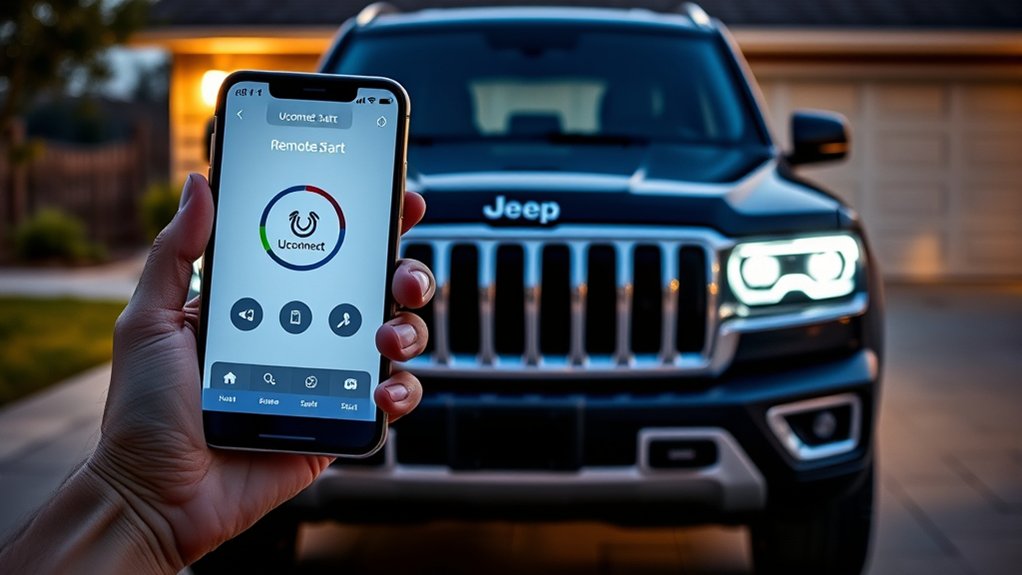
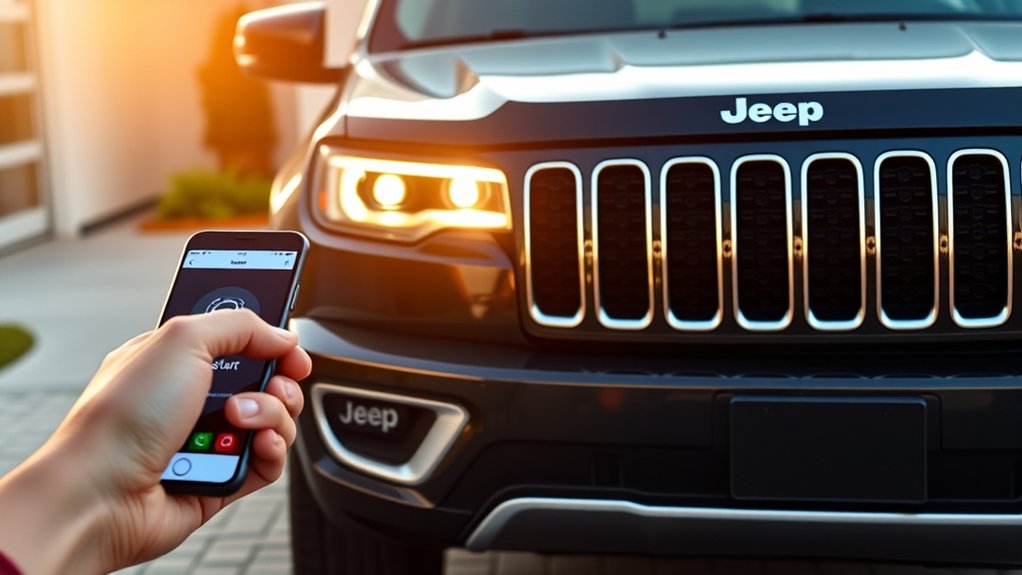
Although using the key fob is convenient, you can also remote start your Jeep Wagoneer through the Uconnect system, giving you control right from your smartphone or computer. Simply open the Uconnect app, select your Wagoneer, and tap the remote start button. This feature lets you warm up or cool down your vehicle before you get inside, improving comfort and convenience.
Here’s a quick overview of what you need to know:
| Feature | Details |
|---|---|
| Device Compatibility | Smartphone, Computer |
| Activation Method | Uconnect app button |
| Range | Anywhere with internet access |
| Engine Run Time | Up to 15 minutes |
| Security | Vehicle must be locked |
Using Uconnect makes remote start easy and versatile.
Troubleshooting Jeep Wagoneer Remote Start
If your Jeep Wagoneer’s remote start isn’t working as expected, you’ll want to check a few common issues that might be causing the problem.
First, verify your key fob battery isn’t dead; a weak battery can prevent signals from reaching your vehicle.
Next, confirm that all doors, the hood, and the trunk are fully closed, as the remote start won’t activate if any are open.
Finally, make sure that your vehicle is in park and the brake pedal isn’t pressed, since these safety conditions must be met.
- Check key fob battery and replace if needed
- Make sure all doors, hood, and trunk are securely closed
- Ensure the vehicle is in park and brake pedal is released
Tips for Safe and Convenient Remote Start
When using the remote start feature on your Jeep Wagoneer, you’ll want to prioritize safety and convenience to get the most from this function. Always confirm your vehicle is parked in a well-ventilated area to avoid carbon monoxide buildup.
Before activating remote start, double-check that all doors, the hood, and the trunk are securely closed. Keep the key fob within range to maintain control and prevent unauthorized use.
Avoid starting your Jeep remotely in crowded or enclosed spaces where it could pose risks. Use remote start to warm or cool your vehicle before you get in, but never leave it unattended for extended periods.
Following these tips helps you enjoy your Jeep Wagoneer’s remote start safely and efficiently every time.
Frequently Asked Questions
Can Remote Start Affect My Jeep Wagoneer’s Warranty?
Remote start usually won’t affect your Jeep Wagoneer’s warranty if it’s factory-installed or dealer-approved. But if you add an aftermarket system improperly, it might void parts of your warranty. Always check with your dealer first.
Does Remote Start Work in Extreme Cold or Heat?
Yes, remote start works in extreme cold and heat. It warms up your engine in freezing weather, cools your interior on hot days, and keeps your Jeep ready, reliable, and comfortable no matter the temperature outside.
How Long Does the Jeep Wagoneer Remote Start Run Before Shutting Off?
Your Jeep Wagoneer’s remote start runs for up to 15 minutes before shutting off automatically. If you need more time, you can restart it remotely again, but it won’t run continuously beyond those intervals.
Can I Disable Remote Start for Valet or Service Situations?
Yes, you can disable remote start for valet or service situations by accessing your Jeep Wagoneer’s settings through the Uconnect system or using the key fob options. This prevents unauthorized remote engine activation.
Are There Any Smartphone Apps Besides Uconnect for Remote Start?
You won’t find many apps besides Uconnect that support remote start for your Jeep Wagoneer. Uconnect remains the primary, secure app designed specifically to work with Jeep’s remote start and vehicle management features.
Conclusion
Now that you’ve revealed the secret to remote starting your Jeep Wagoneer, you’re ready to command your ride like a modern-day wizard. With just a press or a tap, your Jeep springs to life, warming up or cooling down before you even step inside. Embrace this effortless power, and let your journeys begin with ease and comfort—turning every drive into a smooth adventure, right from your fingertips.