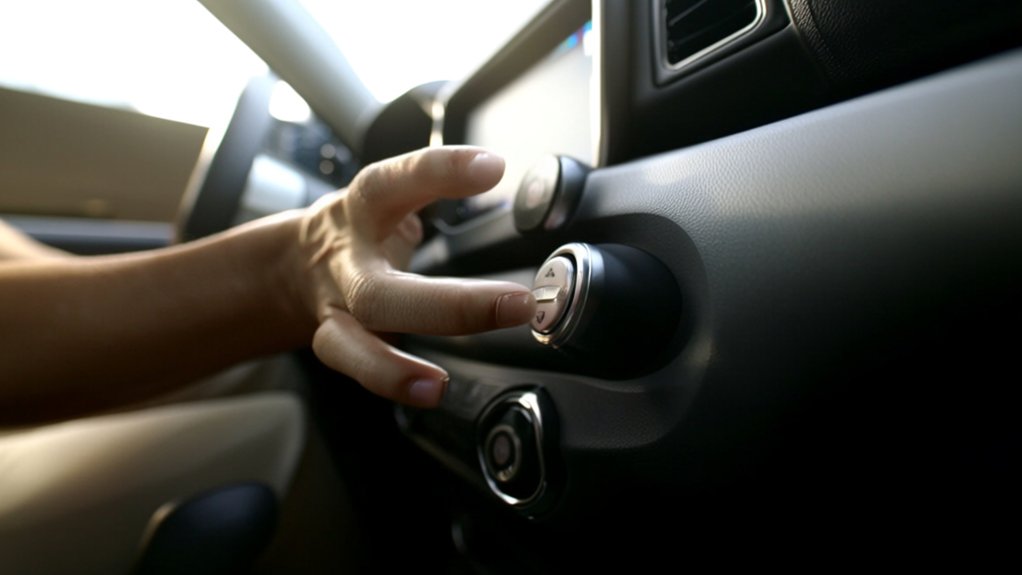
How to Turn Off Auto Stop on Jeep Renegade in 10 Easy Steps
To turn off Auto Stop on your Jeep Renegade, locate the “A” button near the dashboard or center console and press it once to disable the feature for your current drive. Alternatively, use the steering wheel menu to toggle Auto Stop off quickly or access the touchscreen settings to switch it off permanently until you re-enable it. Remember, Auto Stop resets after restarting, but some memory functions may save your preference. Keep going to discover tips for smooth operation and troubleshooting.
How to Locate the Auto Stop Button in Your Jeep Renegade
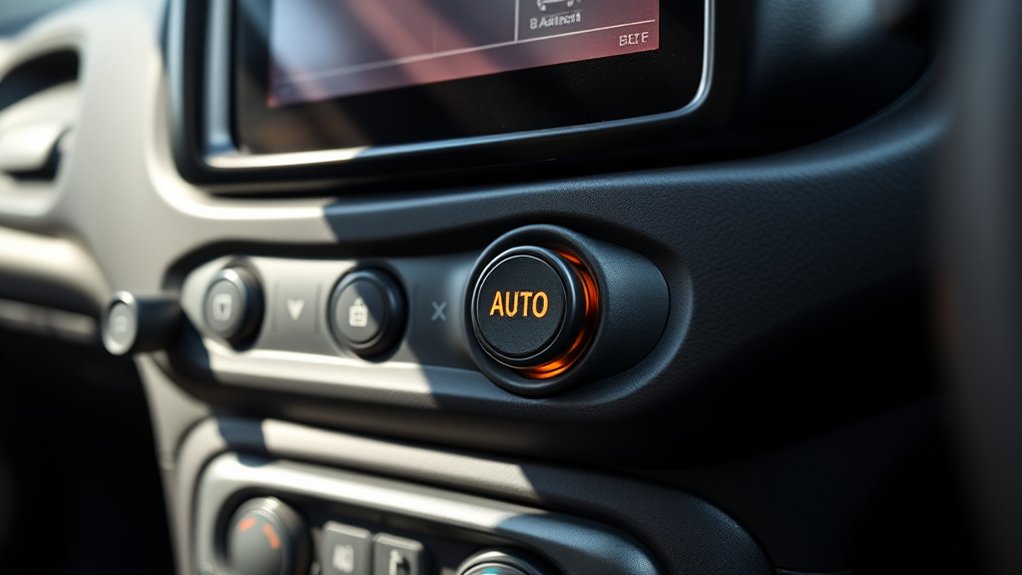
Wondering where to find the auto stop button in your Jeep Renegade? You’ll spot it easily on the dashboard, usually near the steering wheel or center console.
The button often features an “A” with a circular arrow around it, signaling the auto stop/start system. It’s designed for quick access, so you don’t have to dig through menus or settings.
When you press this button, it will temporarily disable the auto stop feature for that drive cycle.
Keep in mind, the exact position can vary slightly depending on your model year or trim level, but it’s almost always within arm’s reach.
Familiarizing yourself with this button will help you control the auto stop function efficiently whenever you need.
How to Disable Auto Stop Using Dashboard Controls
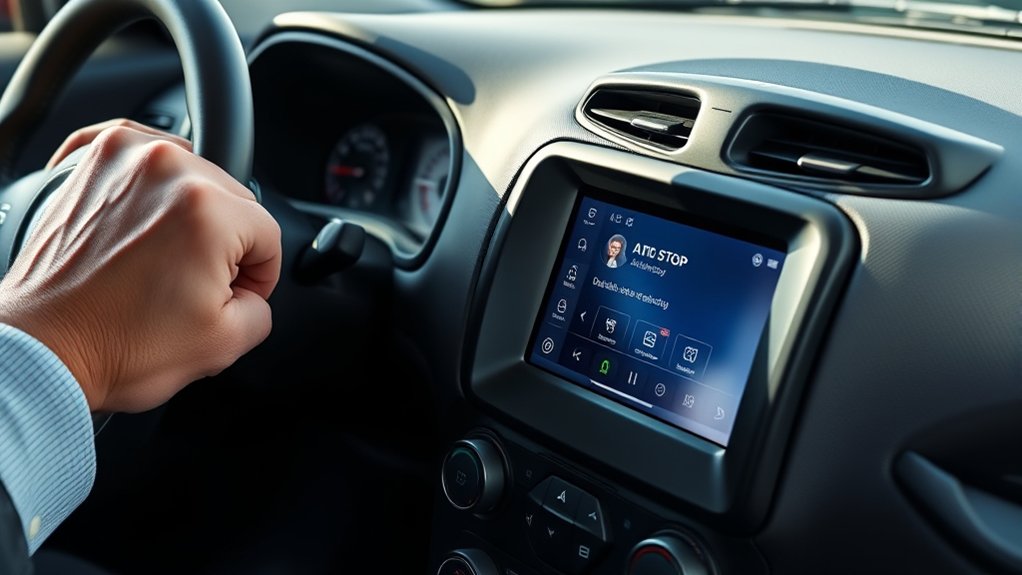
Although the auto stop feature is designed to improve fuel efficiency, you might want to disable it temporarily using your Jeep Renegade’s dashboard controls.
To do this, locate the auto stop button, usually found near the gear shift or on the center console. Press the button once to deactivate the system; you’ll often see an indicator light on the dashboard confirming the feature is off.
Keep in mind this disables auto stop only for the current drive—when you restart your Jeep, the feature reactivates automatically.
If you want to re-enable auto stop during your trip, simply press the button again.
Using the dashboard controls is a quick and straightforward way to manage auto stop without diving into vehicle settings or menus.
Disabling Auto Stop via Steering Wheel Controls
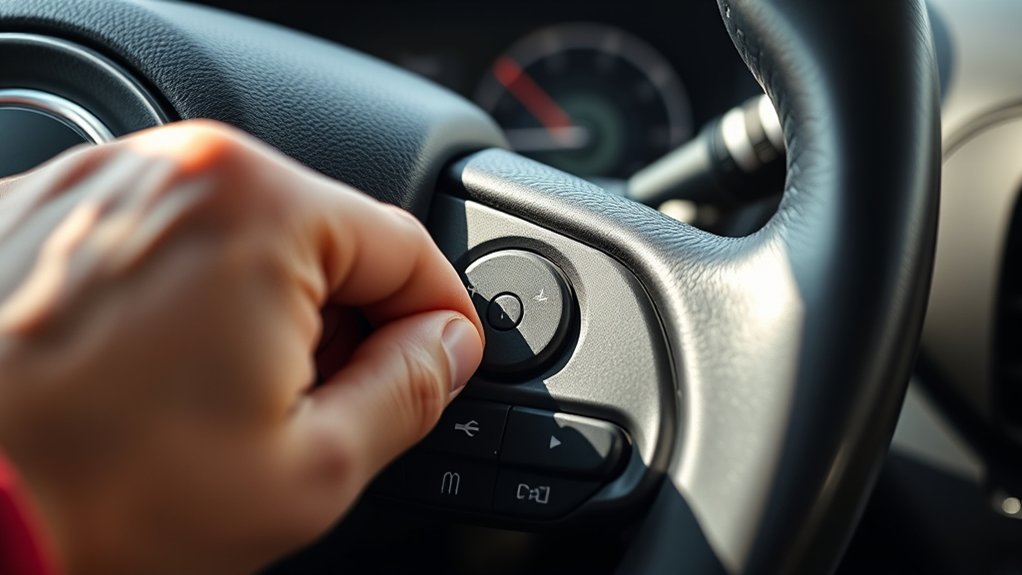
If you prefer to keep your hands on the wheel while managing your Jeep Renegade’s auto stop feature, you can disable it using the steering wheel controls. This method allows you to quickly toggle the auto stop function without diverting your attention from the road. Simply use the buttons on the left side of your steering wheel to navigate through the menu options displayed on your instrument cluster. When you reach the auto stop setting, press the appropriate button to disable it.
| Step | Action |
|---|---|
| Access Menu | Press the menu button on the steering wheel |
| Navigate Options | Use the arrow buttons to find “Auto Stop” |
| Disable Feature | Press the select button to turn off auto stop |
Turning Off Auto Stop Through Vehicle Settings
When you want a more permanent solution, turning off auto stop through your Jeep Renegade’s vehicle settings offers a straightforward approach.
Start by powering on your vehicle and accessing the main menu on the touchscreen display. Navigate to the “Settings” or “Vehicle” section, depending on your model year.
Look for “Auto Stop” or “Stop/Start System” in the options list. Once you find it, select that menu and toggle the feature off. This disables the auto stop function until you decide to turn it back on.
Keep in mind, this setting may vary slightly based on your vehicle’s software version, so consult your owner’s manual if you don’t see the option immediately.
This method ensures you won’t have to disable auto stop every time you start your Jeep.
How to Keep Auto Stop Disabled After Restarting Your Jeep
When you restart your Jeep Renegade, Auto Stop usually resets to its default setting.
To keep it disabled, you’ll want to activate the memory function if your model supports it.
Otherwise, you’ll need to use manual override techniques each time you start your vehicle.
Auto Stop Default Settings
Although the Jeep Renegade’s Auto Stop feature saves fuel by shutting off the engine during stops, you might prefer to keep it disabled permanently. By default, the system reactivates every time you restart your vehicle, which can be frustrating. To manage this, you need to understand the default settings and how they impact Auto Stop behavior.
Here’s what you should know about Auto Stop default settings:
- Auto Stop automatically resets to “on” after each ignition cycle
- The system prioritizes fuel efficiency over user preference
- You can manually disable Auto Stop each time you start the engine
- Some trims may allow limited customization of default settings
- Understanding defaults helps you plan your daily routine better
Knowing these points prepares you to handle Auto Stop more effectively.
Memory Function Activation
Since the Auto Stop feature resets to “on” every time you start your Jeep Renegade, you’ll need to activate the memory function to keep it disabled automatically. This function remembers your last Auto Stop setting and applies it at startup, saving you from toggling it off repeatedly.
To activate memory mode, turn off Auto Stop using the designated button on your dashboard while the engine is running. Then, turn off your vehicle without pressing the Auto Stop button again.
The system records your preference and disables Auto Stop the next time you start your Jeep. Keep in mind, this memory function works only if you don’t manually override the setting before shutting down.
Activating this feature guarantees a seamless, personalized driving experience every time you hit the road.
Manual Override Techniques
If you want to keep Auto Stop disabled after restarting your Jeep Renegade without relying solely on the memory function, you can use manual override techniques to achieve this. These methods help you maintain control over the Auto Stop feature each time you start your vehicle, ensuring a consistent driving experience tailored to your preferences.
Here are some effective manual override techniques:
- Press the Auto Stop off button immediately after ignition.
- Adjust driving habits to prevent activation, like gentle acceleration.
- Use the climate control to keep the engine running.
- Avoid stopping fully in traffic when safe to do so.
- Regularly check the Auto Stop indicator to confirm it’s off.
Troubleshooting Auto Stop Issues on Your Jeep Renegade
If your Jeep Renegade’s Auto Stop isn’t working right, you might be facing common issues like sensor glitches or battery problems.
You can often fix these by resetting the Auto Stop system yourself. Let’s explore how to identify these problems and perform a reset to get things running smoothly again.
Common Auto Stop Problems
While the Auto Stop feature on your Jeep Renegade helps save fuel and reduce emissions, it can sometimes act unpredictably or fail to engage properly. You might notice the engine not shutting off at stops or restarting sluggishly.
Common issues often relate to sensors or system conditions that prevent activation. Here are some frequent problems you could encounter:
- Battery charge too low to support Auto Stop
- Seatbelt or door not securely fastened or closed
- Engine not warmed up to ideal temperature
- Brake pedal not fully depressed or held steadily
- Malfunctioning sensors, like the ABS or coolant temperature sensor
Understanding these can help you identify why Auto Stop might be misbehaving before seeking professional assistance or adjusting settings.
Resetting Auto Stop System
Although the Auto Stop system generally works seamlessly, occasional glitches can disrupt its performance. If you notice the system isn’t activating or deactivating as expected, resetting it can often resolve the issue.
Start by turning off your Jeep Renegade and waiting for a few minutes to allow the system to power down completely. Next, restart the vehicle and drive for a short distance to let the system recalibrate.
If the problem persists, you can try disconnecting the battery for about 15 minutes to force a system reset, but be cautious, as this may also reset other settings.
Finally, consult your owner’s manual or a certified technician if resetting doesn’t fix the problem, ensuring your Auto Stop system functions smoothly again.
What to Do If Auto Stop Won’t Turn Off on Your Jeep
When your Jeep Renegade’s Auto Stop feature refuses to turn off, you need to troubleshoot the issue promptly to regain control.
First, check if the battery is weak, as low voltage can prevent Auto Stop from disabling.
Next, make sure the engine is warm enough; cold engines often keep Auto Stop active.
Also, inspect if the brake pedal sensor is functioning correctly since it signals the system to engage or disengage.
You should verify that the Auto Stop button isn’t faulty or stuck.
Finally, look for any warning lights on the dashboard, which might indicate system malfunctions needing professional diagnosis.
- Check battery health and charge level
- Confirm engine temperature is adequate
- Test brake pedal sensor responsiveness
- Inspect Auto Stop button functionality
- Watch for dashboard warning indicators
Resetting Auto Stop Settings on Your Jeep Renegade
To reset the Auto Stop settings on your Jeep Renegade, start by accessing the vehicle’s main settings menu through the touchscreen or dashboard controls.
Then, navigate to the Auto Stop or Eco settings to find the specific options you want to adjust.
Finally, make certain to save your new preferences before exiting the menu to guarantee the changes take effect.
Accessing Vehicle Settings
Since the Auto Stop feature is controlled through your Jeep Renegade’s onboard system, you’ll need to navigate the vehicle settings menu to make any changes. Start by turning on your ignition without starting the engine.
Use the steering wheel controls or touchscreen, depending on your model, to access the main menu. Then, look for the “Settings” or “Vehicle Settings” option. Within this menu, you’ll find various categories related to driver assistance and engine features.
Keep these points in mind when accessing your settings:
- Use arrow buttons or touchscreen for navigation
- Confirm selections with the OK or Enter button
- Look for “Auto Stop” or “Stop/Start” options
- Accessing settings may differ slightly by model year
- Always refer to your owner’s manual for guidance
This process sets you up to reset or disable Auto Stop effectively.
Navigating Auto Stop Menu
After accessing the vehicle settings menu, locate the Auto Stop or Stop/Start option to begin adjusting its settings. Use the touchscreen or steering wheel controls to highlight this feature.
Once selected, you’ll see options such as enabling, disabling, or resetting Auto Stop. If you want to reset it, look for a “Reset” or “Default” button within this menu.
Selecting it will restore the factory settings for Auto Stop. Pay attention to any prompts asking for confirmation to avoid accidental changes.
Navigate carefully through each submenu to ensure you’re adjusting the correct setting. Remember, some models may display slightly different wording, but the option should be clearly labeled.
Stick to these steps to efficiently reset or modify your Auto Stop preferences.
Saving New Preferences
How do you guarantee your new Auto Stop settings stick once you’ve made changes? After adjusting the settings in your Jeep Renegade, you need to save them properly to avoid reverting to defaults. Here’s how to lock in your preferences:
- Confirm your selections on the touchscreen or dashboard menu before exiting.
- Turn off the ignition briefly to let the system register the changes.
- Restart your vehicle and check if the Auto Stop feature reflects your saved preferences.
- Avoid disconnecting the battery immediately after making changes, as it can reset settings.
- Refer to your owner’s manual for model-specific saving procedures.
Following these steps ensures your Jeep Renegade remembers your Auto Stop preferences, letting you drive with confidence and control.
Best Times to Use Auto Stop for Better Fuel Efficiency
Although it might seem tempting to disable Auto Stop entirely, using it during short stops like traffic lights or brief waits can considerably boost your fuel efficiency.
When you’re idling for less than a minute, Auto Stop cuts fuel use by shutting off the engine. This means you save gas without sacrificing convenience.
However, avoid relying on Auto Stop in heavy stop-and-go traffic or during very brief pauses, as constant restarting might wear your starter faster.
Also, in extreme weather, it’s best to keep the engine running to maintain cabin comfort.
By selectively using Auto Stop during predictable, short stops, you’ll get better mileage without hassle.
Balancing Auto Stop use helps optimize fuel savings while keeping your drive smooth and efficient.
Tips for a Smoother Drive Without Auto Stop Enabled
When you disable Auto Stop on your Jeep Renegade, you’ll want to adjust your driving habits to maintain smoothness and fuel efficiency. Without the system automatically stopping your engine at idle, managing your speed and braking becomes key to a comfortable ride.
Here are some tips to help you drive smoothly without Auto Stop:
- Anticipate traffic flow to avoid unnecessary stops and starts.
- Maintain a steady speed, using cruise control when possible.
- Apply brakes gently to reduce jerky movements.
- Shift to neutral during long stops to reduce engine load.
- Keep your tires properly inflated for better fuel economy and handling.
Frequently Asked Questions
Does Turning off Auto Stop Affect My Jeep Renegade’s Warranty?
Turning off auto stop won’t usually void your Jeep Renegade’s warranty if you use the built-in controls. But avoid aftermarket modifications, as those might affect warranty coverage. Always check your warranty terms to be sure.
Can Auto Stop Be Disabled Permanently Through a Software Update?
You can’t permanently disable auto stop through a software update on your Jeep Renegade. It’s designed to improve fuel efficiency and emissions, so the system resets each time you start the engine for compliance and safety reasons.
Does Disabling Auto Stop Impact My Vehicle’s Emissions Test Results?
Disabling auto stop can impact your emissions test results because it may increase your vehicle’s idle emissions. You should check local regulations, as some areas require auto stop to be active for passing emissions tests.
Is Auto Stop Linked to Any Safety Features in the Jeep Renegade?
Like a guardian angel, auto stop ties into safety by reducing engine idling, cutting emissions, and promoting alertness at stops. You’ll appreciate how it subtly supports safer, greener driving without distracting you from the road.
How Does Auto Stop Affect Battery Life in My Jeep Renegade?
Auto Stop can slightly strain your Jeep Renegade’s battery since it repeatedly stops and starts the engine, but modern batteries and charging systems handle it well. Just keep your battery maintained to avoid issues.
Conclusion
Turning off auto stop on your Jeep Renegade is as simple as flipping a switch, giving you full control over your ride. While it’s a helpful feature for fuel savings, knowing how to disable it guarantees you won’t be caught off guard when you want a smoother, uninterrupted drive. Remember, mastering these steps lets you steer your driving experience like a captain maneuvering through calm and stormy seas alike.