7 Easy Steps to Set Up Apple CarPlay in Your Jeep Renegade
To set up Apple CarPlay in your Jeep Renegade, first make certain your model supports CarPlay and runs Uconnect 3 or newer. Prepare your iPhone by enabling Siri and using an undamaged Lightning cable or wireless connection. Connect your iPhone to the vehicle, approve the prompts, then activate CarPlay via the media or apps menu. Customize your CarPlay settings for easier use, and troubleshoot any issues by checking connections and software. Keep following to explore how to maximize your CarPlay experience.
Check Your Jeep Renegade’s Compatibility With Apple CarPlay
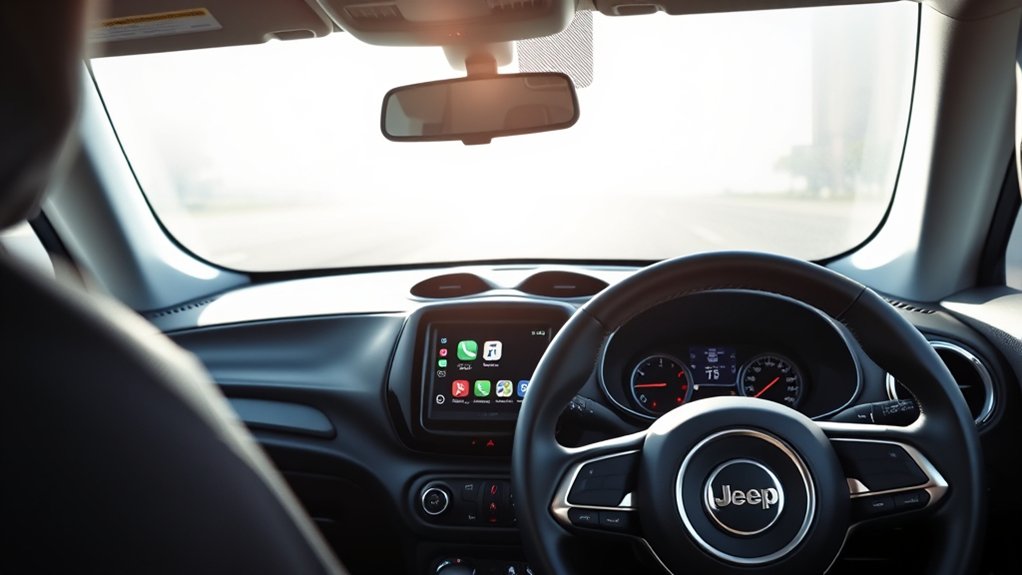
Before you begin setting up Apple CarPlay, make sure your Jeep Renegade supports it. Not every model or year comes with CarPlay compatibility, so it’s important to verify this first. Generally, Jeep Renegades from 2017 onward offer Apple CarPlay, but double-check your specific trim and infotainment system. You can find this information in your owner’s manual or on Jeep’s official website.
Additionally, look for the Uconnect system, as CarPlay works through it in Jeep vehicles. If your Renegade has Uconnect 3 or newer, you’re likely good to go. Confirming compatibility upfront saves you time and frustration, ensuring a smoother setup experience once you connect your iPhone.
If your Jeep lacks CarPlay, consider software updates or aftermarket solutions.
Get Your iPhone Ready for Apple CarPlay
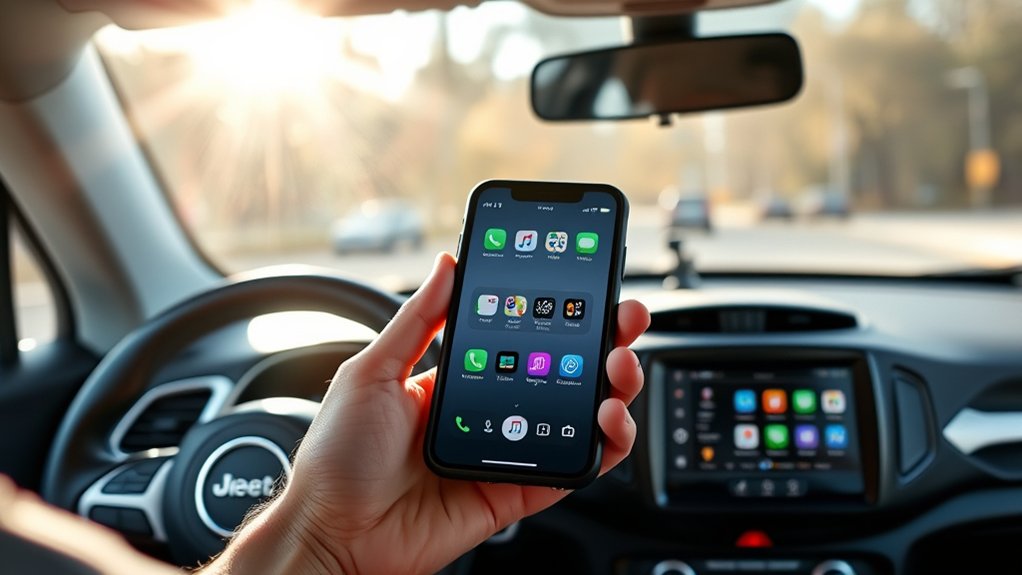
Although setting up Apple CarPlay in your Jeep Renegade is straightforward, you need to verify your iPhone is ready for the connection.
First, confirm your iPhone runs iOS 7.1 or later, as earlier versions won’t support CarPlay.
Next, check that Siri is enabled—CarPlay relies on it for voice commands. You can turn Siri on by going to Settings > Siri & Search.
Also, make sure your iPhone’s screen is unlocked when connecting.
If you use a USB cable, inspect it for damage to avoid connection issues.
Lastly, disable any restrictions that might block CarPlay by browsing to Settings > Screen Time > Content & Privacy Restrictions > Allowed Apps, then enable CarPlay.
Once your iPhone meets these requirements, you’re all set to connect it to your Jeep Renegade.
Connect Your iPhone to Apple CarPlay in Your Jeep Renegade
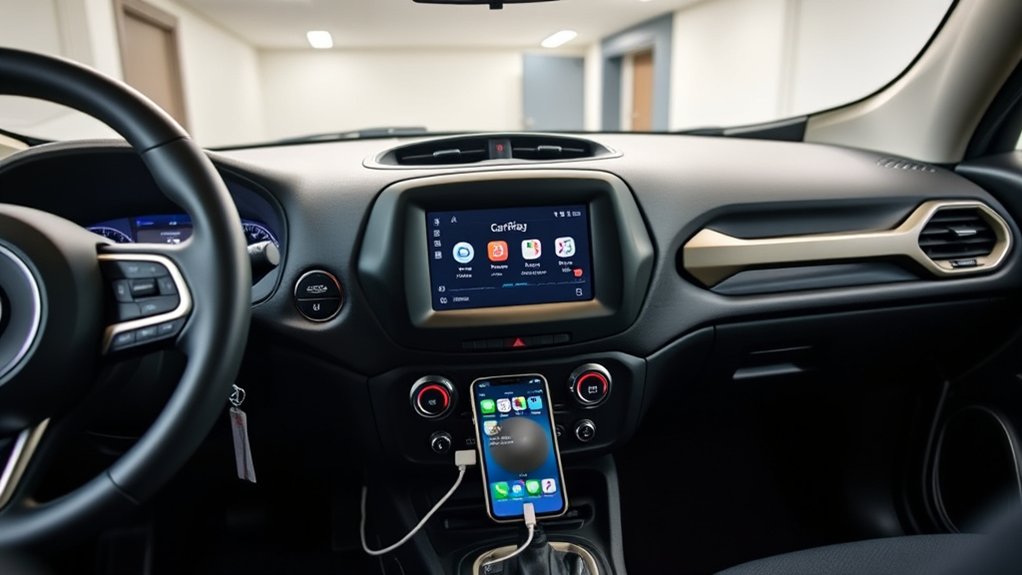
Wondering how to get your iPhone connected to Apple CarPlay in your Jeep Renegade? Start by plugging your iPhone into the USB port using a Lightning cable. This port is usually labeled with a smartphone or CarPlay icon.
If your Renegade supports wireless CarPlay, make sure Bluetooth and Wi-Fi are enabled on your iPhone. Then, pair your iPhone with the vehicle via Bluetooth settings.
Once connected, your iPhone should prompt you to allow CarPlay access. Tap “Allow” to proceed. If the prompt doesn’t appear, check your iPhone’s settings under General > CarPlay, and select your Jeep Renegade from the list of available vehicles.
Following these steps guarantees your iPhone establishes a solid connection with the CarPlay system, ready for activation.
Turn On Apple CarPlay in Your Jeep Renegade
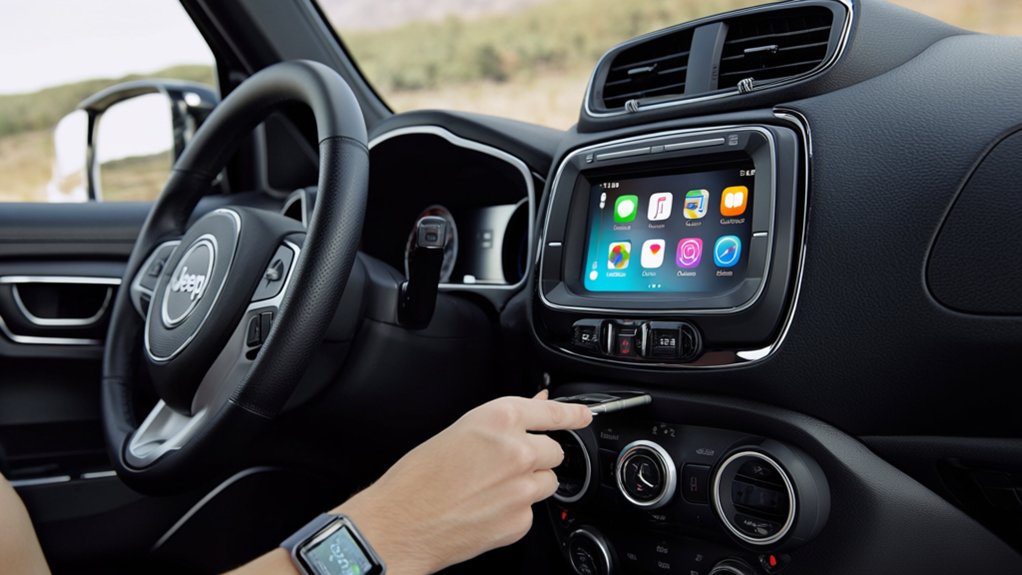
Once your iPhone is connected to Apple CarPlay, you’re ready to turn on the feature in your Jeep Renegade. Start by pressing the “Media” or “Source” button on your Renegade’s infotainment system.
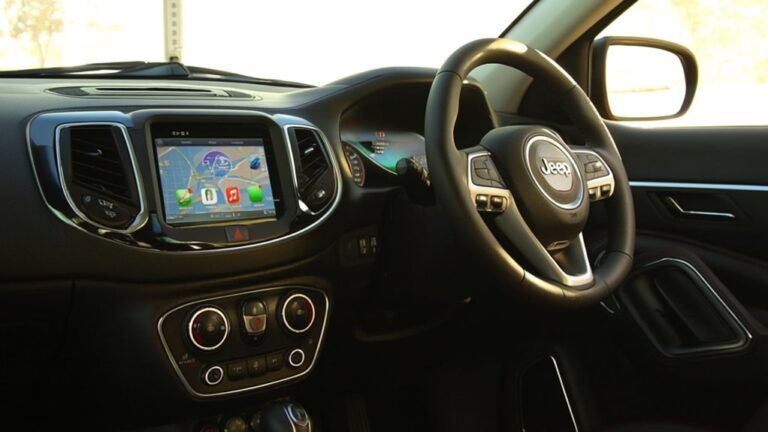
Look for the Apple CarPlay icon on the touchscreen display, then tap it to launch the interface. If it doesn’t appear automatically, navigate to the settings menu, select “Apps,” then choose “Apple CarPlay.” Confirm you want to enable it.
Your Jeep’s screen will switch to the CarPlay home screen, showing familiar app icons from your iPhone. From here, you can easily access navigation, music, messages, and more.
Make sure your phone stays connected via USB or Bluetooth to keep CarPlay active during your drive.
Customize Apple CarPlay Settings for Your Driving Style
To make the most of Apple CarPlay in your Jeep Renegade, you’ll want to personalize its settings to fit your driving habits. Start by rearranging app icons on your CarPlay home screen to keep your most-used apps within easy reach.
You can do this on your iPhone under Settings > General > CarPlay, then select your Jeep Renegade and drag the apps as you prefer.
Adjust the display brightness and enable dark mode for comfortable viewing, especially during night drives.
You can also fine-tune notification settings so you only get alerts that matter while driving.
Finally, check your Siri preferences to ensure voice commands work smoothly, helping you stay focused on the road.
Customizing these features tailors CarPlay to your style, making each drive more enjoyable.
Use Hands-Free Calls, Navigation & Music With Apple CarPlay
You can make hands-free calls easily while keeping your eyes on the road. Apple Maps offers turn-by-turn navigation that guides you smoothly to your destination.
Plus, you can control all these features with simple voice commands for safer driving.
Making Hands-Free Calls
Although driving demands your full attention, Apple CarPlay lets you keep in touch without distraction by enabling hands-free calls. Simply press the voice command button on your Jeep Renegade’s steering wheel or tap the CarPlay Home button to activate Siri.
Then, just say who you want to call or ask Siri to dial a specific number. CarPlay reads incoming calls aloud, so you can answer or decline without lifting a finger.
You can also access your recent calls and contacts directly from the CarPlay interface, making it easy to stay connected while keeping your hands on the wheel.
This seamless integration helps you focus on the road while managing calls safely and effortlessly.
Navigating With Apple Maps
Staying connected with hands-free calls is just one way Apple CarPlay keeps you focused on the road. Guiding with Apple Maps takes it a step further by offering clear, turn-by-turn directions right on your Jeep Renegade’s display. Just say, “Hey Siri, take me home,” and Apple Maps will plot the fastest route without distractions.
You’ll also get real-time traffic updates and estimated arrival times, helping you avoid delays. If you need to change your destination, just ask Siri—no need to touch your phone.
Plus, Apple Maps integrates seamlessly with your music and calls, so you can easily switch between tasks without losing focus. With Apple CarPlay, guidance becomes safer and more convenient every time you drive.
Fix Common Apple CarPlay Connection Problems
When Apple CarPlay doesn’t connect properly in your Jeep Renegade, it can quickly turn a smooth drive into a frustrating experience. First, make sure your iPhone is unlocked and that Siri is enabled.
Check your USB cable for damage or try a different one, as faulty cables often cause connection issues. If you’re using wireless CarPlay, ensure Bluetooth and Wi-Fi are turned on.
Restart your iPhone and your vehicle’s infotainment system to clear temporary glitches. Also, verify that CarPlay is enabled in your iPhone’s settings under “Screen Time” or “Restrictions.”
If problems persist, update your iPhone’s iOS and your Jeep’s infotainment software. Following these steps will resolve most common connection problems, letting you enjoy Apple CarPlay hassle-free.
Frequently Asked Questions
Can Apple Carplay Work With Android Phones in the Jeep Renegade?
No, Apple CarPlay won’t work with Android phones because it’s designed exclusively for iPhones. Instead, you can use Android Auto to connect your Android device and get similar features in your Jeep Renegade.
Does Apple Carplay Drain My Jeep Renegade’s Battery When Idle?
Apple CarPlay uses about 0.5% of your Jeep Renegade’s battery per hour when idle, so it won’t drain it substantially. You can leave it connected without worrying about a dead battery during short stops.
Are There Any Monthly Fees for Using Apple Carplay?
No, you won’t have to pay any monthly fees to use Apple CarPlay. It’s a free feature that connects your iPhone to your Jeep Renegade, letting you access apps and navigation without extra costs.
Can I Use Apple Carplay Wirelessly in the Jeep Renegade?
You can’t have your cake and eat it too—Apple CarPlay in the Jeep Renegade usually requires a wired connection. Wireless CarPlay isn’t commonly supported, so you’ll need to plug in your iPhone to use it smoothly.
Is Apple Carplay Compatible With Aftermarket Jeep Renegade Stereo Systems?
Yes, you can use Apple CarPlay with many aftermarket Jeep Renegade stereo systems, but compatibility depends on the specific model. Make sure to check the stereo’s features and confirm it supports Apple CarPlay before purchasing.
Conclusion
Setting up Apple CarPlay in your Jeep Renegade is simple and satisfying. With seamless steps, you’ll swiftly sync your smartphone, spark smarter navigation, and savor sound while steering safely. Customize your connection, conquer common glitches, and cruise confidently with hands-free calls and music. Embrace effortless entertainment and enjoy every adventurous avenue ahead. Your Jeep journey just got a joyful jumpstart—drive dynamic, drive digitally, and immerse yourself in driving delight with Apple CarPlay!