How to Start Jeep Grand Cherokee With Key in 10 Easy Steps
To start your Jeep Grand Cherokee with a key, first locate the ignition slot on the right side of the steering column. Insert the key fully, then turn it to “ACC” to power accessories. Next, switch to “ON” to activate the dashboard and perform system checks. Turn the key to “START” briefly to crank the engine, then release as it fires up. Adjust your seat and mirrors before driving and remember to remove the key safely when parked. Keep following for tips on troubleshooting and security resets.
Locate the Ignition Key Slot on Your Jeep Grand Cherokee
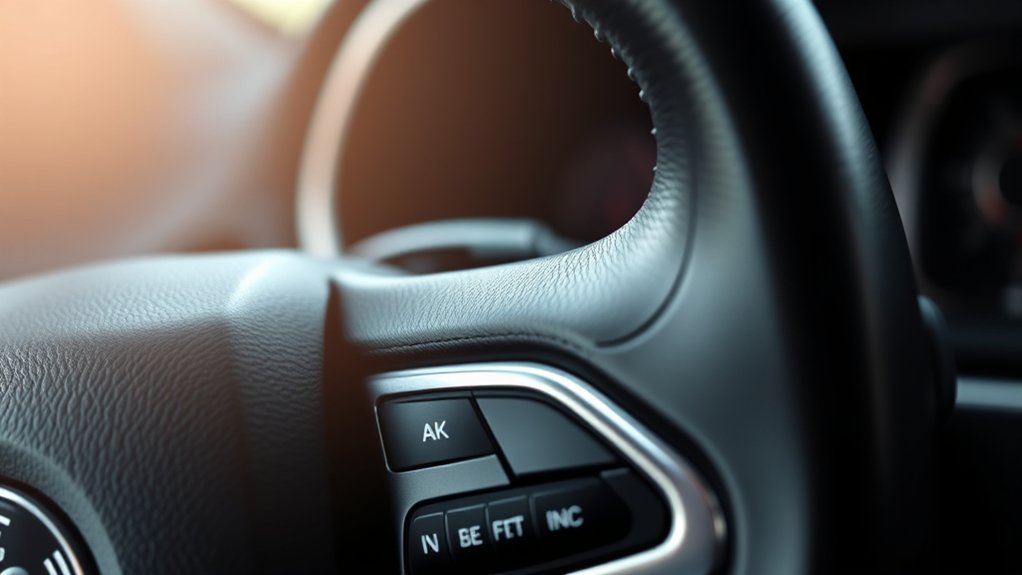
Where exactly do you find the ignition key slot on your Jeep Grand Cherokee? It’s typically located on the right side of the steering column, just below the steering wheel.
When you sit in the driver’s seat, look directly to your right and slightly down; you’ll spot the slot designed to accept your key.
In some models, the slot might be integrated into the steering column itself, blending smoothly with the dashboard.
If your Jeep Grand Cherokee features a push-to-start button instead, it won’t have a traditional key slot, but older models or those with a key-based ignition will.
Knowing this exact location helps you avoid fumbling or confusion when you’re ready to get going.
Insert the Key Fully Into the Ignition Switch

Before turning your Jeep Grand Cherokee on, make sure you insert the key fully into the ignition switch. Don’t just push it halfway in; the key needs to go all the way to engage the internal mechanisms properly.
When you insert the key, you should feel a slight resistance as it aligns with the tumblers inside the lock cylinder. If you force the key or it doesn’t slide in smoothly, double-check that you’re using the correct key and that it’s not damaged.
Also, verify the steering wheel isn’t locked, as this can prevent the key from going in completely. Fully inserting the key is crucial for the ignition to recognize it and allows you to proceed with starting your Jeep safely and effectively.
Turn the Key to “ACC” to Power Accessories
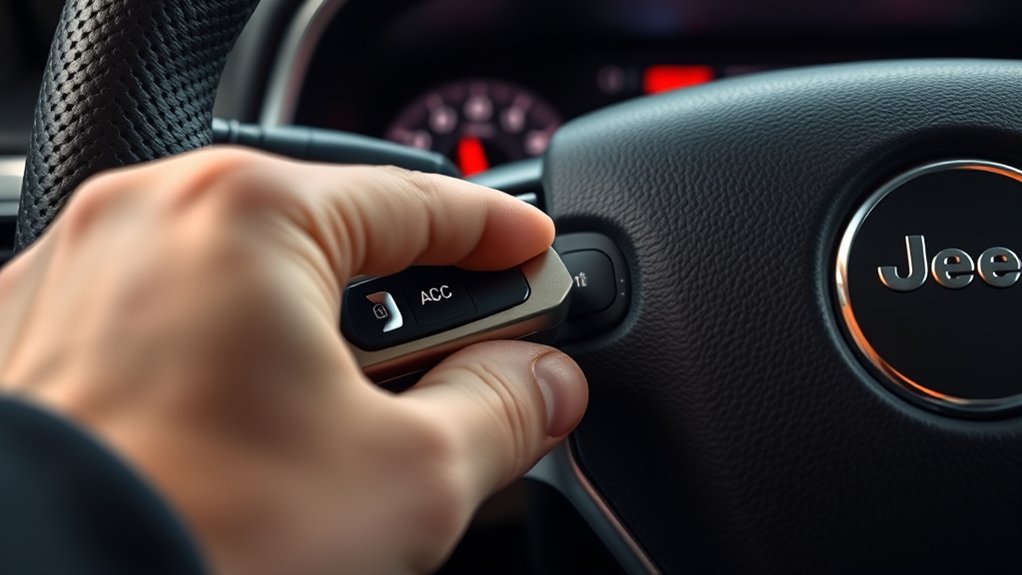
Once you’ve fully inserted the key into the ignition switch, the next step is to turn it to the “ACC” (accessory) position. This setting lets you power the Jeep’s electrical accessories without starting the engine.
You’ll notice that the radio, power windows, and other electronic features become active, allowing you to use them while the engine remains off. Turning the key to “ACC” is especially useful when you want to listen to music or charge devices without draining the battery too much.
Be sure not to leave it in this position for an extended period, as it can slowly deplete the battery. When you’re ready to proceed, you’ll turn the key further to the “ON” position, but for now, “ACC” keeps your accessories powered and your engine off.
Turn the Key to “ON” to Power the Dashboard
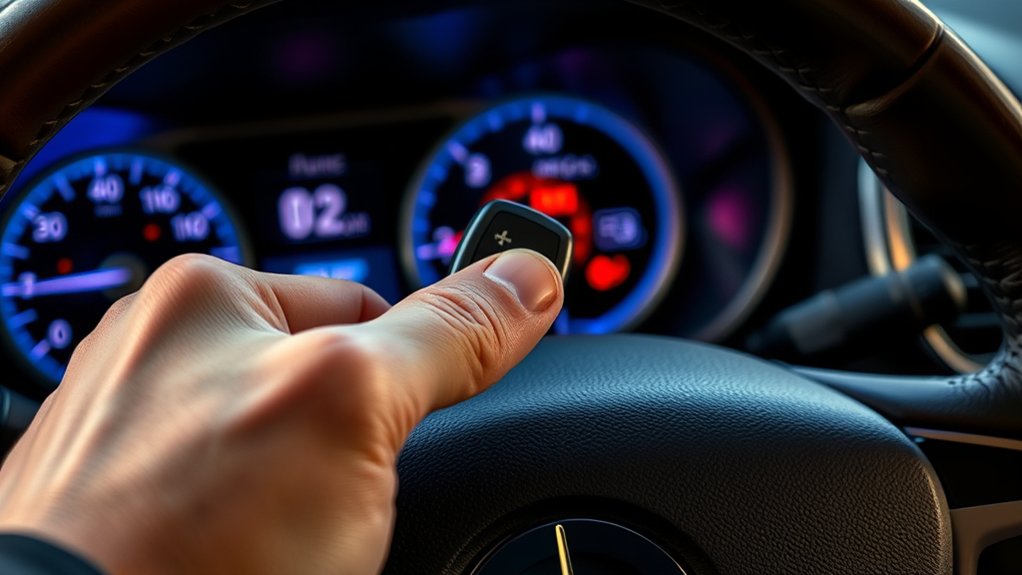
Next, turn the key to the “ON” position to power up the dashboard. You’ll see the dashboard lights come on, which lets you check that the electrical systems are working properly.
This step guarantees your Jeep is ready for a smooth start.
Dashboard Lights Activation
When you turn the key to the “ON” position, the dashboard lights activate, giving you a clear view of your vehicle’s status. These lights help you quickly identify if everything’s running smoothly or if there’s an issue that needs your attention. It’s an essential step before you start the engine because it guarantees you’re aware of your Jeep Grand Cherokee’s condition.
| Light Symbol | Meaning | Your Feeling |
|---|---|---|
| Battery | Charging system | Reassured |
| Oil Pressure | Engine oil level | Alert |
| Check Engine | Engine status | Cautious |
| ABS | Brake system | Confident |
Recognizing these lights keeps you safe and prepared as you get ready to drive.
Electrical Systems Check
Although turning the key to the “ON” position doesn’t start the engine, it powers up the dashboard and electrical systems, letting you verify everything is functioning properly before you drive.
When you turn the key to “ON,” you’ll see the dashboard lights illuminate, and you can listen for any unusual sounds from the fuel pump or other components. This step also activates critical systems like the ABS, airbags, and the electronic control unit (ECU).
Check that all warning lights turn on briefly and then go off, signaling that the systems have passed their self-checks. If any warning light stays on, it could indicate a problem that needs attention before starting.
This quick electrical systems check helps guarantee your Jeep Grand Cherokee is safe and ready to go.
Turn the Key to “START” to Start the Engine
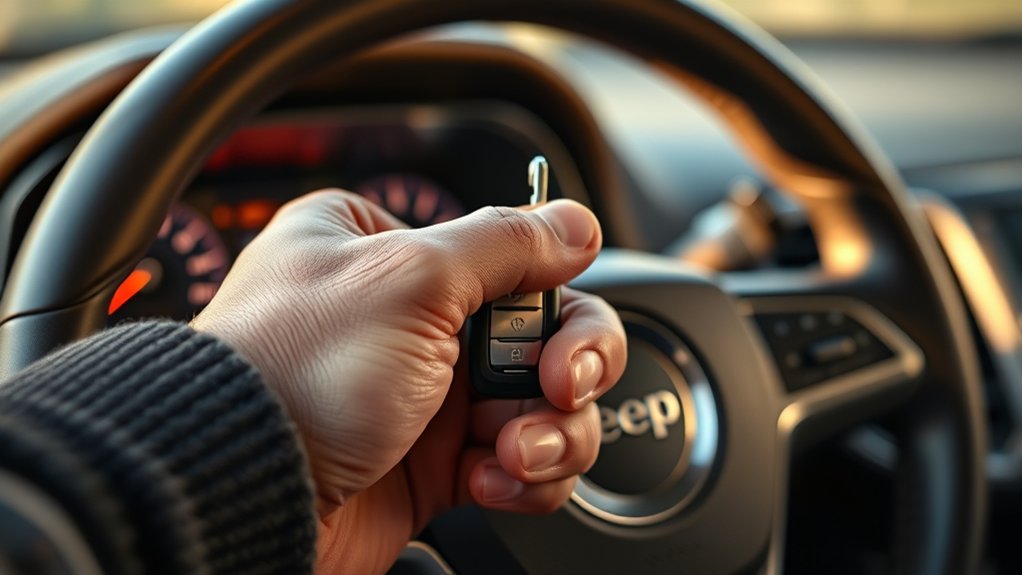
Before the engine roars to life, you’ll need to turn the key firmly to the “START” position. This action engages the starter motor, which cranks the engine to get it running. Here’s how to do it correctly:
- Insert the key fully into the ignition switch.
- Turn the key clockwise all the way to the “START” position without forcing it.
- Hold the key in this position briefly until you hear the engine begin to turn over.
Be sure not to hold the key in “START” for more than 10 seconds to avoid damaging the starter motor. If the engine doesn’t start, release the key, wait a moment, and try again.
Turning the key smoothly and firmly is essential for a successful start.
Release the Key Once the Engine Fires Up
Once the engine fires up, you’ll want to release the key promptly to avoid over-cranking.
Watch for the engine’s smooth sound and dashboard lights to confirm it’s running properly. Timing this right helps protect your Jeep’s starter and guarantees a clean start every time.
Timing To Release Key
When the engine fires up, you should promptly release the key to avoid damaging the starter motor. Holding the key too long can cause unnecessary wear and potentially lead to costly repairs. Timing is essential for a smooth start and long-lasting components.
Here’s how to get it right:
- Turn the key to the start position and hold it only until the engine ignites.
- As soon as you hear the engine running steadily, release the key immediately.
- If the engine doesn’t start within 5 seconds, stop and wait a moment before trying again to prevent overheating the starter.
Engine Start Indicators
Pay close attention to the sounds and vibrations as the engine starts, since these indicators tell you exactly when to release the key. When you turn the key, listen for the engine’s initial cranking sound.
As soon as the engine fires up and settles into a steady idle, you’ll feel a subtle vibration through the steering wheel or seat. This steady hum means the engine is running smoothly.
At this point, immediately release the key to avoid over-cranking, which can wear out your starter motor. Holding the key too long won’t start the engine faster; it only strains the system.
Trust these audio and tactile cues to know the perfect moment to let go, ensuring you start your Jeep Grand Cherokee efficiently and safely every time.
Check Dashboard Warning Lights and What They Mean
Before you start your Jeep Grand Cherokee, take a moment to check the dashboard warning lights—they provide essential information about your vehicle’s status. These lights help you identify any issues that need attention before driving.
Here are three key warning lights to watch for:
- Check Engine Light: Indicates a problem with the engine or emissions system. If it stays on, get your vehicle inspected promptly.
- Battery Warning Light: Signals a charging system issue. If this light appears, your battery mightn’t be charging properly.
- Oil Pressure Warning Light: Means oil pressure is low, which can damage the engine. Stop the vehicle immediately and check oil levels.
Recognizing these lights guarantees your Jeep runs safely and smoothly.
Adjust the Steering Wheel and Seat Before Driving
Since comfort and control are essential for safe driving, you should adjust the steering wheel and seat to fit your body perfectly. First, sit in the driver’s seat and move it forward or backward so your feet comfortably reach the pedals without stretching.
Adjust the seat height to guarantee a clear view of the dashboard and road. Next, tilt and telescope the steering wheel so you can hold it with slightly bent arms, avoiding strain. Make sure you have full control without leaning forward.
Proper positioning helps you react quickly and reduces fatigue during drives. Once adjusted, check your mirrors to align with your new seating position.
Taking these simple steps ensures a safer, more comfortable ride every time you drive your Jeep Grand Cherokee.
Remove the Jeep Grand Cherokee Key Safely After Parking
After adjusting your seat and steering wheel for a comfortable drive, you’ll want to remove the Jeep Grand Cherokee key safely once you’ve parked. Doing so correctly ensures your vehicle is secure and prevents unnecessary wear on the ignition.
Here’s how to do it:
- Shift to Park (P): Make sure the gear lever is firmly in the Park position to prevent any movement.
- Turn Off the Engine: Rotate the key to the “OFF” position, ensuring all dashboard lights go out.
- Remove the Key: Gently pull the key out of the ignition without forcing it. If it resists, double-check the gear is in Park.
Following these steps helps you avoid damage and keeps your Jeep ready for the next drive.
Fix Common Problems When Your Key Won’t Start the Jeep
If your Jeep Grand Cherokee won’t start, check the key battery first since a weak battery can block the signal.
You should also inspect the ignition cylinder for any sticking or damage.
Finally, try resetting the security system to rule out any electronic locks preventing ignition.
Key Battery Troubleshooting
When your Jeep Grand Cherokee won’t start, a dead or weak key fob battery often causes the problem. Before assuming anything else, check your key battery first. Here’s how to troubleshoot it effectively:
- Replace the battery: Open your key fob carefully and swap out the old battery with a fresh one, usually a CR2032 or similar coin cell.
- Test the key fob: After replacement, try locking or unlocking the doors to ensure the fob is working correctly.
- Use the backup method: If your key still won’t start the Jeep, try the physical key or hold the fob near the start button, as some models allow starting without a full battery signal.
Ignition Cylinder Issues
Replacing your key fob battery often solves starting issues, but sometimes the problem lies within the ignition cylinder itself.
If your key won’t turn or feels stuck, the cylinder may be worn or damaged. Dirt, debris, or lack of lubrication can also cause the key to jam.
First, try spraying a small amount of graphite lubricant into the ignition to ease the mechanism. Avoid using oil-based lubricants as they attract dirt.
If the key still won’t turn, inspect it for wear or damage. A bent or worn key can prevent proper engagement.
In cases where the cylinder is faulty, you may need to have it repaired or replaced by a professional locksmith or dealership to restore smooth starting functionality.
Security System Reset
Although modern Jeep Grand Cherokees come equipped with advanced security systems to prevent theft, these same features can sometimes interfere with starting your vehicle. If your key won’t start the Jeep, you might need to reset the security system to resolve the issue quickly.
Here’s how you can reset it:
- Insert your key into the ignition and turn it to the “On” position without starting the engine.
- Leave the key in this position for about 10 minutes until the security light stops blinking or turns off.
- Turn the key back to the “Off” position, then try starting the engine again.
This simple reset often clears security glitches and helps your Jeep recognize the key properly.
Frequently Asked Questions
How Do I Program a New Key for My Jeep Grand Cherokee?
You’ll need your existing key and the new one. Insert the original key, turn to ON, then OFF, quickly insert the new key, turn it ON, and wait for the security light to turn off. Repeat if needed.
Can I Start My Jeep Grand Cherokee With a Smartphone App?
You can’t judge a book by its cover, and yes, you can start your Jeep Grand Cherokee with a smartphone app if it supports remote start features. Just make certain your vehicle’s connected and the app’s properly set up.
What Should I Do if My Key Fob Battery Dies?
If your key fob battery dies, use the physical key inside the fob to open the door. Then, place the fob near the start button or ignition to start your Jeep. Replace the battery as soon as possible.
Is It Possible to Start the Jeep Grand Cherokee Remotely?
Remote starting your Jeep Grand Cherokee is like having a magic wand—you can fire it up from afar using the key fob or the Uconnect app, letting you warm up or cool down your ride before you even step inside.
How Do I Disable the Immobilizer System on My Jeep?
You can’t easily disable the immobilizer yourself, as it’s an essential security feature. Instead, visit a dealer or qualified locksmith who can reprogram or disable it using specialized tools and software. Don’t try to bypass it yourself.
Conclusion
Starting your Jeep Grand Cherokee is simple and satisfying when you follow these steps. By locating the slot, turning the key through each stage, and tackling troubles thoughtfully, you take total control. Remember, readiness and routine prevent roadblocks, making every ride reliable and rewarding. So, steer smartly, start smoothly, and savor the seamless sensation of your Jeep’s powerful performance. Keep confidence cruising—your Grand Cherokee’s journey just got joyful!