How to Set Seat Memory in Jeep Grand Cherokee in 3 Easy Steps
To set seat memory in your Jeep Grand Cherokee, first park the vehicle and turn the ignition on. Next, adjust the seat, mirrors, and steering wheel to your preferred positions for comfort and safety. Then, press and hold the “SET” button on the door panel until you hear a beep, followed by pressing a numbered memory button (1 or 2) to save your settings. Keep going to discover how this feature can simplify your driving experience.
Set Your Jeep Grand Cherokee Seat Memory Settings
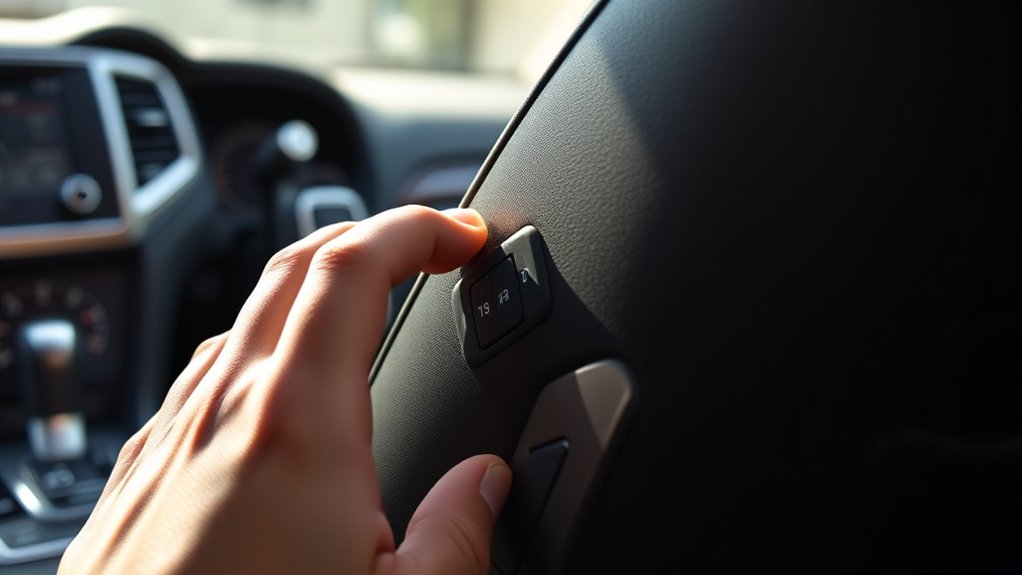
Before you begin, make sure your Jeep Grand Cherokee is in park with the ignition on.
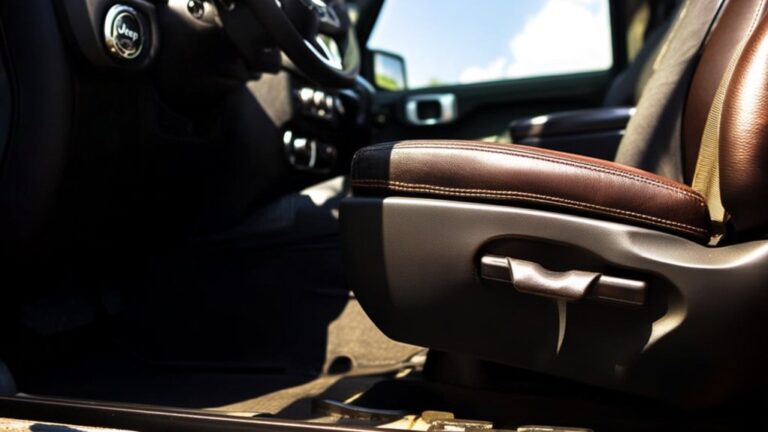
To set your seat memory, first adjust your seat to the position that feels most comfortable.
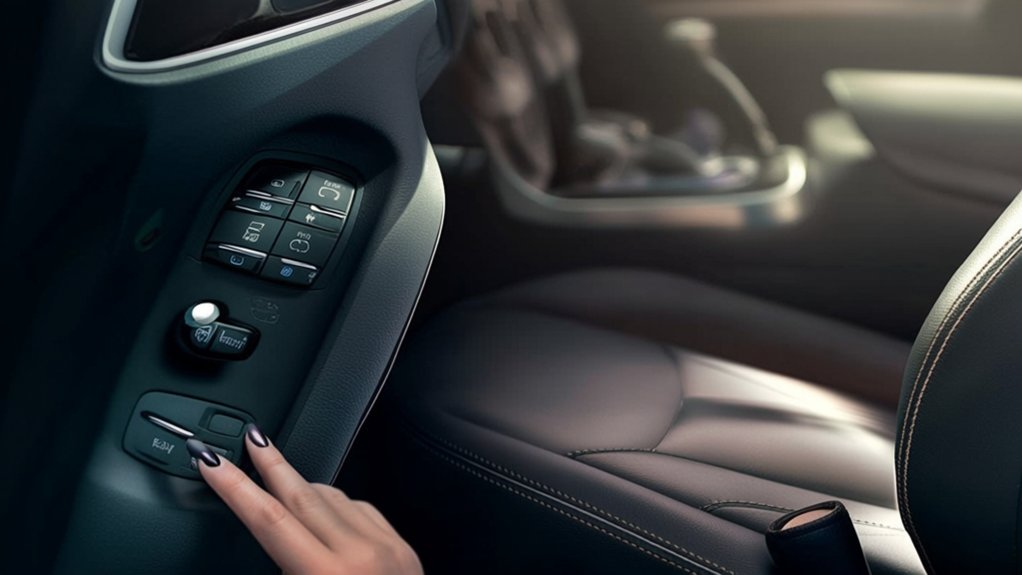
Then, press and hold the “SET” button on the door panel until you hear a beep.
Next, press one of the numbered memory buttons (usually 1 or 2) to save that position.
The system will confirm your choice with a beep or light indicator.
You can repeat this process to save a second preferred seat position.
Once saved, your Jeep will automatically move the seat to your chosen settings when you press the corresponding memory button.
This feature helps you quickly get comfortable without manual readjustments every time.
Adjust Seat, Mirrors, and Steering Wheel Positions
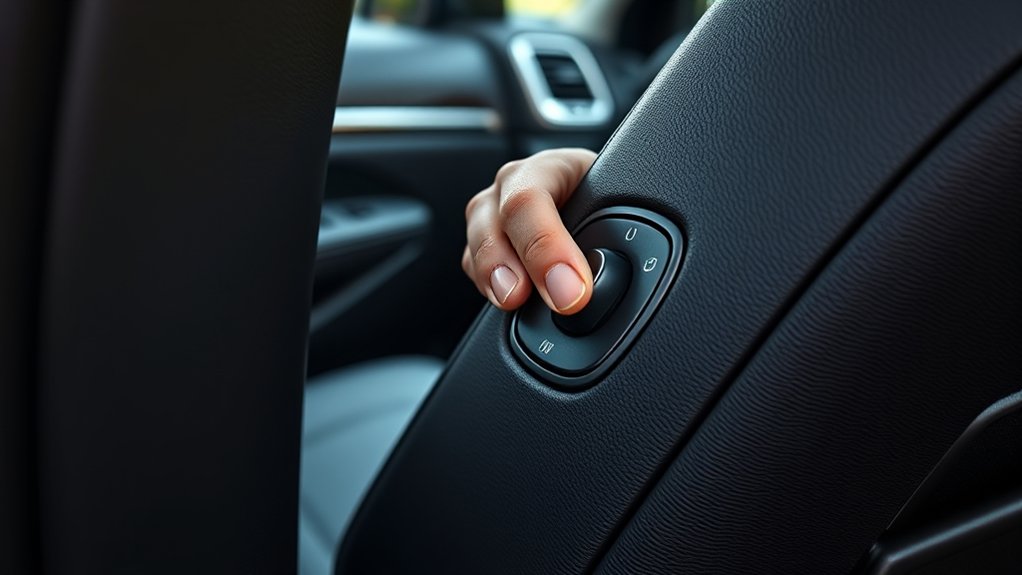
Once you’ve saved your seat memory settings, take a moment to adjust your mirrors and steering wheel to guarantee ideal visibility and comfort.
Start with the side mirrors—use the controls on the driver’s door panel to tilt them until you have a clear view of the lanes beside and behind you.
Next, adjust the rearview mirror for a full view through the back window.
Then, move on to the steering wheel. Use the tilt and telescoping controls, usually located beneath the steering column, to position it so your hands rest comfortably while maintaining clear sight of the dashboard.
Properly adjusting these elements not only improves comfort but also enhances safety by minimizing blind spots and ensuring all controls are within easy reach.
Save and Recall Your Jeep Seat Memory Easily
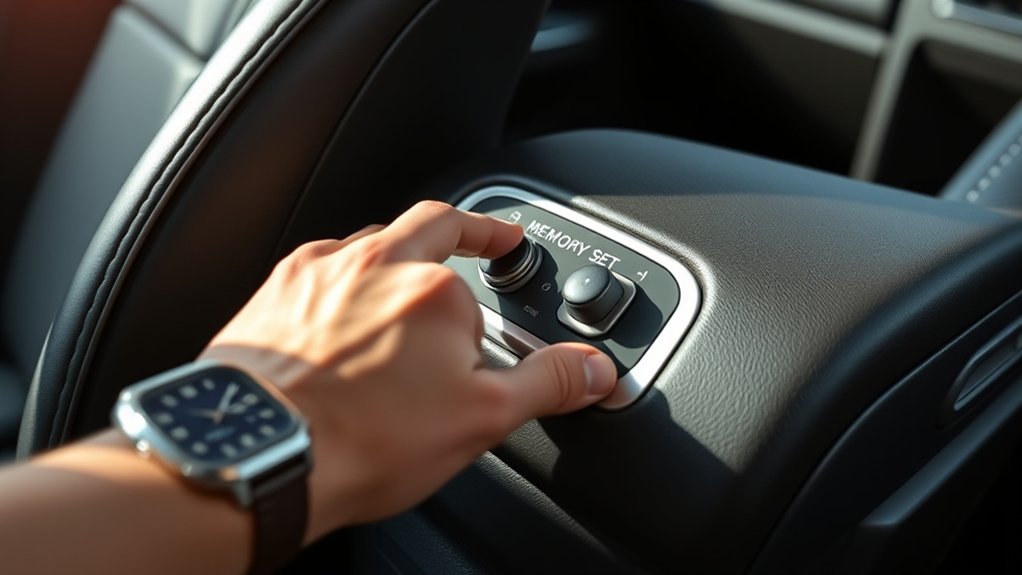
After adjusting your seat, mirrors, and steering wheel to your liking, you can save these settings to your Jeep Grand Cherokee’s memory system. Press and hold the “SET” button until you hear a beep, then immediately press one of the numbered memory buttons (1 or 2) to save your preferences. This stores your position for quick recall.
When you want to return to your saved position, simply press and hold your assigned memory button. The seat, mirrors, and steering wheel will automatically adjust to your saved settings.
If multiple drivers use the vehicle, each can save their own configuration to a separate memory button for convenience. This feature makes getting comfortable fast and hassle-free every time you drive.
Frequently Asked Questions
Can Seat Memory Settings Be Shared Between Different Jeep Grand Cherokee Models?
You can’t directly share seat memory settings between different Jeep Grand Cherokee models since each stores settings individually. However, you can manually replicate preferences in another vehicle by adjusting and saving the seat positions yourself.
Does Seat Memory Work With Heated and Ventilated Seats?
You’d think seat memory controls every comfort feature on Earth, but it only saves your heated and ventilated seat settings if your Jeep Grand Cherokee supports those options—otherwise, you’ll need to adjust them manually each time.
Is Seat Memory Functionality Available on All Jeep Grand Cherokee Trims?
Seat memory isn’t available on all Jeep Grand Cherokee trims. You’ll typically find it on higher-end models or those with premium packages. Check your specific trim’s features to see if seat memory is included.
Can Seat Memory Settings Be Reset to Factory Defaults?
You know what they say, “A clean slate makes for a fresh start.” Yes, you can reset seat memory settings to factory defaults in your Jeep Grand Cherokee by following the instructions in your owner’s manual or through the vehicle’s infotainment system.
Are Seat Memory Settings Affected by Software Updates?
Yes, seat memory settings can be affected by software updates, but it’s rare. You should back up your settings or reprogram them after an update to guarantee your preferred positions stay saved and comfortable.
Conclusion
Now that you know how to set and recall your Jeep Grand Cherokee’s seat memory in just three easy steps, you might wonder if it really saves time daily. The truth? It absolutely does. Imagine never having to readjust your seat, mirrors, or steering wheel again after someone else drives—this feature keeps your driving comfort consistent and hassle-free. Give it a try, and you’ll see how much smoother your rides become!