How to Reset Jeep Compass Screen in 10 Easy Steps
To reset your Jeep Compass screen in 10 easy steps, first identify your model and prepare by safely parking with the engine on. Turn off the vehicle properly, then try a soft reset through the settings menu. If that doesn’t work, hold the power button until the screen goes dark, and wait for a full reboot. You can also disconnect the battery as a last resort and update the system software after. Keep following along to uncover more detailed tips and troubleshooting advice.
Identify Your Jeep Compass Model and Screen Type
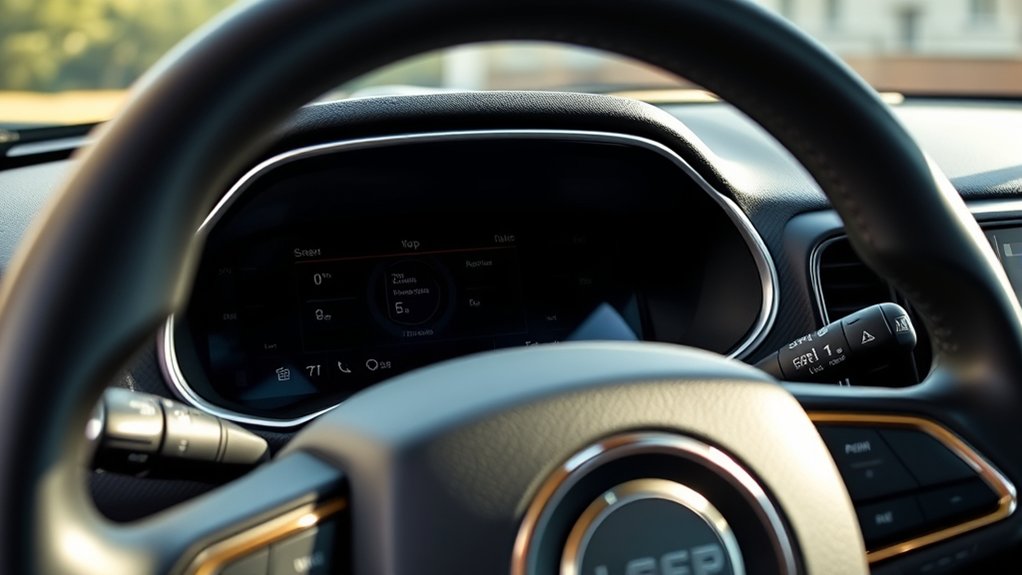
Before you reset your Jeep Compass screen, you need to identify the specific model and screen type your vehicle has. Different Jeep Compass models come with varying infotainment systems, such as Uconnect 3, Uconnect 4, or Uconnect 4C NAV. Each system has unique screen sizes, features, and reset methods.
To find your model, check your vehicle’s year, trim level, and the infotainment system listed in your owner’s manual or on Jeep’s official website. You can also look at the screen’s interface—navigation-enabled screens often indicate a newer system.
Knowing the exact system helps you follow the correct reset procedure, avoiding potential issues. So, take a moment to confirm your Jeep Compass model and screen type before moving forward.
Prepare Your Jeep Compass for a Screen Reset
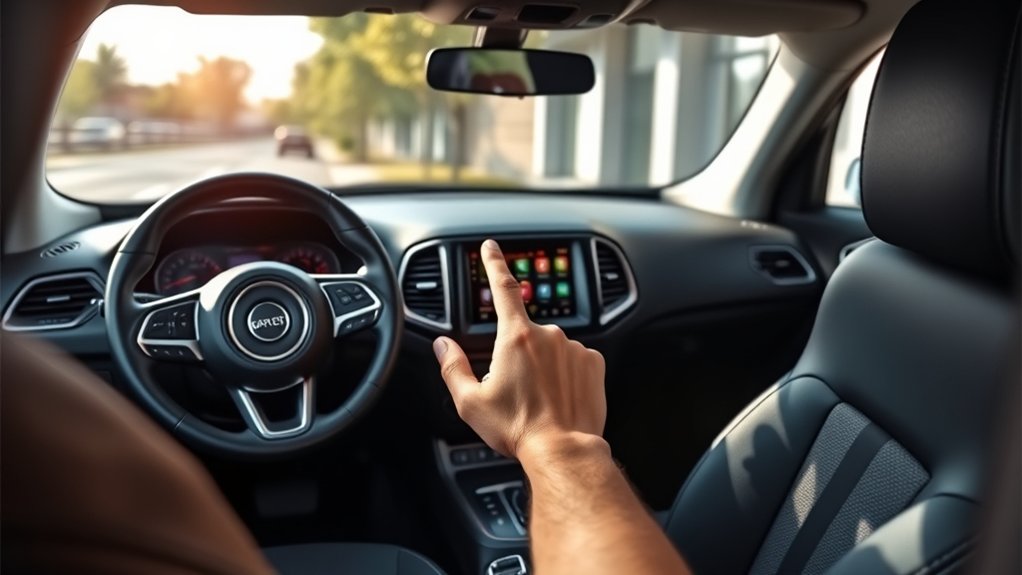
Although resetting your Jeep Compass screen is straightforward, you’ll want to prepare your vehicle properly to guarantee the process goes smoothly.
First, make sure your vehicle is parked safely in a well-ventilated area.
Check that the engine is running or the ignition is in the ON position, as some resets require power to the infotainment system.
Next, close all apps or media playing on the screen to prevent interruptions.
It’s also a good idea to remove any USB devices or smartphones connected via Bluetooth or USB, as these can interfere with the reset.
Finally, review your owner’s manual for any model-specific instructions or precautions.
Taking these steps guarantees your Jeep Compass is ready for a successful screen reset.
Turn Off Your Jeep Compass

How do you properly turn off your Jeep Compass to prepare for a screen reset? First, make sure your vehicle is in park and completely stopped.
Press the engine start/stop button once to turn off the engine. Avoid just putting the vehicle in accessory mode, as this won’t fully power down the system.
Wait for the dashboard lights and infotainment screen to go dark, indicating the vehicle is fully off.
If your model has a physical key, turn it to the off position and remove it. This step guarantees the infotainment system resets properly when you turn the vehicle back on.
Taking the time to fully power down your Jeep Compass will help avoid any glitches during the screen reset process.
Perform a Soft Reset via the Settings Menu
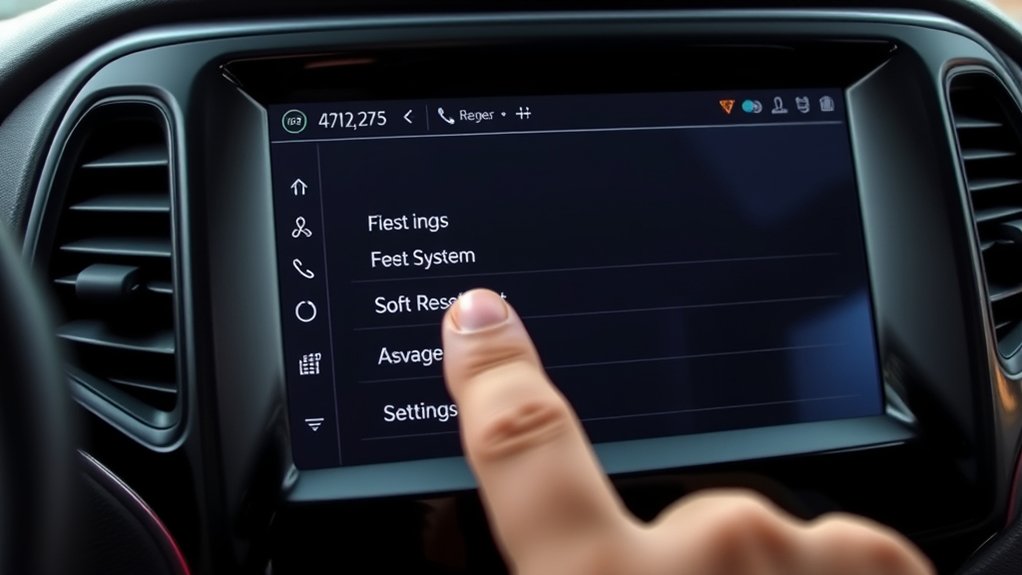
Wondering how to quickly reset your Jeep Compass screen without turning off the entire vehicle? You can perform a soft reset right from the settings menu. This method refreshes the system without disrupting your drive.
Here’s what you need to do:
- Tap the “Settings” icon on your screen.
- Scroll to “System” or “Device” settings.
- Select “Reset” or “Soft Reset.”
- Confirm the reset when prompted.
This process clears minor glitches and restores screen responsiveness.
| Step | Action | Result |
|---|---|---|
| Access Menu | Tap “Settings” | Opens system options |
| Select Reset | Choose “Soft Reset” | Initiates reset |
| Confirm | Tap “Yes” | Resets display system |
Try this to get your screen running smoothly again!
Press and Hold the Power Button on the Jeep Compass Screen
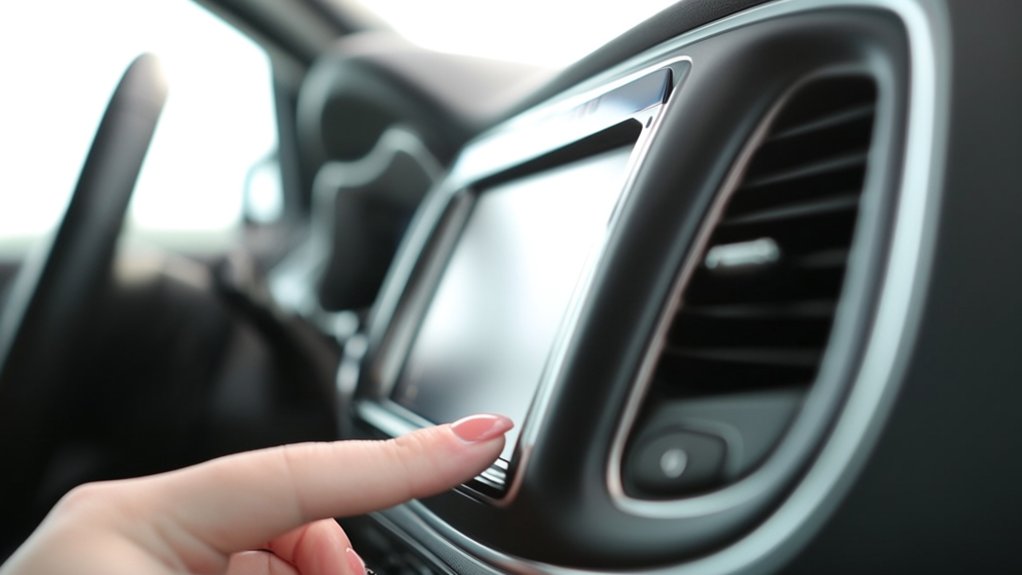
If your Jeep Compass screen becomes unresponsive and a soft reset doesn’t help, you can press and hold the power button to force a restart. Locate the power button on the touchscreen’s bezel or near the display, depending on your model.
Press and hold this button for about 10 to 15 seconds. You’ll notice the screen will go black, then reboot automatically. This method forces the system to shut down and restart, clearing temporary glitches that might’ve caused the freeze.
Avoid releasing the button too soon, as the reset won’t trigger until the hold duration is met. Once the screen powers back on, check if the issue is resolved.
This simple step often restores normal functionality without needing further troubleshooting.
Use Volume and Tuner Knobs to Trigger a Reset
Although the touchscreen’s power button is the most common way to reset the Jeep Compass display, you can also use the volume and tuner knobs to trigger a reset.
To do this, turn the volume knob fully counterclockwise, then immediately turn the tuner knob fully clockwise. Hold both knobs in these positions simultaneously for about 10 seconds. This action signals the system to reboot without needing to press the power button.
Make sure the vehicle is on or in accessory mode to guarantee the reset process works correctly.
Using the volume and tuner knobs offers an alternative if the touchscreen is unresponsive or the power button isn’t working. This method helps you quickly regain control of your Jeep Compass screen without extra tools or visits to a mechanic.
Wait for Your Jeep Compass Screen to Reboot Fully
After using the volume and tuner knobs to trigger a reset, you’ll need to give your Jeep Compass screen a moment to reboot fully. During this time, the screen might go black or display the Jeep logo as the system restarts.
Avoid pressing any buttons or turning off the ignition while this happens, as interrupting the reboot can cause further issues. Typically, the reboot process takes around 30 seconds to a minute.
Once the screen returns to its normal home display, you can resume using your infotainment system as usual.
If the screen doesn’t reboot properly or remains unresponsive after waiting, it may indicate a deeper problem that requires additional troubleshooting steps.
For now, be patient and let the system complete its reset cycle without interference.
Disconnect and Reconnect the Vehicle Battery (If Needed)
If your Jeep Compass screen still isn’t resetting, try disconnecting the vehicle battery.
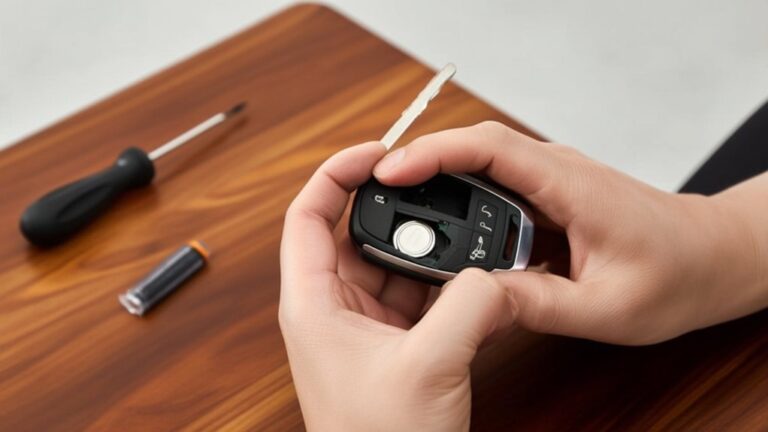
Make sure you follow safety precautions before starting, like wearing gloves and avoiding metal tools near the terminals.
Once disconnected, wait a few minutes, then reconnect the battery carefully to see if this fixes the issue.
Safety Precautions First
Before you start resetting the Jeep Compass screen, take safety precautions by disconnecting the vehicle battery if necessary. This step prevents electrical shorts and protects both you and your vehicle’s electronic systems. Always wear insulated gloves and use proper tools to avoid accidental shocks. Make sure the vehicle is off and in park before handling the battery.
Here’s a quick safety checklist to follow:
| Safety Step | Why It’s Important | Tips |
|---|---|---|
| Turn Off Ignition | Prevents electrical flow | Remove key from ignition |
| Wear Insulated Gloves | Protects from shocks | Use rubber-coated gloves |
| Use Correct Tools | Avoids damage to battery | Use a wrench or pliers |
| Handle Battery Carefully | Prevents acid spills | Avoid tilting battery |
Battery Disconnect Procedure
Taking the proper safety steps puts you in a good position to disconnect the vehicle battery safely. First, make sure your Jeep Compass is turned off and the keys are out of the ignition.
Locate the battery under the hood and identify the negative terminal, usually marked with a minus (-) sign or black cover. Using a wrench, loosen the nut on the negative terminal clamp, then carefully lift the clamp off the battery post.
Avoid touching both terminals at the same time to prevent short circuits. If needed, repeat the process for the positive terminal.
Once disconnected, secure the cables away from the battery to prevent accidental reconnection.
Disconnecting the battery can help reset the vehicle’s electronics, including the screen, but remember to follow the next steps carefully when reconnecting.
Reconnecting Battery Steps
Once you’ve safely disconnected the battery, you’ll want to reconnect it carefully to restore power to your Jeep Compass. Start by positioning the positive cable back onto the positive terminal and tighten the clamp securely using a wrench or socket.
Next, attach the negative cable to the negative terminal and tighten it firmly. Make sure both connections are snug to prevent any electrical issues.
After reconnecting, double-check that no tools or debris remain in the engine bay. Once everything is secure, close the hood and start your vehicle.
This should reset the system and clear any temporary glitches affecting the screen. If the display doesn’t respond immediately, give it a moment or try restarting the vehicle to complete the reset process.
Update Your Jeep Compass System Software After Reset
Although your Jeep Compass screen resets successfully, you’ll need to update the system software to guarantee all features run smoothly and any bugs are fixed. Start by connecting your vehicle to a strong Wi-Fi network or using a USB drive with the latest update downloaded from Jeep’s official website.
Access the settings menu on your infotainment screen, then navigate to “System Updates” or “Software Update.” Follow the on-screen prompts to install the update, making sure your engine stays on and the vehicle remains stationary during the process. This assures the update completes without interruption.
Once finished, your system will reboot, applying the new software. Keeping your Jeep’s software current helps optimize performance, improves security, and enhances your overall driving experience.
Know When to Contact Jeep Support or Visit the Dealer
If your Jeep Compass screen keeps freezing or won’t reset after several tries, it’s time to get help. You can start by contacting Jeep Support for troubleshooting.
But if the problem persists, visiting a dealer is often the best move. Knowing when to escalate guarantees your system gets the proper attention without unnecessary delays.
Signs You Need Help
How do you know when it’s time to contact Jeep support or visit the dealer for your Compass screen issues? If your screen remains unresponsive after multiple reset attempts or if it frequently freezes, that’s a clear sign you need professional help.
Also, watch for distorted displays, random shutdowns, or error messages appearing repeatedly. If your screen fails to power on despite a fully charged battery and proper ignition, don’t forget to seek assistance.
Additionally, unusual behavior like the touchscreen registering wrong inputs or the system rebooting unexpectedly indicates underlying problems. These signs suggest a hardware or software fault beyond simple resets.
Addressing these issues promptly with Jeep support or a dealer can prevent further damage and ensure your Compass’s infotainment system works reliably.
Dealer vs. Support Contact
When your Jeep Compass screen shows persistent issues beyond basic resets, deciding whether to contact Jeep support or visit a dealer can make a big difference.
If the problem seems software-related or you need quick guidance, reaching out to Jeep support first is a smart move. They can walk you through troubleshooting steps or software updates remotely.
However, if the screen remains unresponsive, glitches continue, or hardware issues are suspected, it’s best to visit a dealer. Dealers have specialized diagnostic tools and trained technicians who can identify and fix complex problems on-site.
When Issues Persist
Although some screen issues can be fixed with simple resets, persistent problems usually require professional help. If your Jeep Compass screen remains unresponsive or shows glitches after multiple reset attempts, it’s time to escalate the issue.
First, contact Jeep Support for guidance—they can help diagnose software-related problems remotely or advise on warranty coverage. If they suggest it, or if the issue involves hardware faults like a cracked screen or internal damage, schedule a visit to your dealer.
Dealers have specialized tools to perform in-depth diagnostics and repairs that aren’t possible at home. Don’t ignore ongoing screen problems, as they can impact safety features and vehicle functionality.
Acting promptly guarantees your Jeep’s infotainment system stays reliable and fully operational.
Frequently Asked Questions
Can Resetting the Screen Affect My Jeep Compass Warranty?
Resetting your Jeep Compass screen typically won’t affect your warranty since it’s a simple software action. However, if you cause damage or use unauthorized methods, it might void parts of your warranty. Check your manual to be safe.
How Do I Back up My Data Before Resetting the Screen?
Did you know 60% of drivers lose important data during resets? To back up your Jeep Compass screen data, connect a USB drive, access the settings menu, and select “Backup” to save your files safely before resetting.
Will a Screen Reset Fix Bluetooth Connectivity Issues?
A screen reset might fix minor Bluetooth glitches, but it’s not guaranteed. If issues persist, try deleting and re-pairing devices or updating your system software. Otherwise, you may need professional help to solve deeper connectivity problems.
Can I Reset the Screen Without Turning off the Engine?
You usually can’t reset the Jeep Compass screen without turning off the engine because the system needs a full reboot. Try restarting the vehicle to make sure the screen resets properly and resolves any glitches efficiently.
Are There Any Apps to Remotely Reset the Jeep Compass Screen?
You might think there’s an app for this, but Jeep doesn’t offer any remote reset app for the Compass screen. You’ll need to reset it manually or visit a dealer for advanced tech support if needed.
Conclusion
Resetting your Jeep Compass screen is like giving your dashboard a fresh breath of air. With each step, you’re clearing away glitches and bringing your screen back to life. Picture that crisp, responsive display greeting you as you hit the road again. If the reset steps don’t do the trick, don’t hesitate to reach out to Jeep support or your dealer—they’re ready to help you keep your adventure smooth and worry-free.