How Does the Jeep Compass Have Apple Carplay?
In your Jeep Compass, Apple CarPlay works by connecting your iPhone either through a USB cable or wirelessly if supported. Once connected, it mirrors your iPhone’s simplified interface on the touchscreen, letting you use apps, navigation, and hands-free Siri commands for safer driving. The system automatically recognizes your phone and offers responsive controls via touchscreen, steering buttons, or voice. Keep exploring to discover setup steps, features, and how to optimize your CarPlay experience.
How Does Apple CarPlay Work in the Jeep Compass?
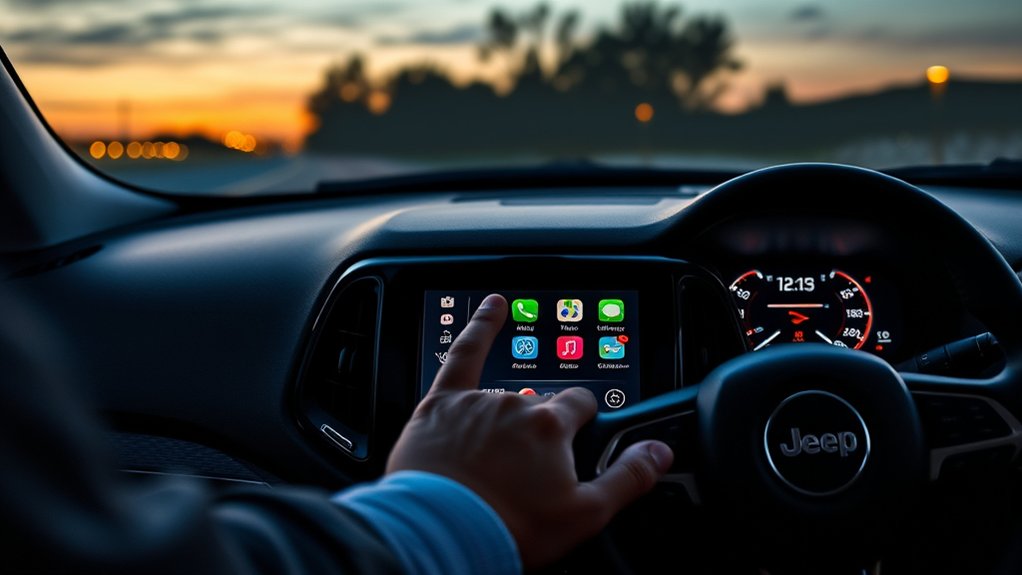
Although it might seem complex at first, using Apple CarPlay in the Jeep Compass is straightforward and intuitive. You simply connect your iPhone to the Compass using a USB cable or wirelessly if your model supports it.
Once connected, CarPlay automatically launches on the vehicle’s touchscreen, mirroring your iPhone’s interface with a simplified layout designed for driving. You can then access apps like Maps, Messages, Phone, Music, and compatible third-party apps directly from the dashboard.
You control everything through the touchscreen, steering wheel buttons, or Siri voice commands, keeping your focus on the road. This seamless integration lets you stay connected, navigate easily, and enjoy entertainment without distraction, making your driving experience safer and more enjoyable.
What Makes the Jeep Compass Compatible With Apple CarPlay?
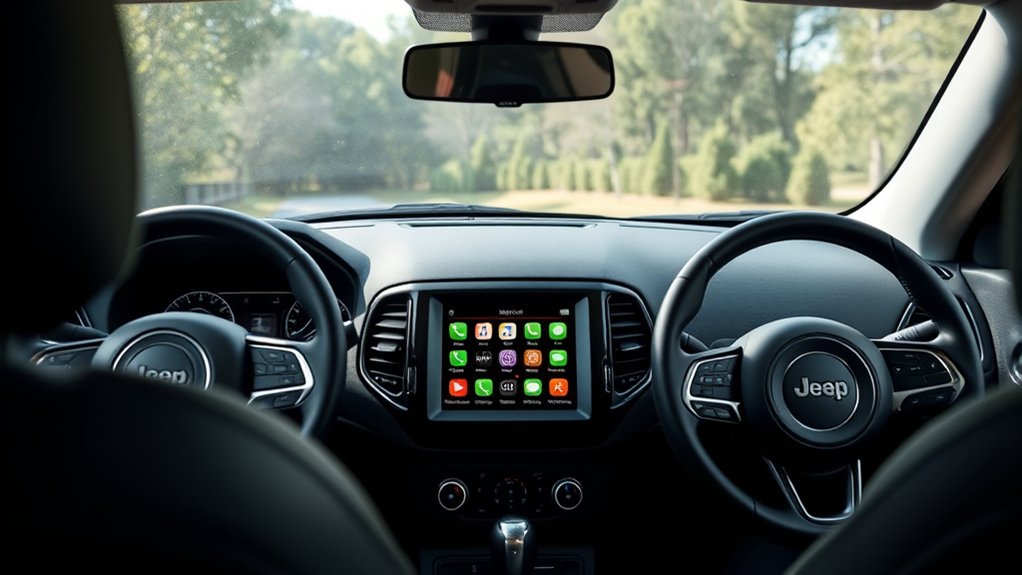
Because the Jeep Compass is equipped with a compatible infotainment system and the necessary hardware, it easily supports Apple CarPlay. When you connect your iPhone, the system’s software recognizes it and mirrors your phone’s interface on the Compass’s touchscreen.
The vehicle’s touchscreen, knobs, and voice controls work seamlessly with CarPlay, letting you access apps, navigation, calls, and messages safely while driving.
The Compass also includes USB ports and Bluetooth connectivity, ensuring a stable connection for CarPlay.
Additionally, the system is regularly updated by Jeep to maintain compatibility with the latest iOS versions.
All these features work together to make your Jeep Compass fully compatible with Apple CarPlay, enhancing your in-car experience without any extra setup hassle.
How to Set Up Apple CarPlay in Your Jeep Compass
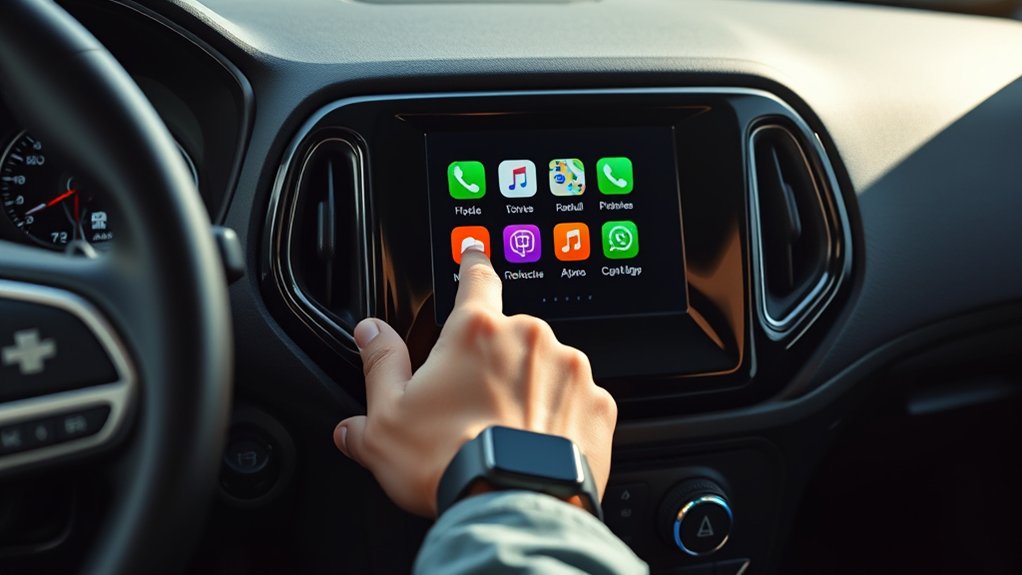
To set up Apple CarPlay in your Jeep Compass, start by connecting your iPhone using a USB cable or Bluetooth.
Once connected, the CarPlay interface will appear on your vehicle’s touchscreen, giving you easy access to your apps.
From there, you can quickly navigate through maps, music, and messages without taking your eyes off the road.
Connecting Your iPhone
Setting up Apple CarPlay in your Jeep Compass takes just a few simple steps. First, connect your iPhone to the vehicle using an Apple-certified Lightning cable plugged into the USB port labeled with the CarPlay icon.
Once connected, your Jeep’s infotainment system will detect your iPhone automatically. On your iPhone, you might see a prompt asking if you want to enable CarPlay—tap “Allow” to proceed.
If it’s your first time, you may need to unlock your phone and approve the connection. After that, CarPlay will launch on your Jeep’s touchscreen.
From then on, you can connect wirelessly if your model supports it by enabling Bluetooth and Wi-Fi on your iPhone, then pairing it through the vehicle’s settings.
Navigating CarPlay Interface
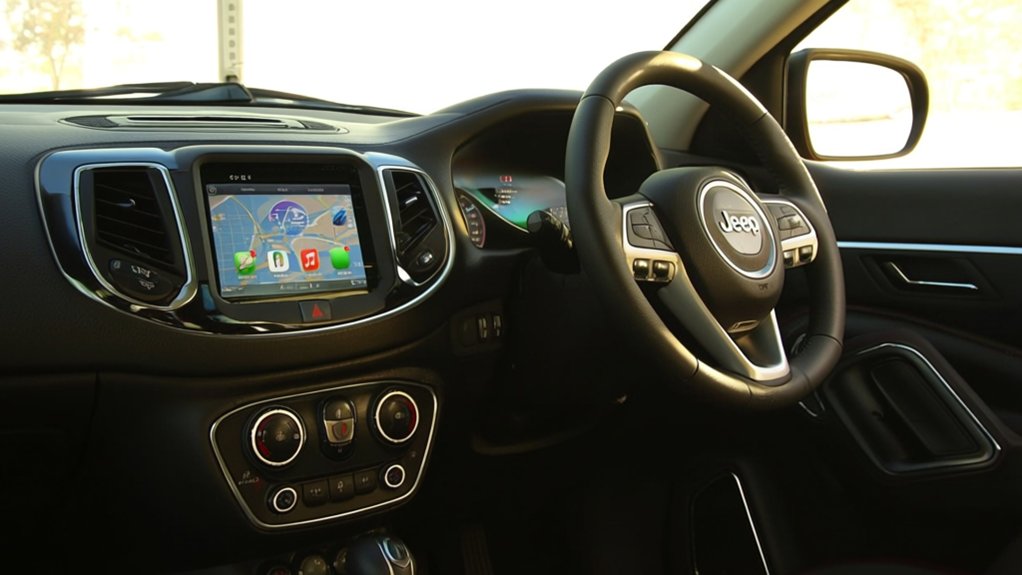
Once your iPhone is connected, you’ll find that exploring the Apple CarPlay interface in your Jeep Compass is intuitive and user-friendly. The touchscreen displays familiar app icons like Maps, Messages, Phone, and Music, making navigation simple. You can tap an app to open it or swipe to browse more options.
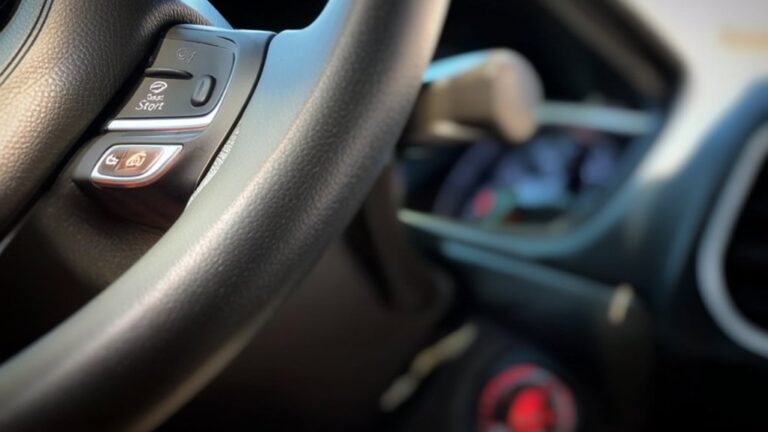
Use Siri by pressing the voice control button on your steering wheel to make calls, send texts, or get directions hands-free. The interface mirrors your iPhone’s layout but optimizes it for driving, minimizing distractions.
To return to the home screen, just tap the home button on the display. With this setup, you’ll easily stay connected, entertained, and focused on the road.
How to Connect Your iPhone to the Jeep Compass
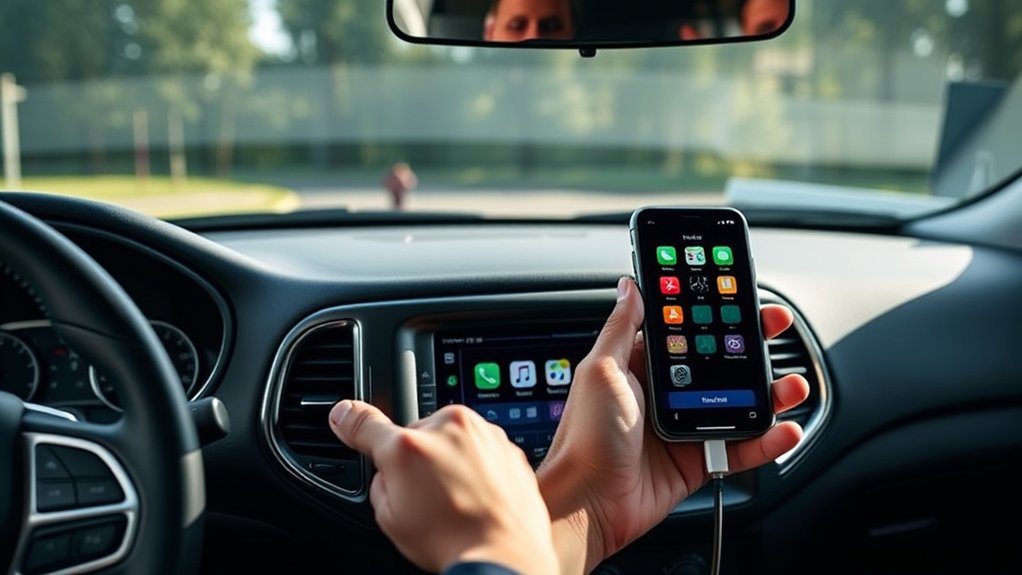
Although connecting your iPhone to the Jeep Compass might seem tricky at first, the process is straightforward and quick. To get started, make sure your iPhone is updated to the latest iOS version and locate the USB port in your vehicle.
Then, follow these steps to connect:
- Plug your iPhone into the Jeep Compass’s USB port using a Lightning cable.
- Unlock your iPhone and grant permission to trust the vehicle.
- The Uconnect system will detect your iPhone and prompt you to enable Apple CarPlay.
- Select Apple CarPlay on the Uconnect touchscreen.
- Wait a few moments for the interface to load.
Once connected, your iPhone will sync seamlessly with the Jeep Compass, ready for use.
Features You Can Use With Apple CarPlay in the Jeep Compass
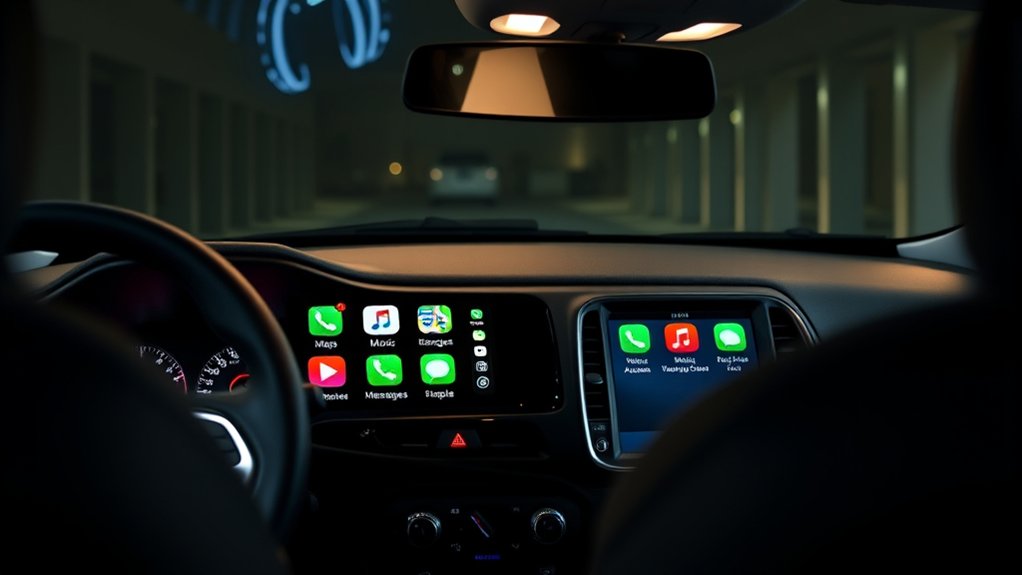
When you connect your iPhone to Apple CarPlay in the Jeep Compass, you gain access to a range of features designed to keep you connected and entertained while driving. You can easily make calls, send messages, and listen to your favorite music or podcasts—all without taking your eyes off the road. Siri voice control lets you interact hands-free, ensuring safety and convenience.
Here’s a quick look at what you can use:
| Feature | What It Does |
|---|---|
| Phone & Messages | Make calls, send texts hands-free |
| Music & Podcasts | Stream playlists, albums, podcasts |
| Voice Control | Use Siri for commands and queries |
These features make your drive smoother and more enjoyable.
How Jeep Compass Integrates Apple Maps and Siri With CarPlay
When you connect your iPhone to the Jeep Compass, Apple Maps comes alive with seamless navigation right on the dashboard.
You can use Siri voice commands to get directions or adjust settings without taking your hands off the wheel.
Plus, real-time traffic updates help you avoid delays and reach your destination faster.
Seamless Apple Maps Navigation
Because the Jeep Compass fully integrates Apple Maps with CarPlay, you’ll enjoy smooth, intuitive navigation every time you hit the road. The system mirrors your iPhone’s Apple Maps interface on the Compass’s touchscreen, giving you real-time directions, traffic updates, and estimated arrival times without distraction.
You can easily input destinations, view alternative routes, and check points of interest right from the dashboard. Plus, Apple Maps adapts to your driving habits for smarter routing.
With seamless Apple Maps navigation in your Jeep Compass, you get:
- Clear, easy-to-read turn-by-turn directions
- Live traffic and incident alerts
- Automatic rerouting around traffic jams
- Lane guidance for complex intersections
- Integration with your contacts and calendar for quick destination input
Siri Voice Command Integration
Although you’re focused on the road, the Jeep Compass lets you control Apple Maps effortlessly using Siri voice commands through CarPlay.
Just press and hold the voice control button on your steering wheel, then ask Siri to find destinations, get directions, or check estimated arrival times.
Siri understands natural language, so you can say things like “Navigate to the nearest gas station” or “Find Italian restaurants nearby” without taking your eyes off the road.
The integration keeps your hands free and attention on driving, enhancing safety and convenience.
You can also ask Siri to change routes or stop navigation if needed, making the entire Apple Maps experience in your Jeep Compass smooth and intuitive.
Real-Time Traffic Updates
By connecting your Jeep Compass to Apple CarPlay, you get real-time traffic updates that help you avoid delays and reach your destination faster. Apple Maps, integrated through CarPlay, constantly monitors traffic conditions and reroutes you if there’s congestion, accidents, or roadwork ahead.
Siri enhances this experience by providing hands-free directions, allowing you to keep your focus on the road. This seamless integration means you’re always informed without distractions. Here’s what you can expect:
- Live traffic alerts directly on your Jeep’s display
- Automatic route adjustments based on current conditions
- Siri voice commands to check traffic updates
- Notifications about accidents, road closures, and hazards
- Estimated arrival times that update dynamically
This system keeps your drive smooth and stress-free.
How Wireless Apple CarPlay Works in the Jeep Compass
Wondering how Wireless Apple CarPlay seamlessly connects in your Jeep Compass? It starts with Bluetooth and Wi-Fi working together.
When you get in and power on your vehicle, Bluetooth pairs your iPhone with the Compass’s Uconnect system. This handshake triggers a Wi-Fi connection, which handles the heavy data transfer between your phone and the infotainment screen.
You won’t need any cables; your apps, maps, messages, and music appear wirelessly on the touchscreen.
The system prioritizes a stable connection, so you can control CarPlay features through voice commands, steering wheel buttons, or the touchscreen itself.
This setup keeps your cabin clutter-free while giving you quick, reliable access to your iPhone’s functions as you drive, making every trip smoother and safer.
Wired vs Wireless Apple CarPlay: Which Is Better for Jeep Compass?
When choosing between wired and wireless Apple CarPlay for your Jeep Compass, it helps to understand how each option impacts convenience and performance. Wired CarPlay offers a stable connection and faster charging, while wireless CarPlay provides freedom from cables but may slightly drain your phone’s battery. Your choice depends on how you prioritize ease of use and reliability.
Consider these factors:
- Wired CarPlay ensures uninterrupted connectivity.
- Wireless CarPlay allows quick, cable-free access.
- Wired connection charges your phone simultaneously.
- Wireless may face occasional signal interruptions.
- Wired setup requires plugging in every time.
Ultimately, if you value hassle-free connection and charging, wired is ideal. If you prefer convenience without cables, wireless suits you better.
Benefits of Apple CarPlay for Jeep Compass Drivers
You’ll enjoy enhanced driving convenience with Apple CarPlay in your Jeep Compass, making it easier to access your favorite apps hands-free. It seamlessly integrates your smartphone, so you stay connected without distractions.
Plus, improved navigation accuracy helps you reach your destination smoothly every time.
Enhanced Driving Convenience
Although driving demands your full attention, Apple CarPlay in the Jeep Compass guarantees you stay connected without distractions. It simplifies your drive by putting essential apps and functions at your fingertips, so you don’t have to fumble with your phone.
You can focus on the road while still enjoying the convenience of modern technology.
With Apple CarPlay, you can:
- Use voice commands to make calls or send texts hands-free
- Access navigation apps for real-time directions
- Control music and podcasts effortlessly
- Receive important notifications without looking away
- Customize your interface for quick access to favorite apps
This smart integration enhances your driving experience by keeping everything accessible yet safe, helping you stay alert and in control.
Seamless Smartphone Integration
How does Apple CarPlay elevate your Jeep Compass driving experience? It seamlessly connects your iPhone to the vehicle’s infotainment system, letting you access your favorite apps without fumbling with your phone. You can easily make calls, send messages, and listen to music using voice commands or the touchscreen, keeping your focus on the road.
Apple CarPlay also syncs your contacts, calendars, and reminders, so your essential info is always at hand. Plus, it updates in real-time, ensuring your apps run smoothly without lag.
This integration means you get the functionality of your smartphone right on your Jeep’s display, making every drive more connected, convenient, and safer. You’ll appreciate how effortlessly your digital life blends with your adventure-ready Compass.
Improved Navigation Accuracy
Beyond seamless connectivity, Apple CarPlay considerably enhances the navigation experience in your Jeep Compass. It delivers precise, real-time directions that help you reach your destination efficiently without distractions. Using Apple Maps or your preferred navigation app, you get up-to-date traffic info and route adjustments, so you avoid delays.
CarPlay’s intuitive interface lets you glance at your route effortlessly, keeping your focus on the road. Plus, voice commands allow hands-free operation, increasing safety.
With Apple CarPlay, you benefit from:
- Accurate GPS positioning tailored for your Jeep Compass
- Live traffic updates and alternative routes
- Clear, easy-to-read maps on the infotainment screen
- Voice-guided turn-by-turn directions
- Integration with Siri for effortless control
This guarantees every trip is smoother and stress-free.
How Jeep Compass Makes Apple CarPlay Even Better
When you step inside the Jeep Compass, you’ll find that Apple CarPlay isn’t just an add-on—it’s seamlessly integrated to enhance your driving experience. The Compass pairs CarPlay with a responsive touchscreen and intuitive physical controls, letting you access apps without distraction.
Voice commands work smoothly through the Uconnect system, so you can keep your eyes on the road. Plus, the display adapts to both day and night modes, improving visibility whatever the time.
The system also supports wireless CarPlay, freeing you from cables and keeping your cabin clutter-free. Jeep has optimized CarPlay to work perfectly with the Compass’s audio system, delivering crisp sound whether you’re streaming music or taking calls.
This thoughtful integration makes your drive smarter and more enjoyable.
Troubleshooting Common Apple CarPlay Issues in the Jeep Compass
If your Apple CarPlay isn’t connecting in your Jeep Compass, start by checking your USB cable and port for any issues.
Make sure both your phone and vehicle software are up to date to avoid compatibility problems.
These simple steps often fix the most common connection and update glitches.
Connection Problems
Although Apple CarPlay offers seamless integration, you might encounter connection problems in your Jeep Compass that disrupt your experience. These issues often stem from simple causes you can fix quickly.
First, verify your iPhone is properly connected via USB or Bluetooth, depending on your setup. Check your cable for damage or try a different port. Restart your iPhone and your vehicle’s infotainment system to reset connections.
Also, make sure CarPlay is enabled on your iPhone under Settings > General > CarPlay.
Common connection problems include:
- Faulty or incompatible USB cables
- Loose or damaged USB ports
- Bluetooth interference or pairing issues
- iPhone not unlocked or CarPlay not enabled
- Temporary system glitches requiring a restart
Addressing these points usually restores a stable connection.
Software Update Issues
Software updates can sometimes cause Apple CarPlay to act unpredictably in your Jeep Compass. When you notice glitches, freezing, or connectivity issues after an update, it’s often due to software incompatibilities or incomplete installations.
To fix this, start by restarting both your iPhone and your vehicle’s infotainment system. If problems persist, check for any available updates for your Jeep’s software and your iPhone’s iOS. Installing these updates can resolve bugs causing CarPlay issues.
Also, verify your apps are up to date, as outdated apps might conflict with CarPlay functionality. If the issues continue, performing a system reset on the Jeep Compass infotainment system can clear corrupted data impacting CarPlay performance.
Staying current with updates helps maintain smooth CarPlay operation in your Jeep.
USB Cable Troubleshooting
Addressing software updates is just one part of ensuring smooth Apple CarPlay functionality in your Jeep Compass.
Another key factor is the USB cable connection, which often causes issues if not properly managed.
If CarPlay isn’t responding, check your USB cable first. Make sure the cable is:
- Certified Apple Lightning cable
- Free from visible damage or fraying
- Firmly connected to both your phone and the vehicle’s USB port
- Not excessively long or low quality, which can affect data transfer
Test with another cable or device to isolate the problem.
Apple CarPlay Software Updates for Jeep Compass
When you keep your Jeep Compass’s Apple CarPlay updated, you guarantee smoother performance and access to the latest features. Updates often include bug fixes, improved compatibility, and enhanced security, ensuring your system runs seamlessly.
To update, connect your iPhone to the Jeep using a USB cable or Bluetooth, then check for software updates via your vehicle’s infotainment settings or the Apple device itself. Apple frequently releases iOS updates that impact CarPlay functionality, so keeping your iPhone’s software current is equally important.
Additionally, Jeep may release firmware updates for the Uconnect system, which supports CarPlay, so watch for notifications or visit Jeep’s official site.
Staying proactive with updates prevents glitches and maximizes your driving experience with CarPlay in your Jeep Compass.
Best Third-Party Apps for Jeep Compass CarPlay
Keeping your Jeep Compass’s Apple CarPlay updated sets the stage for a smoother experience, but selecting the right apps can truly enhance your drive. You want apps that boost convenience, navigation, and entertainment without distracting you.
Here are the best third-party apps to contemplate:
- Waze: Real-time traffic and hazard alerts keep your route efficient.
- Spotify: Stream your favorite playlists and podcasts effortlessly.
- Audible: Listen to audiobooks while you drive, making long trips enjoyable.
- Google Maps: An alternative navigation app with detailed directions.
- Overcast: A powerful podcast player with smart features to customize playback.
These apps integrate seamlessly with Apple CarPlay, giving you a safer and more enjoyable driving experience in your Jeep Compass.
Security and Privacy Features of Apple CarPlay in the Jeep Compass
Although Apple CarPlay offers a seamless connection between your iPhone and Jeep Compass, it also prioritizes your security and privacy. When you connect, your data stays protected through encrypted communication, preventing unauthorized access.
Apple limits the information shared with your vehicle, so only necessary data like navigation or music controls are accessible. You control which apps appear on CarPlay, minimizing exposure to unwanted data sharing.
Plus, CarPlay doesn’t store your personal info on the Jeep Compass system, so your contacts, messages, and history remain on your iPhone.
Voice commands use on-device processing, reducing the risk of data leaks. Overall, you get convenience without compromising your privacy or security while driving your Jeep Compass with Apple CarPlay.
Upcoming Apple CarPlay Features for the Jeep Compass
As Apple continues to enhance its ecosystem, the Jeep Compass will soon benefit from exciting new Apple CarPlay features designed to improve your driving experience. You’ll enjoy more seamless connectivity and smarter integration with your vehicle’s systems. These updates focus on safety, convenience, and entertainment, making your time on the road more enjoyable and efficient.
Here are some upcoming Apple CarPlay features you can look forward to in the Jeep Compass:
- Wireless CarPlay support for easier connection
- Enhanced Siri voice commands for hands-free control
- Improved navigation with real-time traffic and EV routing
- Customizable dashboard widgets for quick access
- Support for third-party apps like parking and charging stations
These additions will keep you connected and in control wherever you go.
Frequently Asked Questions
What Jeep Compass Models Support Apple Carplay?
Jeep Compass models from 2017 onward support Apple CarPlay. If you have a Latitude, Limited, or Trailhawk trim, you’ll likely find it available. Just connect your iPhone via USB to start using it.
Does Apple Carplay Affect the Jeep Compass Warranty?
No, Apple CarPlay doesn’t affect your Jeep Compass warranty. It’s an integrated feature designed by Jeep, so using it won’t void or impact your warranty coverage in any way. You’re safe to enjoy it fully.
Can Apple Carplay Be Used With Android Devices in the Jeep Compass?
No, Apple CarPlay works only with iPhones, but you can use Android Auto with your Android device in the Jeep Compass. Just connect your phone via USB or Bluetooth to access your apps and navigation seamlessly.
How Does Apple Carplay Impact Jeep Compass Battery Life?
Using Apple CarPlay in your Jeep Compass won’t drain the battery considerably since it draws power primarily from the car’s system. However, extended use with the engine off might slightly reduce battery life over time.
Are There Any Costs Associated With Using Apple Carplay in Jeep Compass?
You won’t face extra costs for using Apple CarPlay in your Jeep Compass since it’s included with the infotainment system. Just connect your iPhone via USB or Bluetooth, and you’re good to go without fees.
Conclusion
Imagine sliding into your Jeep Compass, the familiar Apple CarPlay interface lighting up like a trusted co-pilot ready to guide you. With seamless setup and smart features, your drives become effortless journeys where music, maps, and messages are just a tap away. This connection isn’t just technology—it’s your road companion, blending convenience and safety as you explore new horizons with confidence and ease.