How to Reset Jeep Wrangler Infotainment System in 5 Easy Steps
If your Jeep Wrangler’s infotainment is freezing, lagging, or the screen flickers, it’s time to reset. Start with a soft reset by holding the volume knob and touchscreen power button for 10 seconds until it reboots. If issues persist, try a hard reset by disconnecting the battery’s negative terminal for 10-15 minutes. You can also restore factory settings via the system menu, but keep in mind this erases saved data. To guarantee full fixes, consider exploring additional troubleshooting tips.
How to Tell If Your Jeep Infotainment Needs a Reset
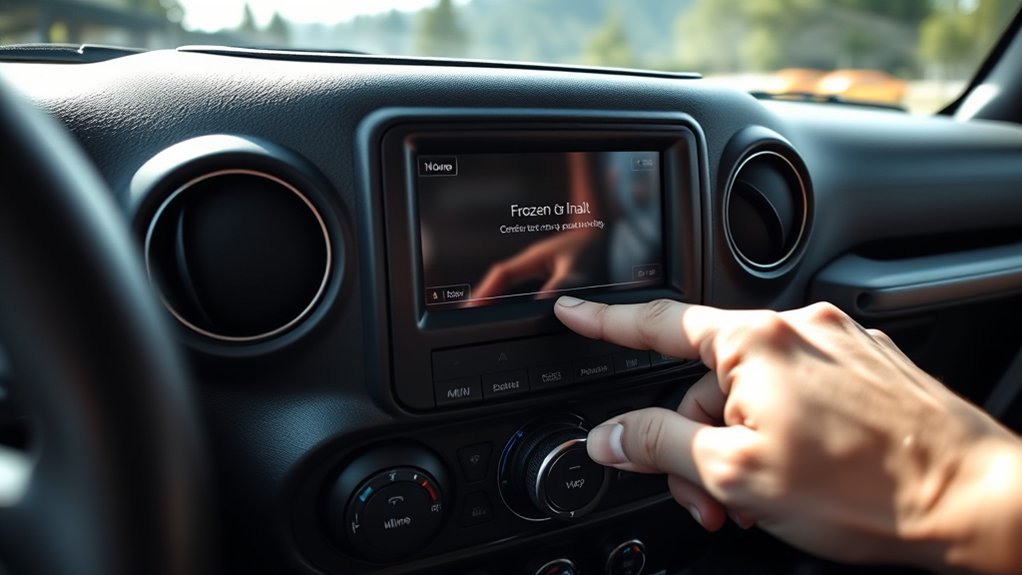
If your Jeep Wrangler’s infotainment system starts freezing, lagging, or failing to respond to touch, it’s a clear sign that it may need a reset. You might also notice the screen flickering or the audio cutting out unexpectedly.
Sometimes, the system might reboot on its own or fail to connect to your phone via Bluetooth. Slow navigation performance or apps crashing frequently are additional indicators.
If your settings or radio presets disappear after turning off the vehicle, that’s another clue. These issues typically show that the software is glitching or overloaded.
When you spot any of these problems, it’s best to contemplate resetting the system to restore smooth operation and prevent further frustration during your drives.
Soft Reset Your Jeep Wrangler’s Infotainment System
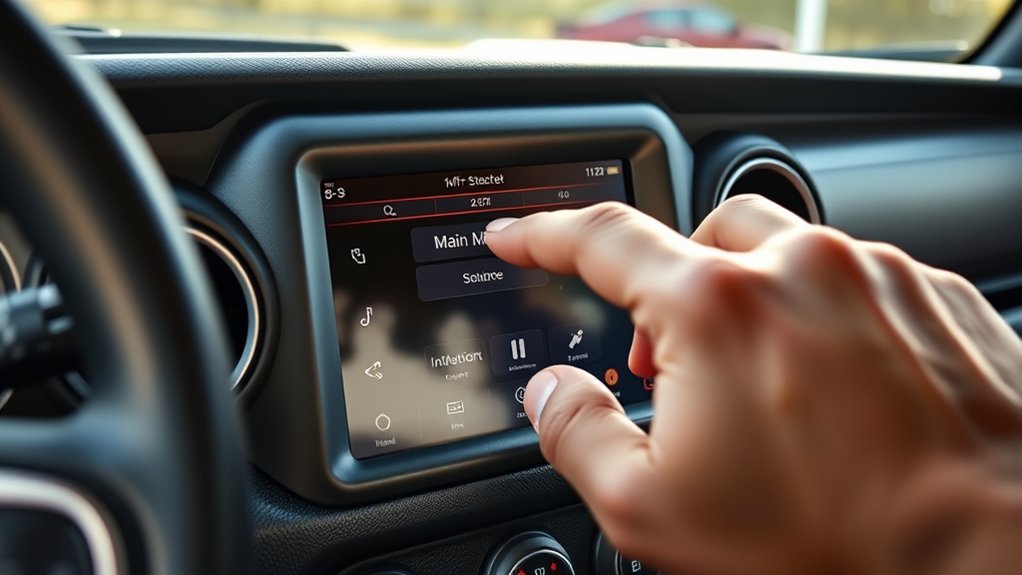
When your Jeep Wrangler’s infotainment system acts up but hasn’t completely frozen, performing a soft reset can quickly clear minor glitches without erasing your settings. To do this, press and hold the volume knob and the touchscreen power button simultaneously for about 10 seconds.
You’ll notice the screen go black and then reboot, signaling the reset is in progress. This process restarts the system’s software without affecting your saved preferences, paired devices, or settings.
It’s a handy first step if you experience sluggish response, audio issues, or unresponsive menus. If the problem persists after the soft reset, you might need a more thorough reset or professional assistance, but this quick fix often restores smooth operation efficiently.
How to Perform a Hard Reset on Your Jeep Infotainment
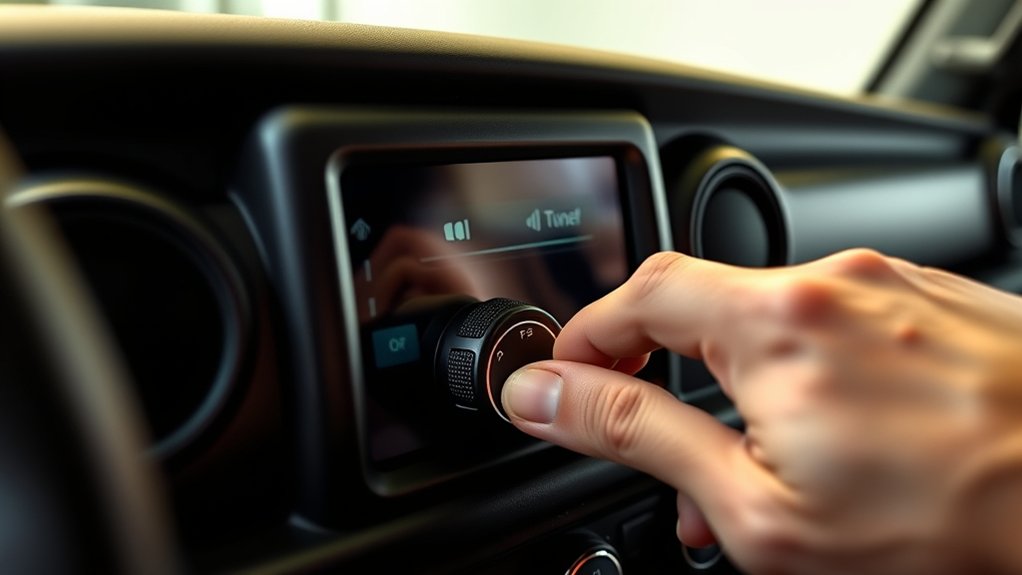
Although a soft reset can resolve minor issues, performing a hard reset on your Jeep Wrangler’s infotainment system will completely restore the system to its factory settings.
To do this, start by turning off your vehicle and opening the hood. Locate the negative terminal on the battery and disconnect it using a wrench.
Wait for about 10 to 15 minutes to ensure the system fully powers down. After the wait, reconnect the negative terminal securely and close the hood.
Turn your vehicle back on, and the infotainment system should reboot with default settings. This process clears any persistent glitches or software bugs that a soft reset can’t fix, giving your system a fresh start without affecting other vehicle functions.
Restore Factory Settings on Your Jeep Wrangler Infotainment
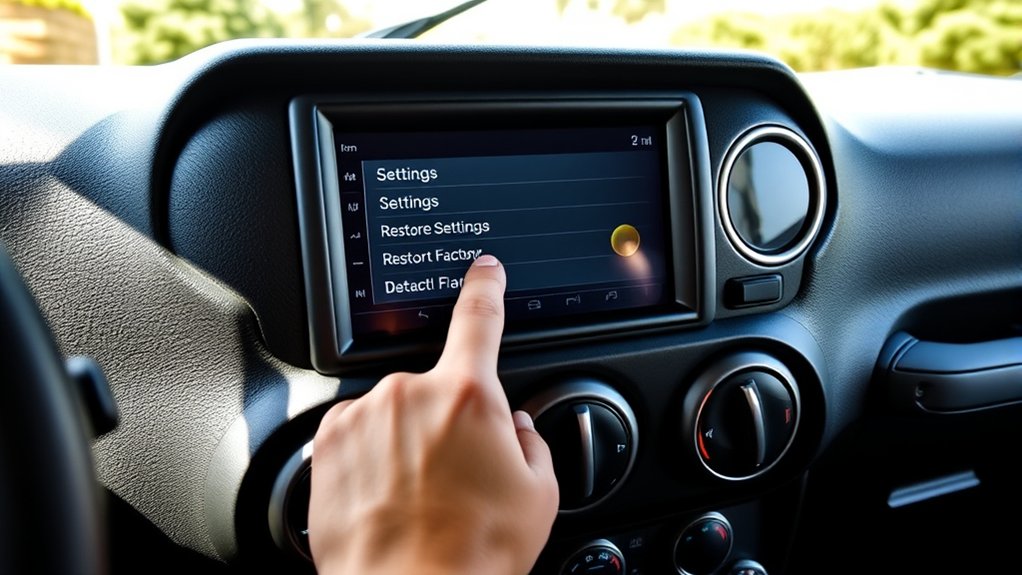
Since restoring factory settings can erase all your personalized preferences, you’ll want to back up any important data before proceeding.
To restore factory settings on your Jeep Wrangler infotainment system, start by turning on the vehicle and the infotainment screen.
Tap the “Settings” icon, then scroll down to select “System.”
Within the System menu, find and tap “Restore Factory Settings” or “Factory Reset.”
Confirm your choice when prompted to erase all data and reset the system to its original state.
This process will remove saved radio stations, paired devices, and custom settings, returning everything to default.
Once complete, your infotainment system will reboot, and you can set it up from scratch or restore backed-up information as needed.
Still Having Issues? What to Try Next
If your Jeep Wrangler infotainment system still isn’t working properly after a factory reset, don’t give up just yet. First, check for software updates; outdated firmware often causes glitches. You can usually find update options in the system settings or on Jeep’s official website.
Next, disconnect your Jeep’s battery for about 10 minutes to perform a hard reset—this can clear deeper system errors.
If problems persist, inspect your USB and Bluetooth connections to verify they aren’t causing interference. Also, try disconnecting any external devices.
Finally, if none of these steps help, contact your local dealership or a certified mechanic. They can run diagnostic tests and determine if a hardware issue requires professional repair or replacement.
Frequently Asked Questions
What Are the Common Causes of Jeep Wrangler Infotainment System Failures?
You’ll often find Jeep Wrangler infotainment failures caused by software glitches, outdated firmware, loose connections, or faulty wiring. Overheating and power surges can also disrupt the system, so keep your software updated and check connections regularly.
Can I Update My Jeep Wrangler Infotainment Software Myself?
Yes, you can update your Jeep Wrangler infotainment software yourself. Just download the update from Jeep’s official website onto a USB drive, then follow the on-screen instructions in your vehicle to complete the installation easily.
How Do I Connect My Phone to the Jeep Wrangler Infotainment System?
Over 80% of drivers use Bluetooth daily, so to connect your phone, enable Bluetooth, select “Uconnect” on your Wrangler, then pair your device by confirming the code. You’ll enjoy hands-free calls and music instantly!
Are There Any Warranty Implications When Resetting the Infotainment System?
You won’t usually face warranty issues resetting the infotainment system, as it’s a standard troubleshooting step. Just avoid unauthorized repairs or software modifications, and you’ll keep your warranty intact without any problems.
What Accessories Are Compatible With the Jeep Wrangler Infotainment System?
You’ll find Bluetooth headsets, USB drives, and smartphone mounts compatible with your Jeep Wrangler’s infotainment system. It’s like using a telegraph in the digital age—classic but connected. Just check your model’s specs before buying.
Conclusion
Now that you know how to reset your Jeep Wrangler’s infotainment system, you’re just a few steps away from smoother drives and fewer distractions. But what if the reset doesn’t fix the problem? That’s when things get interesting—you might uncover deeper issues or hidden features you never knew existed. So, don’t rush to give up; sometimes, the real solution lies just beyond the reset button. Keep exploring, and your Jeep will thank you.