How to Reset Jeep Wagoneer Screen in 7 Easy Steps
To reset your Jeep Wagoneer screen, first turn off the vehicle completely and wait about 30 seconds. Find the small reset button near the screen or dashboard—use a paperclip to press and hold it for 10-15 seconds. You can also try a soft reset by turning the vehicle on (engine off) and holding the volume and tuner knobs together for 10 seconds until the screen reboots. If issues persist, disconnect the battery or check for updates. Keep going to explore full troubleshooting steps.
Why and When to Reset Your Jeep Wagoneer Screen
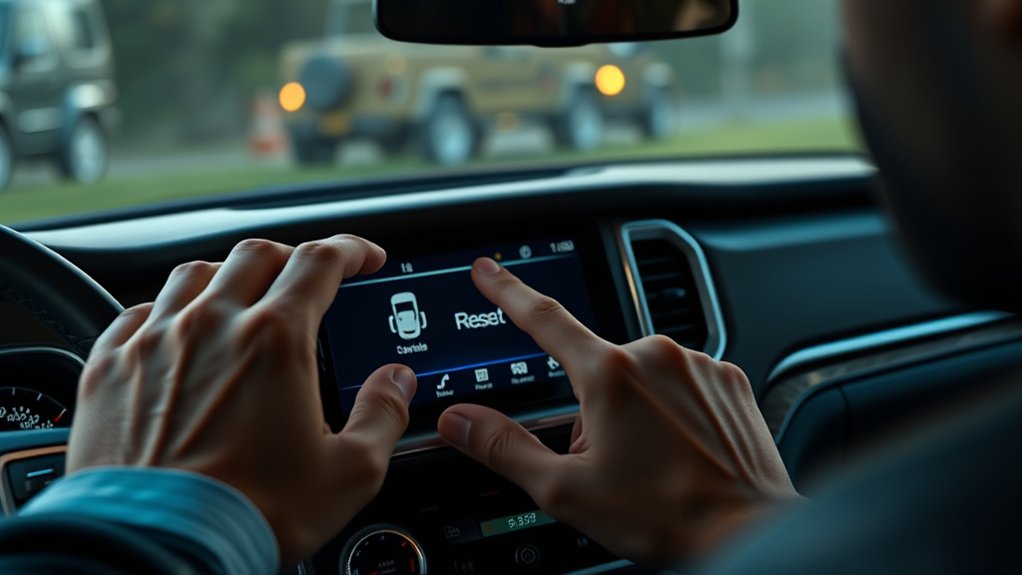
Although your Jeep Wagoneer’s screen usually runs smoothly, you might need to reset it when it becomes unresponsive, freezes, or displays errors. These issues can happen due to software glitches, system overloads, or temporary bugs in the infotainment system. Resetting helps clear these hiccups, restoring normal function without affecting your vehicle’s settings or data.
You’ll also want to reset the screen if touchscreen sensitivity drops or if apps and features stop working correctly. Ignoring these signs could lead to more frustrating experiences while driving.
Find the Reset Button on Your Jeep Wagoneer Screen
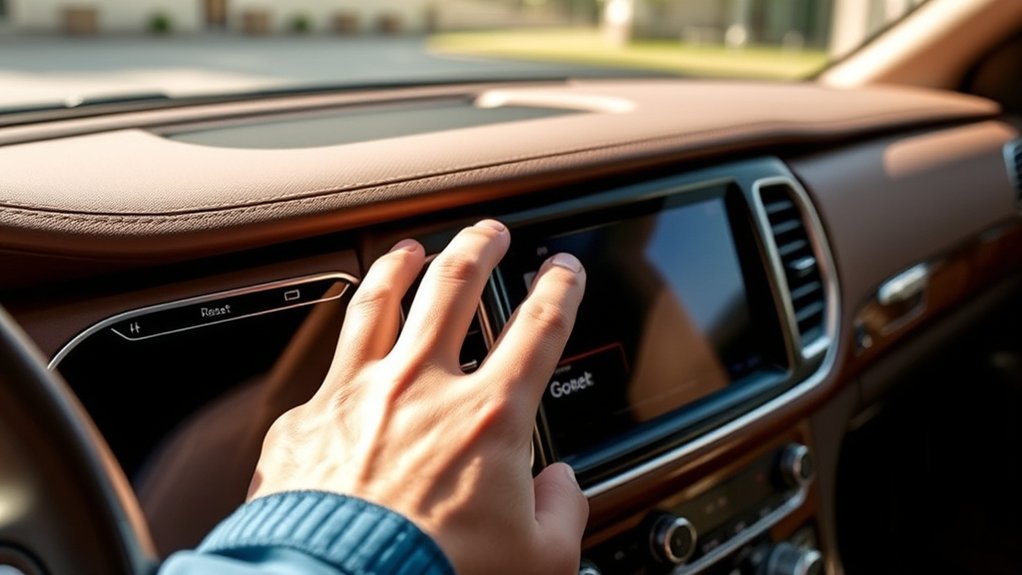
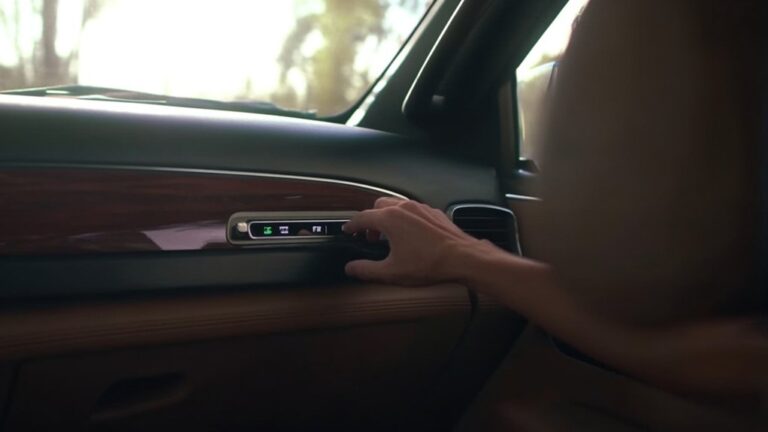
To reset your Jeep Wagoneer screen, you first need to locate the reset button. It’s usually a small, recessed button near the screen or on the dashboard, so keep an eye out for tiny holes or labels.
Using a pointed object like a paperclip can help you press it easily without damaging anything.
Locating The Reset Button
Where exactly is the reset button on your Jeep Wagoneer screen? You’ll typically find it near the edges of the infotainment system, often as a small, recessed button to prevent accidental presses. It’s usually located either on the screen’s bezel or close to the dashboard panel surrounding the display.
To spot it, look for a tiny hole or a clearly marked button labeled “Reset.” If you don’t see a physical button, your Wagoneer might use a combination of touchscreen taps or hold gestures to trigger a reset instead.
Checking your owner’s manual or the infotainment system guide can clarify the exact placement. Once you locate this button, you’re ready to proceed with resetting your screen safely and effectively.
Reset Button Placement Tips
| Location Tip | What to Look For |
|---|---|
| Screen Edges | Small hole or pinhole |
| Near USB Ports | Tiny recessed button |
| Behind Bezel | Hidden, requires gentle probing |
Following these tips saves time and prevents damage while you reset your screen effectively.
Turn Off Your Vehicle Completely Before Resetting

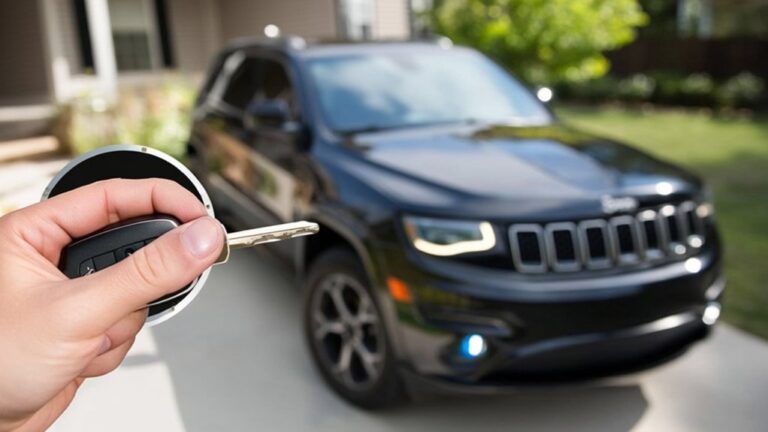
Before you reset your Jeep Wagoneer screen, make sure you turn off your vehicle completely. This step is essential because the system needs to fully power down to clear any glitches effectively.
Leaving the vehicle on or in accessory mode can interfere with the reset process, causing it to fail or take longer. To do this, remove your key or press the start/stop button until all lights and displays go dark.
Wait for about 30 seconds to ensure the system has completely shut down. This pause allows the onboard computer to reset properly and refresh its settings.
Only after your vehicle is fully off should you proceed with the screen reset steps. Taking this precaution helps avoid unnecessary complications.
Press and Hold the Jeep Wagoneer Reset Button
Although the reset button may be small and easy to overlook, pressing and holding it is a crucial step to reboot your Jeep Wagoneer’s screen. Locate the button carefully—it’s usually near the infotainment system. Press and hold it for about 10-15 seconds until the screen powers off and restarts. This action clears minor glitches and restores normal function.
Here’s a quick guide:
| Step | Action | Duration |
|---|---|---|
| 1 | Find reset button | Immediate |
| 2 | Press and hold firmly | 10-15 seconds |
| 3 | Release and wait for reboot | Screen restarts |
How to Soft Reset the Infotainment Screen
If your infotainment screen is acting slow or glitchy, you’ll want to try a soft reset first. This quick process usually involves holding specific buttons to refresh the system without erasing your settings.
Doing a soft reset can often fix minor issues and get your screen back to normal without any hassle.
When To Soft Reset
When your Jeep Wagoneer’s infotainment screen becomes unresponsive or sluggish, performing a soft reset can quickly restore normal function without erasing your settings. You should consider a soft reset if you notice any of the following issues:
- The touchscreen stops responding to your taps or swipes.
- Navigation or media apps freeze or crash frequently.
- Audio controls don’t adjust as expected.
- The screen displays glitches or flickers intermittently.
Soft resetting is a handy troubleshooting step that can fix minor software hiccups. It’s less intrusive than a full system reset and keeps your personal settings intact.
Whenever your screen acts up but the problem isn’t severe, a soft reset is the ideal first move before exploring more complex solutions.
Soft Reset Procedure
Since software glitches can disrupt your Jeep Wagoneer’s infotainment system, you’ll want to know the quick steps to perform a soft reset that restores functionality without affecting your settings.
To start, turn your vehicle on but keep the engine off.
Next, locate the volume knob on the infotainment screen. Press and hold the volume knob and the tuner knob simultaneously for about 10 seconds.
The screen should go black and then reboot, displaying the Jeep logo before returning to the main menu.
If the screen doesn’t respond, repeat the process once more.
This simple procedure refreshes the system software without erasing your saved data, so you won’t lose your preferences or paired devices during the reset.
It’s an easy fix for minor glitches on your Wagoneer’s screen.
Benefits Of Soft Reset
Although a soft reset might seem like a simple step, it offers several key benefits that help keep your Jeep Wagoneer’s infotainment system running smoothly. When you perform a soft reset, you quickly resolve minor glitches without affecting your saved settings or data. This means you can get back on the road without hassle.
Plus, it helps improve system responsiveness and reduces lag. A soft reset also prevents the need for more invasive resets that might erase your preferences.
Some benefits of soft resetting include:
- Quickly clearing temporary software glitches
- Maintaining your personalized settings
- Improving touch screen responsiveness
- Avoiding data loss or full system resets
Using this simple step regularly keeps your infotainment system reliable and user-friendly.
Reset the Battery to Fix Screen Issues
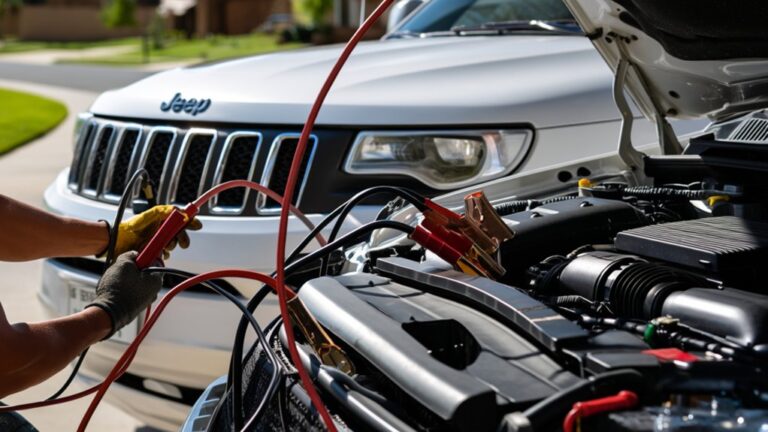
Resetting the battery is one of the simplest and most effective ways to resolve screen issues in your Jeep Wagoneer. First, make certain your vehicle is off and the key is removed.
Open the hood and locate the battery. Use a wrench to disconnect the negative terminal cable, then the positive terminal.
Leave the battery disconnected for about 10 to 15 minutes to allow the system to reset.
After waiting, reconnect the positive terminal first, then the negative.
Close the hood and start your Jeep. This power cycle can clear minor glitches causing the screen to freeze, lag, or display errors.
Check for Software Updates and Contact Jeep Support
When your Jeep Wagoneer’s screen continues to act up after basic resets, you should check for software updates that can fix bugs and improve performance. Keeping your system current ensures it runs smoothly and avoids common glitches. Here’s what you should do:
- Access the settings menu on your screen and look for the software update option.
- Connect your vehicle to Wi-Fi or use a USB drive if required for updates.
- Follow the on-screen prompts to download and install the latest software version.
If issues persist, contact Jeep support for expert assistance or to schedule a service appointment.
Don’t hesitate to reach out—they can provide tailored solutions and help resolve deeper technical problems.
Frequently Asked Questions
Can Resetting the Screen Erase My Saved Navigation Data?
Resetting the screen usually won’t erase your saved navigation data, but it depends on the reset type. A soft reset keeps your info safe, while a factory reset might wipe everything, so double-check before proceeding.
Will Resetting Affect My Bluetooth Device Connections?
Oh, sure, resetting your Jeep’s screen will magically erase all your Bluetooth connections—said no one ever. Actually, it won’t affect your paired devices, so you don’t have to re-pair after a simple reset.
How Often Should I Update the Infotainment System Software?
You should update your infotainment system software whenever a new version is available, typically every few months. Staying current guarantees improved features, bug fixes, and better performance, so check for updates regularly through your vehicle settings or dealer.
Can a Screen Reset Improve Audio System Performance?
Resetting your screen can definitely boost audio performance—it’s like rebooting a vintage radio to clear static. You’ll notice crisper sound and fewer glitches, so don’t hesitate to give it a quick reset when needed.
Is It Safe to Reset the Screen While Driving?
It’s not safe to reset the screen while driving because it can distract you and temporarily disable important controls. Wait until you’re parked to avoid any risk and keep your focus on the road.
Conclusion
Resetting your Jeep Wagoneer screen is simpler than you might think, and it can solve up to 80% of common infotainment issues. By following these easy steps, you’ll get your system running smoothly again without frustration. Remember, keeping your software updated and knowing when to perform a reset can save you time and hassle. Don’t hesitate to reach out to Jeep support if problems persist—they’re there to help you enjoy your ride fully.