How to Turn Off Automatic Parking Brake on Jeep Compass in 10 Easy Steps
To turn off the automatic parking brake on your Jeep Compass, first locate the control near the gear shift or dashboard. Make certain your vehicle is on level ground, engine off, and key removed for safety. Turn on the ignition without starting the engine, then access the infotainment’s safety settings menu. Find and toggle off the automatic parking brake option, confirm your choice, and test by shifting into Drive and Park. Follow the full guide for detailed steps and safety tips.
Locate the Automatic Parking Brake Control on Your Jeep Compass
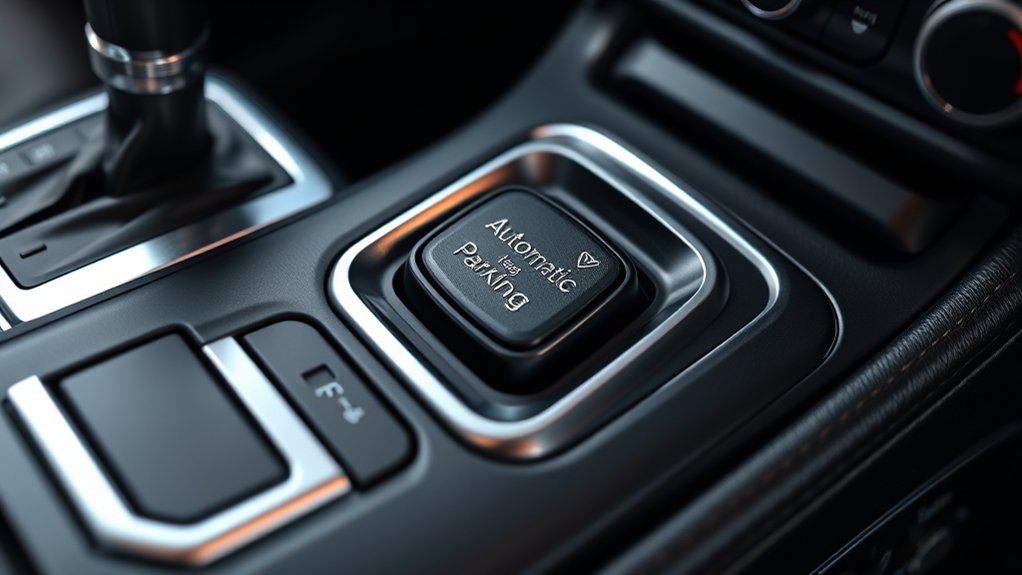
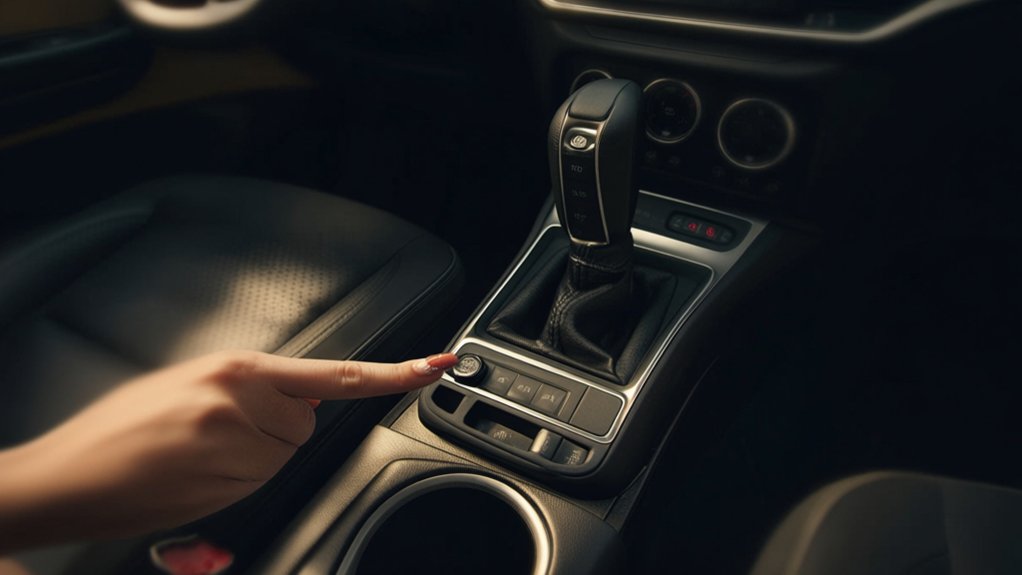
Where exactly can you find the automatic parking brake control in your Jeep Compass? You’ll typically spot it on the center console, near the gear shift lever. It looks like a small switch or button marked with a “P” or a parking brake icon.
In some models, it might be on the dashboard to the left of the steering wheel, but the center console is the most common spot.
Before you try to turn it off, make sure you’re familiar with this control’s exact location in your specific Compass model. Checking your owner’s manual can help pinpoint it quickly.
Once you know where the control is, you’ll be ready to manage the automatic parking brake system effectively.
Understand When the Automatic Parking Brake Activates

You’ll notice the automatic parking brake activates in specific situations, like when you shift into park or turn off the engine. It’s designed to keep your Jeep Compass secure on inclines or uneven surfaces.
Understanding these triggers helps you know when the system engages and why.
Activation Triggers Explained
Although the automatic parking brake on your Jeep Compass activates to enhance safety, it’s important to know exactly when and why it engages. The system kicks in mainly when you shift your vehicle into “Park.” This ensures your Jeep stays stationary, especially on inclines.
It also activates if you remove your foot from the brake pedal while the vehicle is stopped, preventing unintended rolling. In some cases, the brake engages automatically if the engine shuts off while the vehicle is still in gear.
Additionally, if you open the driver’s door without setting the parking brake, the system will activate as a precaution. Understanding these triggers helps you anticipate when the brake will engage, giving you better control over your Jeep Compass’s safety features.
Situations Requiring Parking Brake
Since the automatic parking brake activates to keep your Jeep Compass secure, it’s essential to recognize the situations that demand its use. Understanding these moments helps you anticipate when the system engages and when you might want to intervene.
Here are four common situations requiring the automatic parking brake:
- When you shift the vehicle into park (P) – The brake engages to prevent rolling.
- When you stop on a steep incline or decline – To hold your vehicle steady.
- When you turn off the engine without manually releasing the brake – It activates automatically for safety.
- During certain emergency braking scenarios – To assist in stabilizing the vehicle.
Knowing these triggers helps you manage the automatic brake effectively.
Know the Safety Tips Before Disabling the Automatic Parking Brake
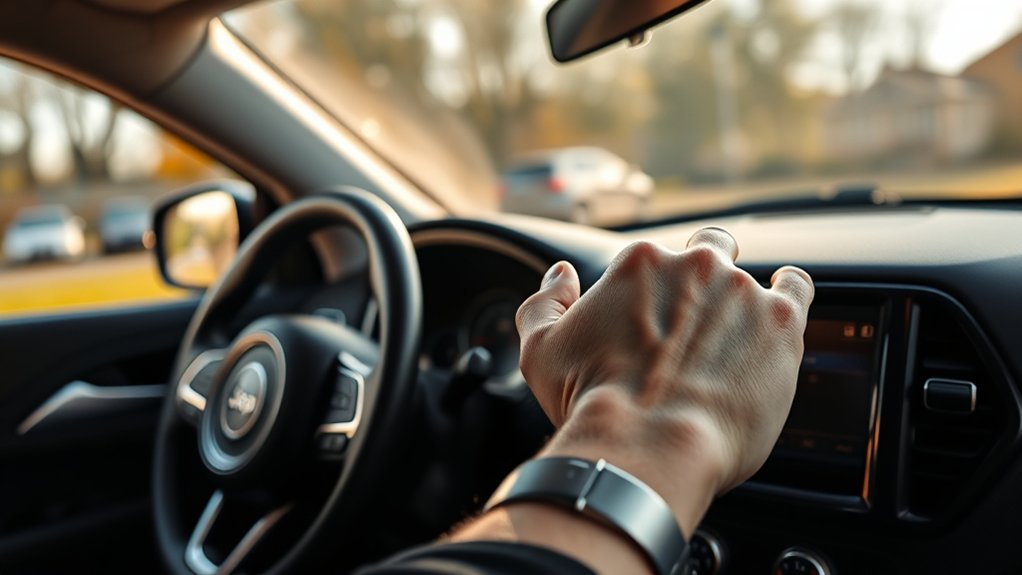
Before disabling the automatic parking brake, you need to understand the safety risks involved. The parking brake prevents your Jeep Compass from rolling when parked, especially on slopes.
Disabling it means your vehicle might move unexpectedly, increasing the risk of accidents or damage. Always verify the vehicle is on a flat surface before making any changes.
Be aware that disabling this feature could affect your vehicle’s safety systems and might void warranties or violate local regulations. You should only proceed if you fully grasp these implications and have alternative ways to secure your vehicle.
Get Your Jeep Compass Ready to Disable the Automatic Parking Brake

Before you disable the automatic parking brake, make sure your Jeep Compass is parked on a flat surface and the engine is off.
Double-check that you’ve engaged all necessary safety measures to prevent any accidents.
Following this quick preparation checklist will help you proceed smoothly and safely.
Vehicle Preparation Checklist
Although disabling the automatic parking brake on your Jeep Compass is straightforward, you’ll need to prepare your vehicle properly to guarantee a smooth process. Follow this checklist to get started:
- Park on a flat surface: Ensure your Jeep is on level ground to prevent any unintended movement.
- Turn off the engine: Switch off the ignition and remove the key to avoid electrical issues.
- Engage manual parking brake: Apply the manual brake to keep the vehicle stationary once the automatic system is disabled.
- Disconnect the battery: Temporarily disconnect the negative terminal to reset the electronic parking brake system safely.
Completing these steps sets a solid foundation, making the disabling procedure more efficient and hassle-free.
Safety Precautions Overview
How exactly can you guarantee your safety when disabling the automatic parking brake on your Jeep Compass?
First, make sure your vehicle is parked on a flat, stable surface to prevent any unintended movement. Engage the regular brake and turn off the engine before you start.
Always disconnect the battery to avoid electrical shocks or accidental activation of the parking brake system. Wear protective gloves and safety glasses to shield yourself from any unexpected issues.
Keep the ignition off until you complete the process to avoid triggering the brake system.
Double-check that the parking brake indicator light is off before driving.
Following these safety steps reduces risks and ensures a smooth, secure experience when disabling the automatic parking brake on your Jeep Compass.
Turn On the Ignition Without Starting the Engine
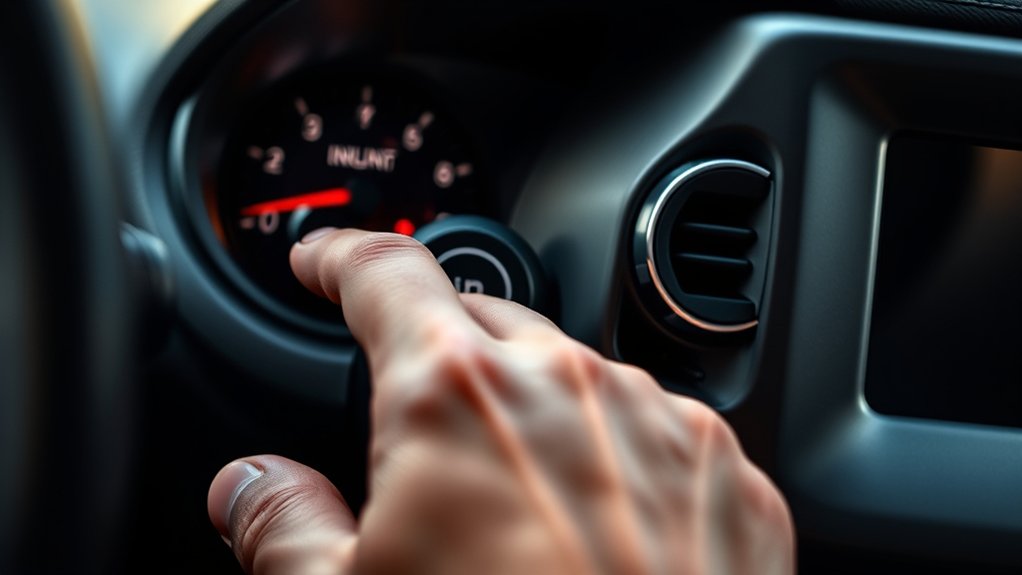
When you need to turn on the ignition without starting the engine, simply press the start button once without pressing the brake pedal. This action powers the electrical systems, allowing you to make adjustments or check settings without the engine running.
Here’s how to do it correctly:
- Make certain your Jeep Compass is in Park (P) position.
- Press the start/stop button once without touching the brake pedal.
- Wait a few seconds as the dashboard lights and infotainment system power up.
- Confirm that the engine hasn’t started by listening and observing the tachometer.
Open the Settings Menu on the Infotainment Screen
Since you’ve powered on the ignition, you can now access the infotainment screen to adjust your Jeep Compass settings. Look for the touchscreen located in the center console. Tap the “Menu” or “Home” button, usually found at the bottom of the screen, to bring up the main menu.
From here, locate the “Settings” icon, which often looks like a gear or cogwheel. Tap it to enter the Settings menu, where various vehicle options are available. Make sure the screen responds promptly to your touch—if it doesn’t, lightly wipe it clean to improve sensitivity.
Opening this menu is the key step before you can modify any parking brake features or safety settings. Now you’re ready to proceed with customizing your vehicle’s functions.
Navigate to the Parking Brake or Safety Features Section
Once you’re in the settings menu, head over to the Vehicle Settings option.
From there, look for the Safety Features section where the parking brake controls are usually located.
This will guide you to the right place to adjust the automatic parking brake settings.
Access Vehicle Settings
Before you can disable the automatic parking brake on your Jeep Compass, you need to access the vehicle settings through the infotainment system or dashboard menu. Here’s how to do it efficiently:
- Turn on your vehicle’s ignition without starting the engine to activate the infotainment system.
- Press the “Settings” icon on the touchscreen or navigate via the dashboard controls.
- Scroll through the menu options until you find “Vehicle Settings” or a similarly named section.
- Select the “Parking Brake” or “Safety Features” tab to prepare for disabling the automatic parking brake.
Following these steps guarantees you’re in the right place to adjust the parking brake settings without confusion or error.
Locate Safety Features
To find the parking brake settings, navigate through the vehicle settings menu until you reach the Safety Features section. This section controls various safety-related options, including the automatic parking brake. Use the touchscreen or control knob to scroll through the menu until you see “Safety Features” or a similar label.
Once inside, look for options like “Parking Brake,” “Auto Brake,” or “Auto Hold.” These are usually grouped with other driver assistance features. Selecting the parking brake option will let you adjust or disable the automatic function.
If you don’t see it immediately, check for submenus or tabs within Safety Features. Knowing exactly where these controls are helps you quickly customize your Jeep Compass to fit your preferences.
Disable the Automatic Parking Brake
Although the automatic parking brake enhances safety, you might want to disable it for convenience in certain situations.
To do this on your Jeep Compass, follow these steps carefully:
- Turn on the ignition without starting the engine.
- Access the vehicle’s settings menu using the infotainment screen.
- Navigate to the “Safety & Driving Assistance” section.
- Locate the “Automatic Parking Brake” option and toggle it off.
Confirm Your Choice to Disable the Automatic Parking Brake
Once you toggle off the automatic parking brake, you’ll need to confirm your choice to guarantee the system registers the change. This step is vital to avoid any unexpected behavior while parking. Typically, the vehicle’s display will prompt you to select “Confirm” or “Cancel.” Use the control buttons on your steering wheel or center console to make your selection. Take your time to ensure you’ve chosen the correct option before proceeding.
Here’s a quick summary of what to expect:
| Step | Action | Result |
|---|---|---|
| Prompt Displayed | System asks for confirmation | You see “Confirm” or “Cancel” |
| Selection Method | Use steering wheel buttons | Highlight your choice |
| Confirm Choice | Press OK/Enter | Settings update successfully |
Confirming is essential to finalize disabling the automatic parking brake.
Test the Automatic Parking Brake to Ensure It’s Disabled
After you’ve confirmed the change, you’ll want to test the automatic parking brake to make sure it’s truly disabled. Follow these steps to verify:
- Start the Jeep Compass and put it in Drive.
- Slowly roll forward a few feet, then come to a complete stop.
- Check if the parking brake indicator light on the dashboard remains off.
- Shift into Park and observe whether the parking brake engages automatically.
If the brake doesn’t activate on its own during these tests, you’ve successfully disabled the automatic parking brake.
However, if it still engages, repeat the disabling process or consult your owner’s manual for troubleshooting tips.
Testing ensures your vehicle behaves exactly as you intended, providing peace of mind while driving.
Frequently Asked Questions
Will Disabling the Automatic Parking Brake Affect My Warranty?
Disabling the automatic parking brake might void parts of your warranty, especially if it causes damage or safety issues. You should check your warranty terms and consult your dealer before making any changes to avoid potential problems.
Can the Automatic Parking Brake Be Re-Enabled Later?
Yes, you can re-enable the automatic parking brake later. Just follow the same steps you used to disable it, and your Jeep Compass will reactivate the system without any issues or special tools needed.
Does Disabling the Brake Impact Vehicle Safety Systems?
Yes, disabling the automatic parking brake can impact your vehicle’s safety systems, like hill hold and emergency braking. You should be cautious and understand these risks before turning it off to maintain best safety and control.
Are There Any Legal Restrictions on Disabling the Parking Brake?
About 30% of states have laws requiring functional parking brakes, so you shouldn’t disable yours without checking local regulations. Ignoring this can lead to fines or safety violations, so always confirm legal restrictions first.
How Does Disabling the Brake Affect Hill Start Assist?
Disabling the brake will likely disable hill start assist since it relies on the parking brake to hold your vehicle on inclines. You’ll have to manually manage the brake to prevent rollback when starting on hills.
Conclusion
Disabling the automatic parking brake on your Jeep Compass is like opening a gate to smoother control, giving you the freedom to steer your journey exactly how you want. Just as a sailor trusts their own hands on the wheel, you now hold the power to manage your brake with confidence and safety. Remember, with great control comes great responsibility—embrace this newfound freedom wisely, and drive with both caution and courage.